

When a server’s primary IP address becomes blacklisted, outgoing emails may:
- Bounce immediately
- Fail to deliver
- Land in spam folders
- Be rejected with reputation errors
If your server uses Exim as its mail transfer agent (MTA), you can temporarily restore email delivery by configuring Exim to send mail from an alternate IP address.
This guide explains how to safely change the outgoing SMTP IP in Exim, verify the configuration, and avoid common deliverability mistakes.
Why an IP Gets Blacklisted
Before switching IPs, understand the root cause.
Common reasons include:
- Compromised email accounts sending spam
- Infected websites sending bulk mail
- Poor outbound rate limiting
- Missing SPF, DKIM, or DMARC
- Misconfigured scripts or contact forms
Changing the outgoing IP is a temporary workaround.
The underlying issue must still be investigated and fixed.
Step 1: Confirm the IP Is Actually Blacklisted
Before modifying configuration:
Check mail logs:
grep rejected /var/log/exim_mainlogLook for reputation or blacklist errors.
Check blacklist status using:
- MXToolbox
- Spamhaus
- Barracuda reputation check
If the IP appears listed, proceed with switching to a secondary IP.
Step 2: Stop the Exim Service
Stop the service before editing configuration files:
service exim stopor:
systemctl stop eximStep 3: Edit the Exim Configuration File
Open the configuration file:
vi /etc/exim.confStep 4: Locate the remote_smtp Transport
Inside the file, search for:
remote_smtpThis section controls how outgoing mail is delivered to external mail servers.
Step 5: Specify the New Outgoing IP
Inside the remote_smtp section:
Remove or comment out any existing:
interface =
helo_data =
Then add:
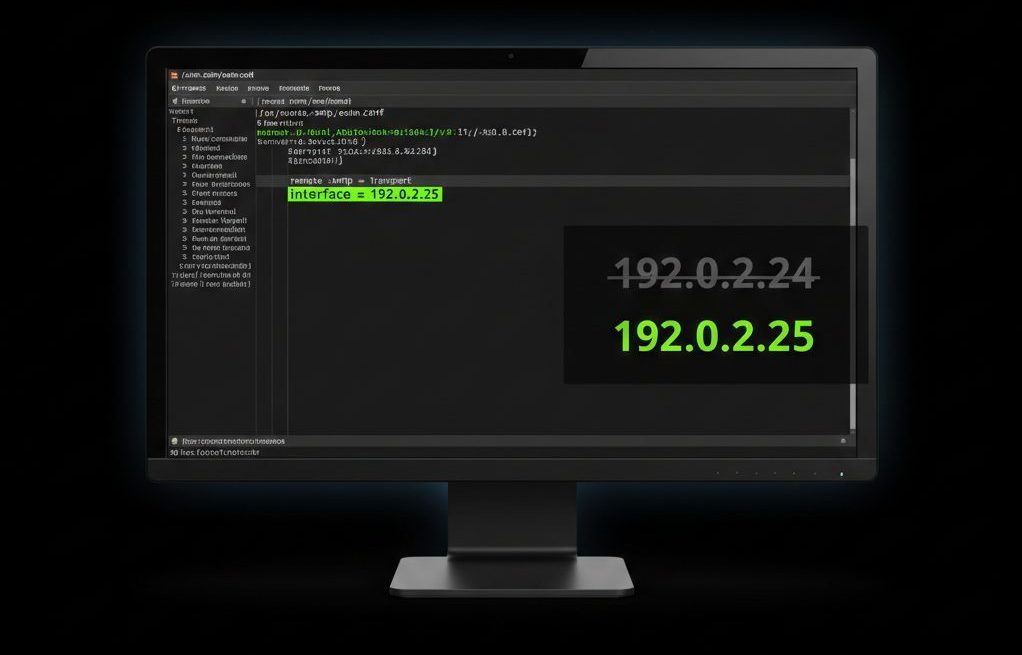
interface = NEW.IP.ADDRESS.HEREExample:
remote_smtp:
  driver = smtp
  interface = 192.0.2.25
This forces Exim to bind outgoing SMTP connections to the specified IP.
Step 6: Save and Exit
In vi:
ESC → :wq → EnterStep 7: Restart Exim
service exim restartor
systemctl restart eximStep 8: Configure Reverse DNS (Critical)
After switching IPs, ensure the new IP has:
- A valid PTR (reverse DNS) record
- PTR pointing to a fully qualified domain name
- Forward-confirmed reverse DNS (FCRDNS)
Major providers such as:
- Microsoft
- Yahoo
may reject mail without proper rDNS.
Step 9: Update SPF Record (Very Important)
If you change the sending IP, you must update your domain’s SPF record.
Example:
v=spf1 ip4:192.0.2.25 -allFailing to update SPF will cause authentication failures and spam classification.
Control Panel Warning (cPanel / DirectAdmin)
If your server runs:
- cPanel
- DirectAdmin
Do NOT directly modify /etc/exim.conf.
These systems auto-generate the configuration.
Instead:
- Use the Exim Configuration Manager in WHM (cPanel)
- Or modify custom transport templates in DirectAdmin
Using chattr +ia on managed servers may break updates.
How to Verify the New IP Is Being Used?
Check Logs
tail -f /var/log/exim_mainlogLook for outbound connections using the new IP.
Send a Test Email
Send an email to Gmail or Outlook.
Then inspect the Received headers and confirm the sending IP matches your configured address.
Common Mistakes to Avoid
- Forgetting SPF update
- Not setting reverse DNS
- Multiple IPs defined in firewall rules
- Leaving compromised accounts active
- Locking config with
chattron managed servers
Best Practices for Long-Term Deliverability
Switching IPs should not be permanent.
You should:
- Audit outbound mail volume
- Enable SMTP authentication rate limits
- Scan for malware
- Enable DKIM signing
- Configure DMARC policy
- Monitor IP reputation continuously
FAQs
Will this affect incoming mail?
No. This change only affects outbound SMTP connections.
Can I use multiple outgoing IPs?
Yes, but that requires advanced transport configuration or IP rotation logic.
Do I need to change DKIM?
No. DKIM signing is domain-based and does not depend on IP.
Is this safe on shared hosting servers?
Only if you understand the mail flow. On shared hosting, control panel configuration must be respected.
Conclusion
When a server’s primary IP becomes blacklisted, configuring Exim to use an alternate outgoing IP can quickly restore email functionality.
However:
- Proper rDNS is mandatory
- SPF must be updated
- Root causes must be investigated
Treat IP switching as a temporary recovery measure — not a permanent solution.
If you require help, contact SupportPRO Server Admin
Facing issues?
Our technical support
engineers can solve it.


