A WordPress Dashboard 404 Error can be frustrating, especially when you’re able to log in successfully but encounter an error when accessing the admin area or specific sections such as the Plugins page. A 404 error indicates that the server cannot find the page being requested. In WordPress, this issue is commonly caused by incorrect permalink settings, plugin conflicts, theme issues, file permission problems, or errors within the .htaccess file. This guide explains the most common causes of WordPress dashboard 404 errors and provides practical troubleshooting steps to help restore access to your admin panel. What Causes a WordPress Dashboard 404 Error? Several factors can trigger a 404 error within the WordPress admin dashboard, including: Identifying the root cause is …
WordPress
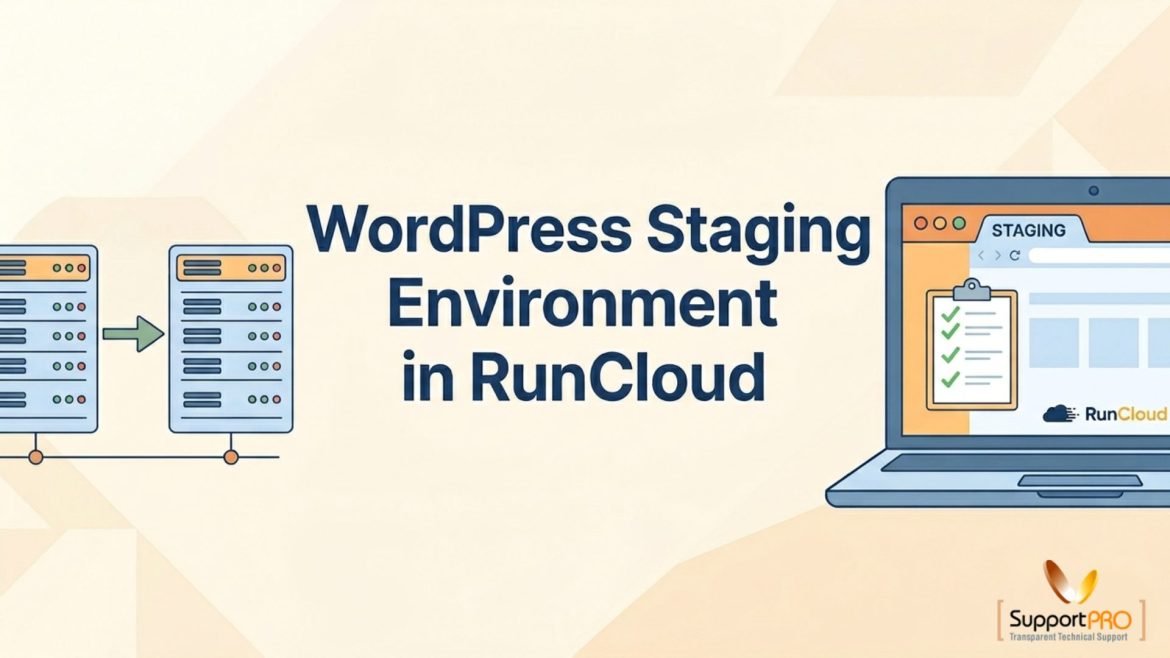
Making changes directly on a live WordPress website can be risky. A plugin update, theme modification, or code change can unintentionally cause errors, downtime, or performance issues that affect visitors and customers. That’s why creating a staging environment is considered a best practice for WordPress website management. A staging environment is an exact copy of your live website where you can safely test updates, new features, design changes, and configurations before making them available to the public. RunCloud simplifies the process by allowing users to create and manage staging sites with just a few clicks. In this guide, you’ll learn how to set up a WordPress staging environment in RunCloud and safely synchronize changes with your production website. Why Use …
XML-RPC in WordPress: What It Is, Security Risks, and How to Disable It Safely
xmlrpc.php is a core WordPress file that enables remote communication with your website through the XML-RPC protocol. It allows external applications and services to interact with your site without needing direct access to the WordPress dashboard. In earlier versions of WordPress, XML-RPC was disabled by default. However, starting from version 3.5, it has been enabled by default to support features like integration with the WordPress mobile app, allowing it to communicate seamlessly with WordPress installations. What xmlrpc.php Does Originally introduced to support remote publishing, it allows: Security Risks of xmlrpc.php While useful, it’s also a common attack vector: 1. Brute Force Attacks Hackers use xmlrpc.php to bypass security measures. The file enables attackers to try hundreds of password combinations with …
How to Restore Your WordPress Site After a Sensei LMS Installation ?
Installing a new plugin should enhance your WordPress website, not disrupt it. However, after installing the Sensei LMS, many website owners notice unexpected changes such as a switched theme, missing homepage content, or altered site layouts. These issues usually occur because large learning management plugins introduce their own templates and configuration settings during setup. If your website suddenly looks different or important content seems to have disappeared, don’t worry. In most cases, your data is still safe and can be restored with the right steps. This guide explains why these changes happen, how to restore your original website design and content, and what precautions you can take to avoid similar problems in future plugin installations. Understanding the Issue When installing …
If you’ve ever tried setting up WordPress on a server manually, you know the pain of fiddling with configs, worrying about SSL, and making sure the database is right. It’s a rabbit hole. That’s exactly why I like RunCloud. It takes care of the messy bits but still gives you enough control if you want to geek out. I’ve installed WordPress on RunCloud more times than I can count, and every time it’s been smoother than doing it the old-fashioned way. Here’s how I usually go about it — in plain English.