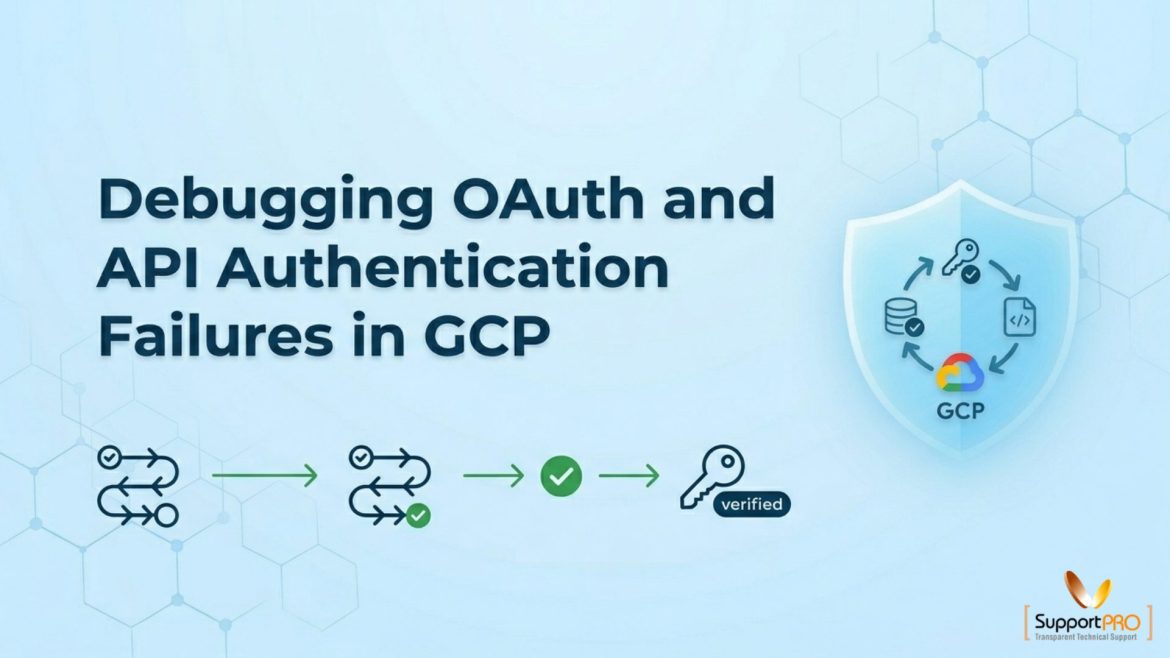
Authentication is the foundation of security in Google Cloud Platform (GCP). Whether you’re connecting applications to Cloud Storage, BigQuery, Cloud Run, Kubernetes Engine, or other Google Cloud services, proper authentication ensures that only authorized users and workloads can access resources. However, OAuth and API authentication failures are among the most common issues faced by developers, cloud engineers, and administrators. A single misconfigured credential, expired token, missing permission, or incorrect OAuth setup can prevent applications from communicating with Google Cloud services. In this guide, we’ll explain how authentication works in GCP, …
GCP
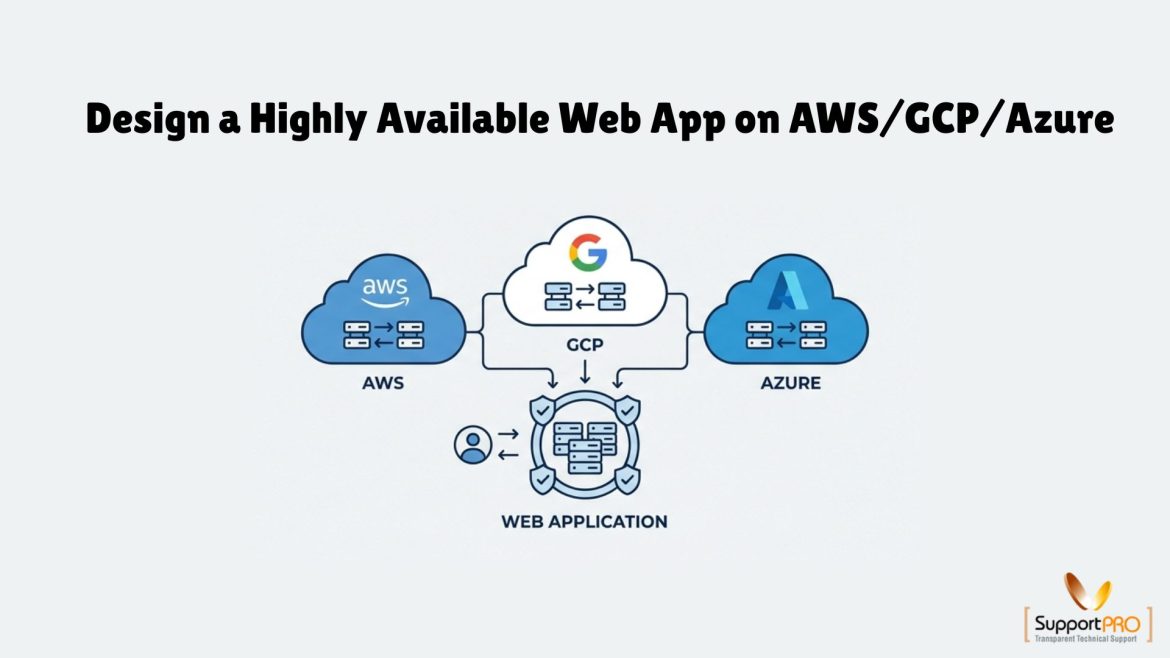
How to Build a Highly Available Web Application on AWS, GCP, and Azure
When your application goes down, customers get frustrated, transactions fail, and trust takes a hit. The longer it lasts, the more it costs not just in revenue, but in reputation. The good news? It’s not inevitable. Modern cloud platforms give you everything you need to build systems that keep running through failures whether that’s a server crash, a network outage, or even a full data center going dark. This is the power of High Availability (HA). In this guide, we’ll break down how to design, build, and test a resilient …
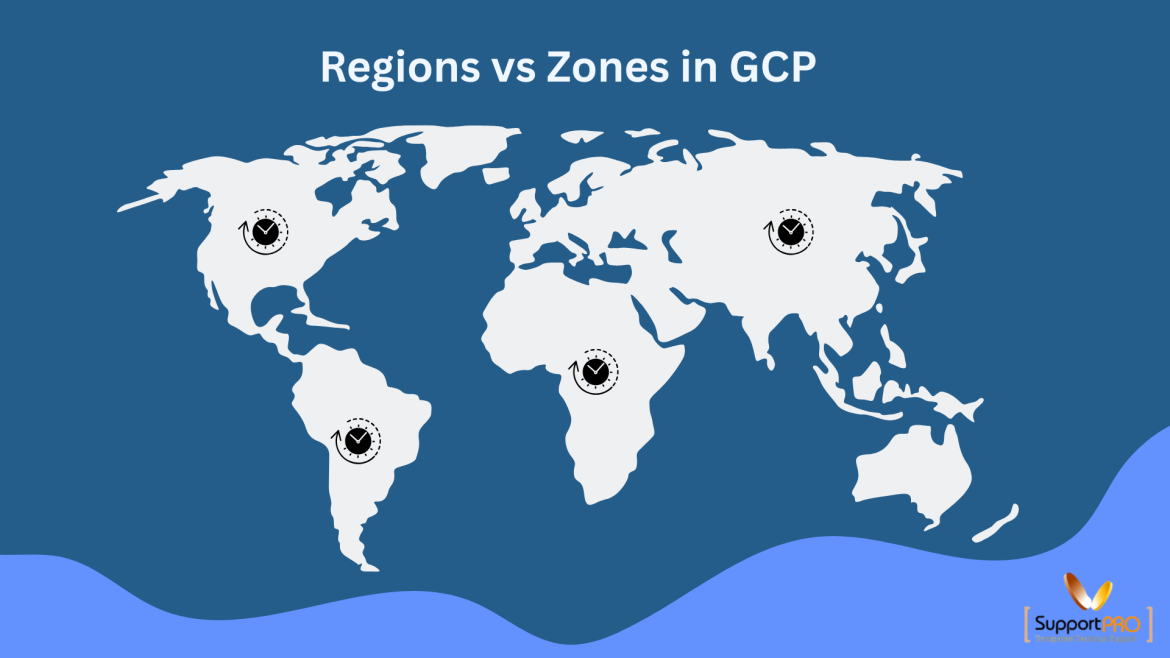
When building cloud infrastructure in Google Cloud Platform (GCP), one of the first concepts you need to understand is the difference between Regions and Zones. These two building blocks form the foundation of Google Cloud’s global infrastructure and directly impact application performance, availability, scalability, and disaster recovery. Whether you’re deploying a website, running business applications, or managing enterprise workloads, choosing the right region and zone strategy can significantly improve reliability while reducing downtime. In this guide, we’ll explain what Regions and Zones are, how they differ, and how to use …
Modern applications need to be scalable, reliable, and easy to deploy. However, managing servers, configuring infrastructure, and handling traffic spikes can add significant complexity to the deployment process. Google Cloud Run solves these challenges by providing a fully managed serverless platform for running containerized applications. Developers can deploy applications directly from container images without worrying about server management, operating system maintenance, or infrastructure scaling. In this guide, you’ll learn how to deploy a website on Google Cloud Run, from setting up your environment to deploying updates with zero downtime. What …
Common Google Cloud Load Balancer Health Check Failures and How to Fix Them
When an application suddenly becomes unreachable in Google Cloud, one of the most common causes is a failed load balancer health check. Even when servers appear to be running normally, a health check failure can cause Google Cloud Load Balancers to stop routing traffic to backend instances, resulting in downtime, error messages, and poor user experience. Understanding why health checks fail and knowing how to troubleshoot them quickly can significantly reduce downtime and improve application availability. In this guide, we’ll explore the most common causes of Google Cloud Load Balancer …
Building Highly Available Architectures in Google Cloud: Best Practices for Maximum Uptime
In today’s digital-first world, downtime can be extremely costly. Whether you run an eCommerce website, SaaS platform, banking application, or media portal, users expect services to be available 24/7. Even a few minutes of downtime can result in lost revenue, reduced customer satisfaction, and damage to your brand reputation. This is why High Availability (HA) has become a critical requirement for modern cloud infrastructure. Google Cloud Platform (GCP) provides a robust set of services and tools that help businesses build resilient, fault-tolerant, and highly available applications. In this guide, we’ll …
Best GCP VM Types for Hosting: How to Choose the Right Google Cloud VM
Choosing the right GCP VM type for hosting can have a significant impact on your website’s performance, scalability, uptime, and overall hosting costs. Google Cloud Platform (GCP) offers a wide range of Compute Engine VM families, each designed to support different workloads, from small business websites and WordPress hosting to high-traffic applications and resource-intensive databases. Many organizations launch a Google Cloud VM without fully understanding the differences between machine families, CPU configurations, memory options, and workload requirements. As a result, they often overpay for unused resources or experience performance bottlenecks …
Cloud computing has transformed the way businesses build, deploy, and manage applications. Among the leading cloud providers, Google Cloud Platform (GCP) has become a preferred choice for organizations due to its scalability, security, global infrastructure, and AI-powered capabilities. However, many businesses make common Google Cloud mistakes during cloud adoption, which can result in increased costs, security vulnerabilities, performance issues, and compliance challenges. Understanding these Google Cloud best practices can help organizations maximize their cloud investment while maintaining security, reliability, and cost efficiency. In this article, we explore the most common …
If you have been using cloud services, you must be familiar with Amazon Web Services, Google Cloud, and Azure, the three most prominent players in the cloud computing industry. Although you can adopt a multi-cloud strategy and work with all three, most entrepreneurs want to stick to a single cloud service provider. Each option we’ve discussed in this post is popular for its exceptional services. We’ll compare them on the basis of services, cloud infrastructure, perks, pricing, and other parameters to help you make an informed decision. Understanding Cloud Computing …
The rising penetration of the cloud and the need for securing workloads of the Google Cloud Platform are the need of the hour. GCP also provides a strong foundation for security controls. As such, customers have a responsibility to implement workload-specific security controls that rectify misconfiguration, unauthorized use, and growing threats. The increasingly complicated cloud structures and flexibility of services make security prioritization critical for evaluating deployment patterns of the future. Equally vital is maintaining agility and scalability through a combination of strategic monitoring and operational efficiency through best support …