JetBackup is one of the most widely used backup solutions for hosting providers and server administrators. It simplifies backup management and helps protect websites, databases, emails, and critical server data. However, users may occasionally encounter a JetBackup Insufficient Space Error, preventing backup jobs from completing successfully. This error usually occurs when the backup destination does not have enough available storage to accommodate new backups. Other factors, such as excessive backup retention, large backup files, storage quotas, or configuration issues, can also contribute to the problem. In this guide, we’ll explain …
Recovery & Backup
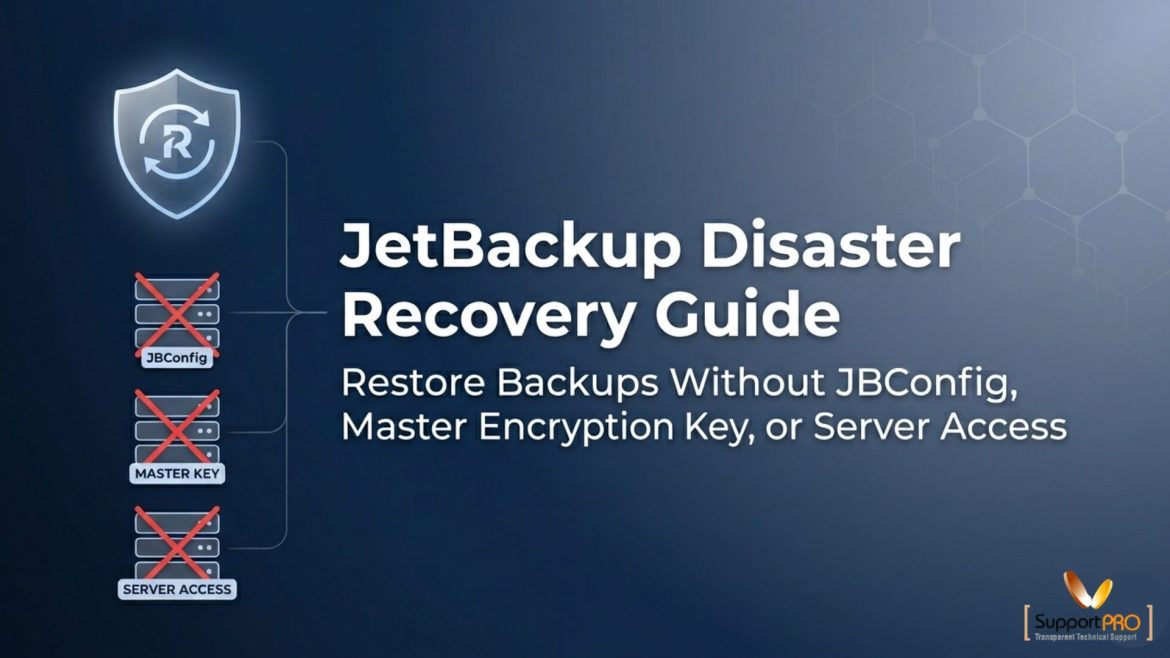
JetBackup Disaster Recovery Guide: Restore Backups Without JBConfig, Master Encryption Key, or Server Access
Data loss, server failures, and configuration issues can occur unexpectedly. A reliable disaster recovery strategy ensures that your backups remain accessible and your accounts can be restored with minimal downtime. In this guide, we’ll explain different JetBackup disaster recovery scenarios, including recovery without JBConfig, restoring data after losing access to the original server, JetBackup version compatibility, and how to re-enable Disaster Recovery mode. Understanding JetBackup Disaster Recovery JetBackup 5 includes a Disaster Recovery feature designed to restore both account backups and JetBackup configurations. When JBConfig backups are enabled, JetBackup automatically …
Backups are something most admins don’t think about until a problem happens, but they’re one of the most important parts of keeping a hosting server healthy. Whether you’re running cPanel or DirectAdmin, JetBackup usually does a great job. The trouble is, when backups run at the wrong time or aren’t tuned properly, they can slow your whole server down. If you’ve ever seen high load averages or slow websites while backups were running, you already know the issue. The good news is that JetBackup gives you plenty of options to …
If you’ve ever run a web hosting server, you know there’s one thing that can ruin your day faster than anything else — losing data. A failed update, a hacked account, or even a minor misconfiguration can wipe out hours of work. That’s why backups aren’t just an option; they’re your safety net. When it comes to the best software for cPanel backup solutions, two names keep popping up: JetBackup and Acronis Cyber Protect. Both are strong contenders, but they’re built for slightly different worlds. I’ve worked with both over …
If you’ve ever worked with JetBackup 5, you’ve probably seen at least one error that makes your heart sink. For me, one of the trickiest was this MongoDB connection issue: Fatal error: Uncaught MongoDB\Driver\Exception\ConnectionTimeoutException: No suitable servers found (serverSelectionTryOnce` set): [connection refused calling hello on ‘localhost:27217’] Looks ugly, right? But here’s the truth: it’s basically JetBackup saying, “Hey, I tried to talk to MongoDB on port 27217, but it wouldn’t answer.” I’ve run into this a few times, and the good news is — there are clear steps you can take to …
JetBackup MC keeps backups under control by centralising schedules and alerts. For admins juggling multiple servers, it’s a real time-saver.
Introduction In hosting, reliability is everything. Customers want their websites and data to be accessible at all times. However, no matter how well everything is arranged, accidents still happen. Natural cataclysms, hacker attacks, and server breakdowns are all possible. When that happens, the speed at which your hosting provider can get everything back to normal matters a lot. This is where disaster recovery (DR) and backup systems come into play. Apart from safeguarding the data, they ensure the business resumes its operations within no time, hence maintaining customer loyalty. In this …