In the dynamic world of web hosting, understanding your website’s traffic flow and user interactions is crucial for optimizing performance and security. RunCloud, a cloud server management platform, offers robust tools for monitoring various aspects of your web applications. Among these, Path Monitoring and IP Address Hit Monitoring stand out as essential features for gaining insights into your site’s operations. Understanding Path Monitoring in RunCloud Path Monitoring lets you track the specific URLs users visit on your website. By analyzing this data, you can identify which pages attract the most traffic, understand user behavior, and pinpoint potential bottlenecks or areas needing improvement. This feature is invaluable for content optimization and enhancing user experience. Key Benefits of Path Monitoring: 1. Traffic …

RunCloud
Introduction Managing multiple PHP versions is a common requirement for developers and server administrators, especially when hosting applications with different compatibility requirements. While web applications may run on specific PHP versions, command-line tasks such as Composer installs, Laravel Artisan commands, WordPress WP-CLI operations, and cron jobs often depend on the server’s PHP CLI version. RunCloud simplifies PHP version management by allowing users to switch PHP CLI versions with just a few clicks. In this guide, we’ll walk you through changing the PHP CLI version on your RunCloud server and verifying the update. Understanding PHP Versions in RunCloud RunCloud supports multiple PHP versions tailored to various Ubuntu distributions. The available versions are denoted as php[VERSION]rc, where [VERSION] corresponds to PHP versions …
Website security is critical for maintaining a reliable online presence. Whether you run a business website, a SaaS platform, or manage a hosting environment, protecting user data should always be your top priority. One of the best ways to secure your website is by installing an SSL certificate. If you are using RunCloud to manage your servers, knowing how to install a custom SSL certificate on RunCloud can help improve security, build customer trust, and ensure encrypted communication between your website and its visitors. In this blog, we’ll walk through the installation process and explain the files needed for a successful SSL deployment. Why Use a Custom SSL Certificate? A custom SSL (Secure Sockets Layer) certificate creates an encrypted connection …
As cyber threats evolve, hosting providers and server administrators need to take proactive steps to secure their web applications. One straightforward but effective security measure is using custom HTTP headers. These headers help protect websites from common attacks, boost browser security, and improve application performance. For organizations managing several websites and hosting environments, custom HTTP headers are crucial for solid server security practices. RunCloud makes it easy to configure these headers on both Nginx and OpenLiteSpeed servers. Why Custom HTTP Headers Matter For hosting companies, using the right security headers across customer environments can lower risks while enhancing website trust and reliability. HTTP headers provide extra instructions between web servers and browsers. They can help: Adding Custom HTTP Headers in …
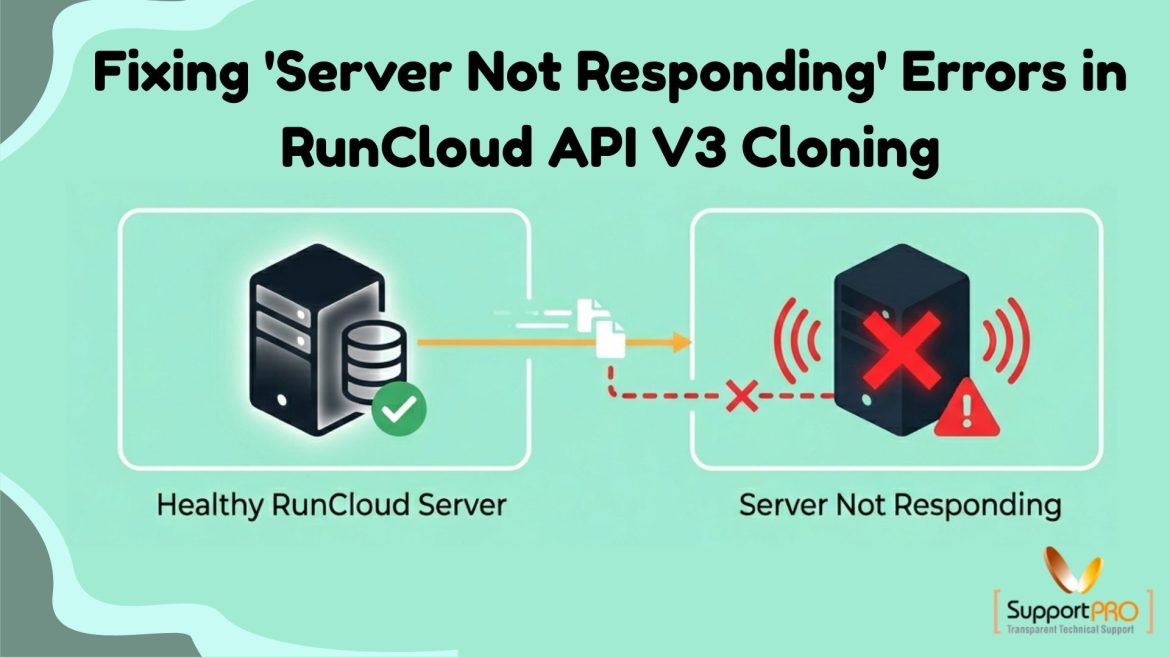
How to Fix RunCloud API V3 Cloning Errors: Resolving the “Server Not Responding” Issue
Managing servers through APIs can significantly streamline deployment and administration tasks. However, when using RunCloud API V3 for server cloning operations, users may occasionally encounter the frustrating error: “Server is not responding. Please try again later.” This error can interrupt automation workflows and delay server provisioning. Fortunately, in most cases, the issue can be traced to authentication problems, API configuration errors, rate-limit restrictions, or temporary service disruptions. In this guide, we’ll explore the most common causes of RunCloud API V3 cloning failures and provide practical solutions to get your cloning operations running smoothly again. Understanding the “Server Not Responding” Error The “Server is not responding” message is a generic response that can occur when the API is unable to successfully …
Deploying application updates manually can be time-consuming, especially when managing multiple websites or production environments. Uploading files, verifying changes, and coordinating releases often introduce delays and increase the risk of deployment errors. RunCloud simplifies this process with built-in deployment automation tools that allow developers and server administrators to deploy code directly from Git repositories. Combined with Atomic Deployment, RunCloud helps ensure smooth releases, minimal downtime, and reliable rollback options. In this guide, we’ll explore how to automate deployments with RunCloud, configure Git integration, enable Atomic Deployment, and create a streamlined deployment workflow for your applications. Why Automate Deployments? Modern development teams rely on automation to deliver updates quickly and consistently. Manual deployment processes can lead to version mismatches, accidental file …
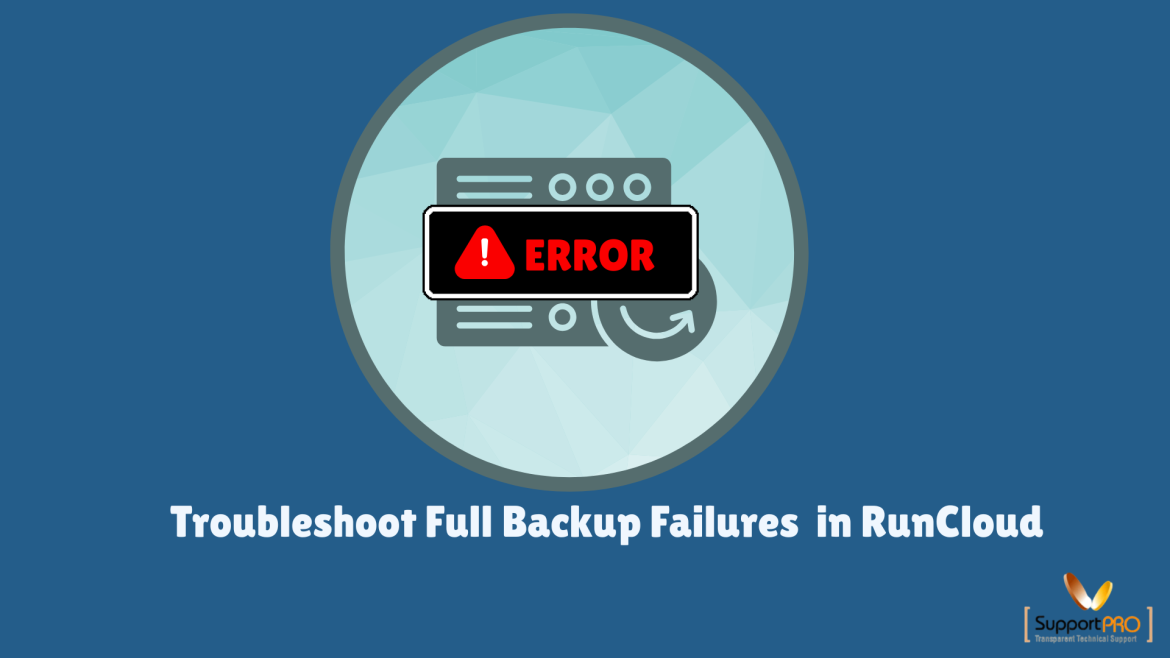
How to Troubleshoot Full Backup Failures Due to “Process Timeout” in RunCloud ?
Backups are essential for protecting your websites, applications, and server data. While RunCloud offers a reliable backup system, users may occasionally encounter backup failures that prevent snapshots from being created successfully. One of the most common backup issues is the following error: Full backup snapshot has been failed. Error: process timeout This error typically indicates that the backup process took longer than expected and was terminated before completion. In most cases, the issue is related to server connectivity problems, firewall restrictions, or communication failures between your server and the RunCloud agent. This guide explains how to troubleshoot and fix the RunCloud backup failed error caused by a process timeout. What Does the RunCloud Process Timeout Error Mean? The “process timeout” …
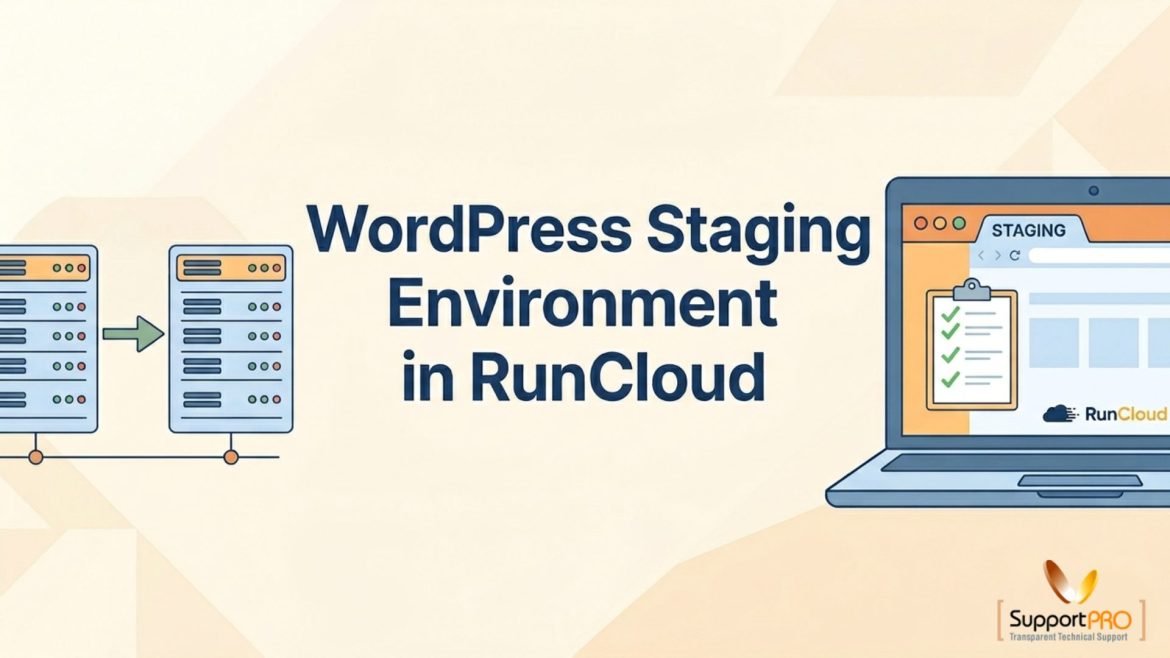
Making changes directly on a live WordPress website can be risky. A plugin update, theme modification, or code change can unintentionally cause errors, downtime, or performance issues that affect visitors and customers. That’s why creating a staging environment is considered a best practice for WordPress website management. A staging environment is an exact copy of your live website where you can safely test updates, new features, design changes, and configurations before making them available to the public. RunCloud simplifies the process by allowing users to create and manage staging sites with just a few clicks. In this guide, you’ll learn how to set up a WordPress staging environment in RunCloud and safely synchronize changes with your production website. Why Use …
Is RunCloud Worth It? Complete Cost-Benefit Analysis for Server Management
Managing cloud servers can be challenging, especially for businesses and developers who want high performance without spending hours on server administration. While cloud providers offer powerful infrastructure, managing security, backups, deployments, and server optimization often requires technical expertise. This is where RunCloud comes in. RunCloud is a cloud server management platform that simplifies server administration through an intuitive control panel and automation features. But with several pricing plans available, many users wonder: Is RunCloud worth the investment? In this guide, we’ll examine RunCloud’s features, pricing, advantages, and overall value to help you determine whether it’s the right solution for your business. What Is RunCloud? RunCloud is a server management control panel that helps users manage cloud servers without needing extensive …
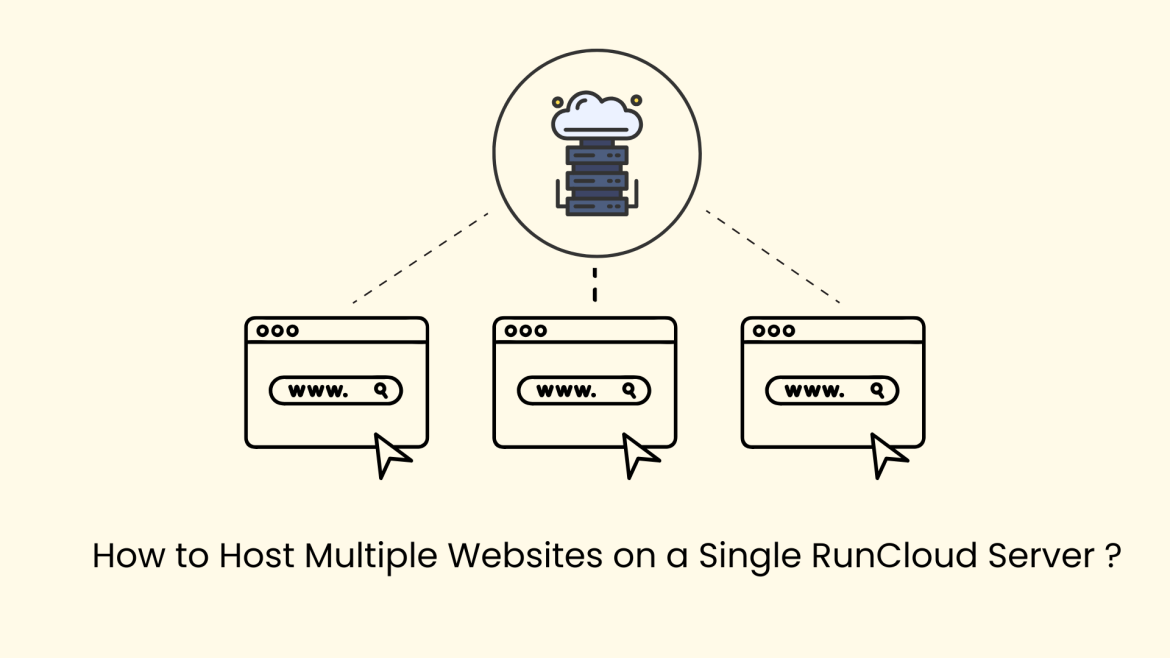
Managing multiple websites doesn’t always require multiple servers. With RunCloud, you can efficiently host and manage several websites on a single server while maintaining performance, security, and flexibility. RunCloud simplifies server administration by automating configurations such as virtual hosts, PHP environments, firewall management, and backups. This guide walks you through the complete process of setting up and managing multiple websites on one RunCloud server. Why Host Multiple Websites on One Server? Hosting multiple websites on a single server offers several advantages: RunCloud automatically handles virtual host configuration, making multi-site hosting straightforward even for growing businesses or agencies. Step 1: Create a New Web Application To host your first website, begin by creating a web application inside RunCloud. Follow these steps: …