

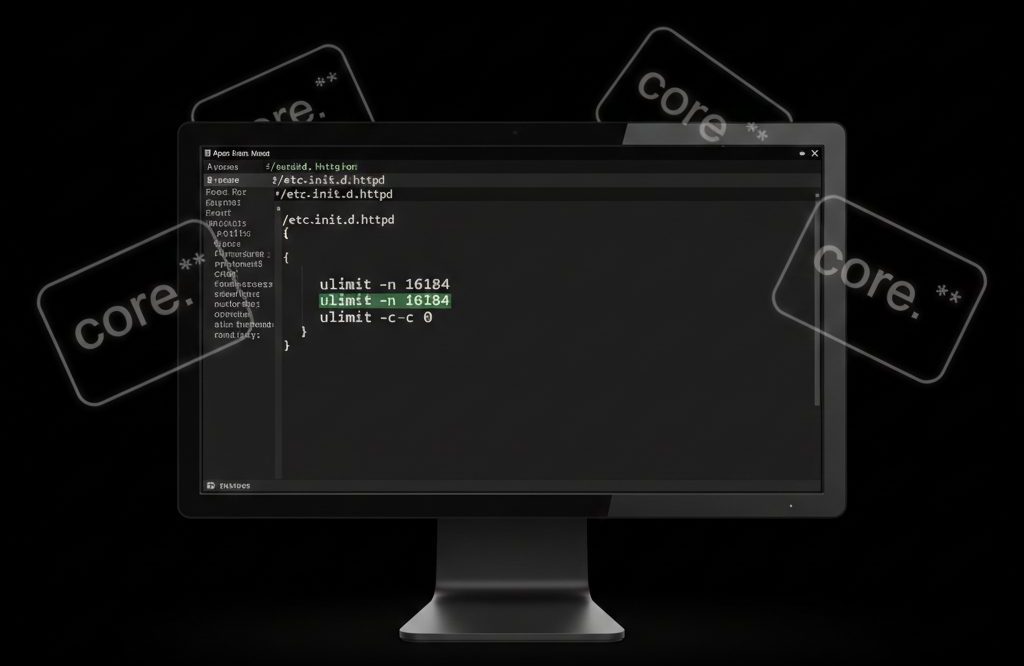
A core file (core dump) is a memory snapshot of a running process at the time it crashes or is forcefully terminated.
When a PHP process is killed (due to memory limits, segmentation faults, or fatal errors), Apache HTTP Server may generate core dump files under the user’s account.
These files:
- Can be very large
- Accumulate quickly
- Consume significant disk space
- Are rarely needed on production servers
In most shared or VPS hosting environments, it is safe to disable core dumps unless you are actively debugging crashes.
Why Core Files Are Created
Core dumps are typically generated when:
- A PHP process crashes
- Memory limits are exceeded
- A segmentation fault occurs
- A module misbehaves
On servers running PHP with Apache, these dumps may appear in:
/home/username/or sometimes in:
/var/www/Are Core Files Safe to Delete?
Yes.
If you are not debugging crashes, core files:
- Are not required for normal operation
- Can be safely deleted
- Will not affect Apache or PHP functionality
How to Disable Core Dumps in Apache
To prevent Apache from generating core files, you can modify the startup configuration to disable core dumps using ulimit.
Step 1: Edit the Apache Startup File
Open the Apache init script:
vi /etc/init.d/httpd(Depending on your system, this may also be located at:)
/etc/systemd/system/httpd.serviceor
/usr/lib/systemd/system/httpd.serviceStep 2: Locate Existing ulimit Directives
Search for lines such as:
ulimit -n 1024
ulimit -n 4096
ulimit -n 8192
ulimit -n 16384
These lines define the maximum number of open file descriptors.
Step 3: Add Core Dump Limit Directive
Below the existing ulimit -n line, add:
ulimit -c 0Example:
ulimit -n 16384
ulimit -c 0
What This Does
-ccontrols the core file size limit- Setting it to
0disables core dump generation
Step 4: Save and Exit
In vi:
ESC → :wq → EnterStep 5: Restart Apache
Restart the service for changes to take effect:
service httpd restartor on systemd systems:
systemctl restart httpdImportant Notes for Modern Systems (Systemd-Based Servers)
On newer Linux distributions (CentOS 7+, AlmaLinux, Rocky Linux), Apache runs under systemd, and modifying /etc/init.d/httpd may not work.
In that case, use:
systemctl edit httpdAdd:
[Service]
LimitCORE=0
Then reload and restart:
systemctl daemon-reload
systemctl restart httpd
This is the recommended method on modern systems.
How to Remove Existing Core Files
To find large core files:
find /home -type f -name "core*" -size +50MTo delete them:
rm -f /home/username/core.*Always verify before mass deletion.
When You Should NOT Disable Core Dumps
Keep core dumps enabled if:
- You are debugging segmentation faults
- A developer is investigating crashes
- You are performing advanced diagnostics
Core dumps are useful for deep debugging using tools like gdb.
Conclusion
Core dump files created by Apache and PHP can consume large amounts of disk space and are usually unnecessary in production environments.
By setting:
ulimit -c 0
you can safely disable core file generation and prevent disk space issues.
On modern Linux systems, using LimitCORE=0 via systemd is the preferred approach.
If you require help, contact SupportPRO Server Admin

