

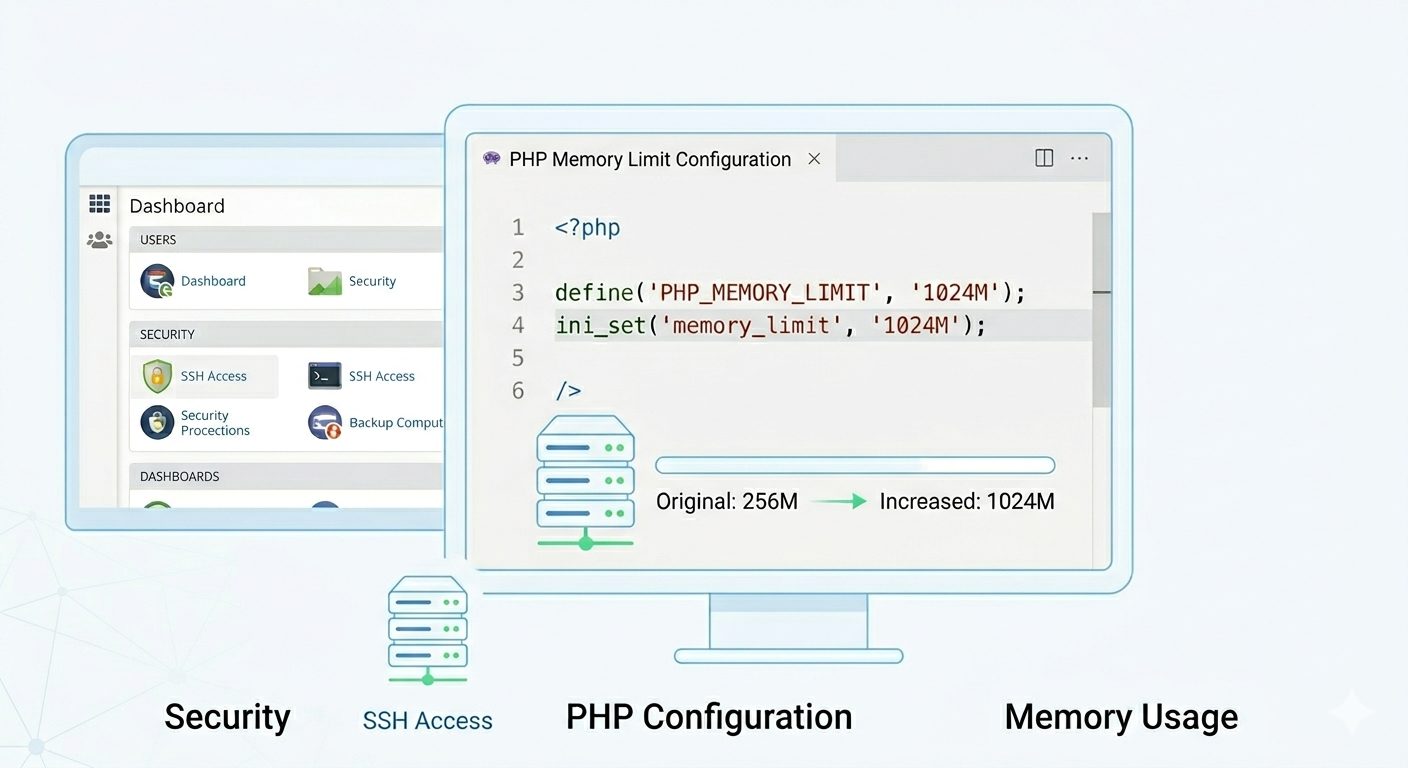
When working with large PHP applications, you may encounter the “Allowed memory size exhausted” error. This happens when a script consumes more memory than PHP allows. Increasing the PHP memory limit helps prevent script failures during heavy operations such as data processing, backups, or file uploads.
This guide explains how to Increase PHP Memory Limit safely using different methods depending on your server setup.
What Is PHP memory_limit?
The memory_limit setting defines the maximum amount of memory a PHP script can use while running. Once this limit is reached, PHP stops execution to protect server resources and maintain stability.
Most hosting environments set the default memory limit between 64MB and 128MB, which may not be sufficient for demanding applications.
Common Causes of Memory Exhaustion
- Large database imports or exports
- Image processing or resizing
- Backup or migration scripts
- Bulk file uploads
- Complex plugins or frameworks
Method 1: Increase PHP Memory Limit Using ini_set()
The easiest way to increase PHP memory limit for a single script is by using the ini_set() function.
Add this line immediately after the opening PHP tag:
<?php
ini_set('memory_limit', '256M');
How It Works
- Applies only to the current script
- Temporary change during execution
- Does not affect other PHP files
This method is ideal for one-time tasks or specific scripts requiring extra memory.
Method 2: Increase PHP Memory Limit Using php.ini
For a more permanent solution, modify or create a custom php.ini file.
Steps
- Create a file named
php.iniin your website’s root directory. - Add:
memory_limit = 256MBenefits
- Applies to all scripts in the directory
- Suitable for shared hosting users
- Persistent configuration change
Use this method when multiple scripts require increased memory.
Method 3: Increase PHP Memory Limit via .htaccess
If your server runs Apache with mod_php, you can adjust the memory limit using the .htaccess file.
Add the following line:
php_value memory_limit 256MImportant Notes
- Works only on Apache with mod_php
- Not supported on PHP-FPM or CGI setups
- Incorrect configuration may cause a 500 error
Which Method Should You Choose?
| Scenario | Recommended Method |
|---|---|
| Single script needs more memory | ini_set() |
| Directory-wide configuration | php.ini |
| Apache mod_php hosting | .htaccess |
Check Current PHP Memory Limit
You can verify the active memory limit using:
<?php
echo ini_get('memory_limit');
Open the file in your browser to view the current value.
Best Practices Before Increasing Memory
Increasing limits should be done carefully. Excessive memory allocation can affect overall server performance.
Recommended practices:
- Optimize inefficient PHP code
- Process data in smaller batches
- Remove unused plugins or modules
- Monitor server resource usage regularly
Conclusion
Learning how to Increase PHP Memory Limit is essential for maintaining stable and efficient PHP applications. Whether you modify a single script with ini_set(), apply a directory-level change through php.ini, or configure .htaccess, always adjust limits responsibly.
If scripts frequently exceed memory limits, consider optimizing the application to achieve better long-term performance instead of relying solely on higher memory allocation.
If you require help, contact SupportPRO Server Admin
Facing issues?
Our technical support
engineers can solve it.


