

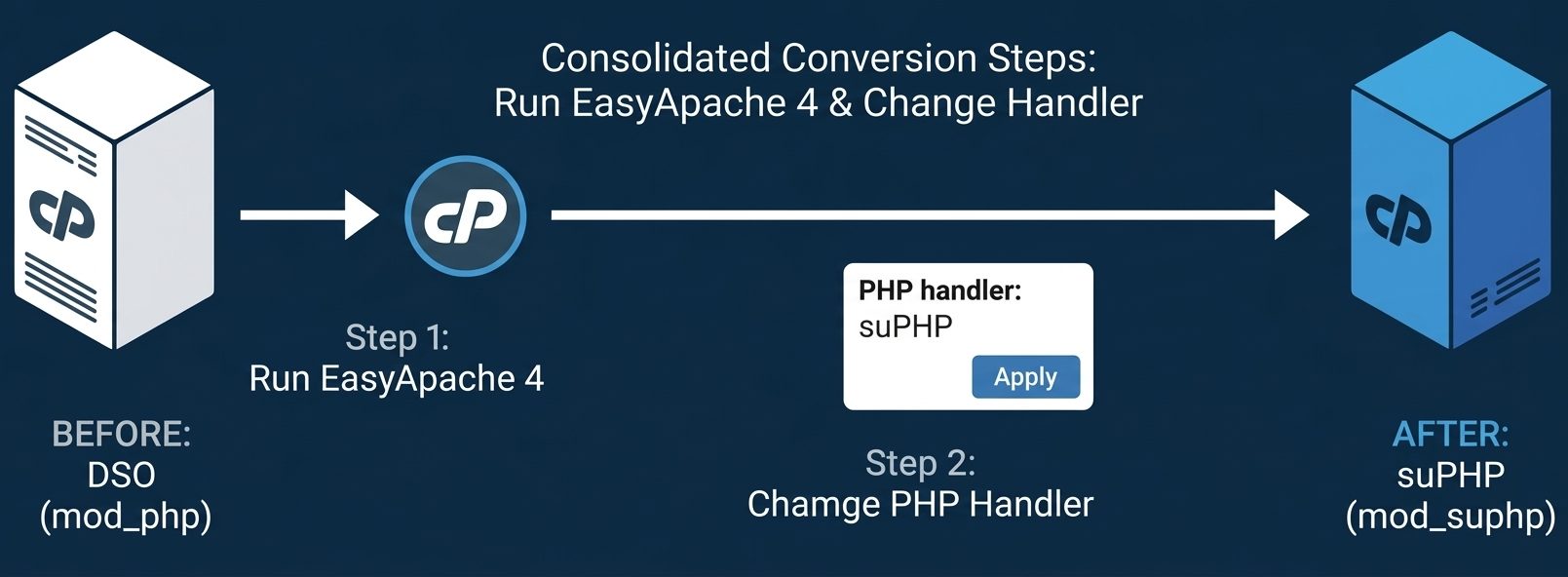
suPHP adds an extra layer of security to your server by ensuring that PHP scripts run under the account’s own user instead of the default nobody user used by Apache in DSO mode. This makes it easier to track vulnerabilities and isolate security issues caused by insecure PHP scripts.
Switching from DSO to suPHP improves accountability, enhances security, and prevents unauthorized access across user accounts in shared hosting environments.
Why Use suPHP?
Using suPHP offers several advantages:
- Runs PHP scripts under the actual user account
- Improves server security and isolation
- Helps identify vulnerable or compromised scripts easily
- Prevents cross-account access issues
Steps to Convert PHP Handler from DSO to suPHP
1. Switch to suPHP Handler
Login to your server as root and run:
/scripts/easyapacheAlternatively, you can switch via WHM:
- Navigate to WHM → EasyApache (Apache Update)
- Rebuild Apache with suPHP enabled
Once completed:
- Go to WHM → Apache Configuration → PHP and SuExec Configuration
- Select suPHP as the PHP handler
2. Update Folder Permissions
Set all directory permissions to 755:
find /home/*/public_html -type d -exec chmod 755 {} \;3. Update File Permissions
Set all file permissions to 644:
find /home/*/public_html -type f -exec chmod 644 {} \;4. Correct Ownership of Files
Ensure proper ownership of files and folders:
for i in `ls /var/cpanel/users/`; do chown -R $i:$i /home/$i/public_html ; done
for i in `ls /var/cpanel/users/`; do chown $i:nobody /home/$i/public_html ; done
for i in `ls /var/cpanel/users/`; do chown $i:nobody /home/$i/public_html/_vti_pvt ; done
Explanation:
- First command assigns all files/folders to the correct user
- Second keeps the top-level
public_htmlowned byuser:nobody - Third applies required permissions for FrontPage extensions
5. Remove Unsupported .htaccess Entries
suPHP does not support php_value and php_flag directives in .htaccess. Remove them using:
find /home -type f -name '.htaccess' -exec grep -Hrn 'php_value' '{}' \;
find /home -type f -name '.htaccess' -exec grep -Hrn 'php_flag' '{}' \;
After locating them, manually remove those entries to avoid 500 Internal Server Errors.
6. Configure Custom php.ini
With suPHP, PHP settings should be defined in a local php.ini file instead of .htaccess.
Add the following directive:
suPHP_ConfigPath /home/username/public_html/Then place your custom php.ini file in that directory.
Important Notes
- Avoid using 777 permissions, as suPHP will block such files for security reasons
- Always use 755 for folders and 644 for files
- Test websites after migration to ensure everything works correctly
Conclusion
Switching from DSO to suPHP significantly enhances server security by running PHP scripts under individual user accounts. By updating permissions, fixing ownership, and removing unsupported directives, you can ensure a smooth transition without errors.
Proper configuration of suPHP not only protects your server from vulnerabilities but also improves monitoring and control over user activities. If you face any issues during the process, consider consulting your server administrator or support team for assistance.
If you require help, contact SupportPRO Server Admin
Partner with SupportPRO for 24/7 proactive cloud support that keeps your business secure, scalable, and ahead of the curve.


