Introduction Information is perhaps the greatest asset of a company in today’s digital age. Companies count on their hosting companies to store information safely and according to worldwide standards, and keep servers in their best shape. Hosting firms bear tremendous responsibility for sensitive information, such as financial transactions, customer data, and mission-critical applications.Legally, compliance is no longer a checkmark. Compliance frameworks such as the General Data Protection Regulation (GDPR) and standards such as ISO certifications show clients that their information is cared for and handled with caution. These standards are …
security
With cloud computing taking centre stage for modern digital business operations, a bundle of associated tasks have become a mainstay such as ensuring compliance and security. With cyberthreats evolving everyday, becoming more and more sophisticated the need to proactively stay ahead of potential threats is critical, irrespective of business size. This demands in-depth knowledge of what your business needs and the relevant upgrades and modifications. While in-house teams can help a little, managed cloud services offer an unmatched level of precision and agility. In this article we help you learn …
The rising penetration of the cloud and the need for securing workloads of the Google Cloud Platform are the need of the hour. GCP also provides a strong foundation for security controls. As such, customers have a responsibility to implement workload-specific security controls that rectify misconfiguration, unauthorized use, and growing threats. The increasingly complicated cloud structures and flexibility of services make security prioritization critical for evaluating deployment patterns of the future. Equally vital is maintaining agility and scalability through a combination of strategic monitoring and operational efficiency through best support …
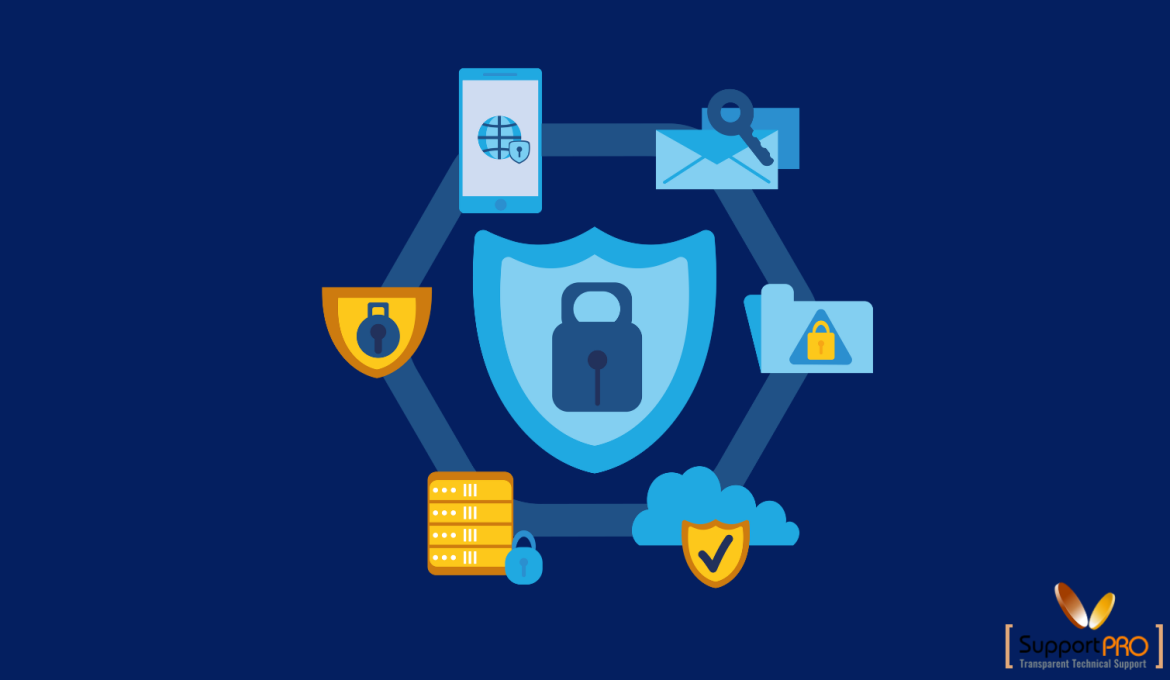
In today’s digital landscape, cyber threats are evolving rapidly, making server and website security a top priority for businesses and individuals alike. Hackers deploy various attack methods—such as DDoS attacks, SQL injections, cross-site scripting (XSS), and malware infections to exploit vulnerabilities. Fortunately, several software tools can help prevent these attacks and safeguard your online assets. This blog explores essential security tools that protect servers and websites from cyber threats while ensuring performance and reliability. 1. Web Application Firewalls (WAFs) A Web Application Firewall (WAF) acts as a security checkpoint for …
The web hosting industry is highly competitive, with countless providers offering similar services. To stand out, you need to go beyond the basics and offer something unique. Whether you’re a new player or an established hosting provider, differentiation is key to attracting and retaining customers. In this blog, we’ll explore actionable strategies to help your hosting business shine in a crowded market. 1. Focus on Niche Hosting One of the most effective ways to differentiate your hosting business is by targeting a specific niche. Instead of trying to cater to …
In today’s world, where cyber threats are evolving at an alarming rate, security isn’t just an option—it’s a necessity. For business owners, prioritizing security is not only about protecting infrastructure but also about building trust with your clients. A single breach can tarnish your reputation, lead to financial losses, and even legal consequences. This blog dives into why security should be at the top of your agenda and how to protect your client’s data effectively. The risks are greater than ever. Cyberattacks are becoming more sophisticated, targeting businesses of all …
Resolving the “Remote Desktop Connection: An Internal Error Has Occurred” Error
The “An Internal Error Has Occurred” message is one of the most common errors encountered by users trying to connect to a remote server using the Remote Desktop Protocol (RDP). While the error doesn’t provide much information about the cause, it can be frustrating when attempting to manage a remote system. Fortunately, there are several effective solutions to resolve this issue. Common Causes of the Error 1.Network or Connectivity Issues: Temporary issues with your local or remote network can interrupt the RDP connection. 2.Incorrect RDP Configuration: Misconfigured RDP settings on …
NSclient++ is an agent which can be used to monitor Windows devices. Using this agent we can monitor system metrics, services, and processes on the target machine using the Windows Server configuration Wizard. This agent must be installed on the target Windows Machine/Server. In this scenario, Nagios core is installed on a CentOS machine. Part A Please follow the steps below to install the agent. Windows Monitoring Agent installation: NSClient++ Log on to the Windows target server and download the latest version of NSClient++ software as per the system Architecture. …
An associated key pair ( private key and a public key) is necessary to access EC2 instance securely. In case you have lost or corrupted the key pair, here’s how you can regain access to AWS EC2 Linux instance. Let’s assume that the EC2 instance running contains a website but you have lost the key pair that is associated with the EC2 instance. And here we will show the two easiest ways to regain access to AWS Linux EC2 instances. By using an Amazon Machine Image (AMI) By swapping the …
A Network File System is a distributed file system protocol that supports remote hosts to mount file systems through the network and interact with the file systems as though they are mounted sectionally. This allows us to connect resources to centralized servers on the network. Amazon EFS-Elastic File System gives you a simple, scalable, and fully managed elastic NFS file system to use with AWS Cloud services and on-premises resources. In this demonstration, we will show you how to configure a Network File System-NFS using AWS EFS and connect to …