

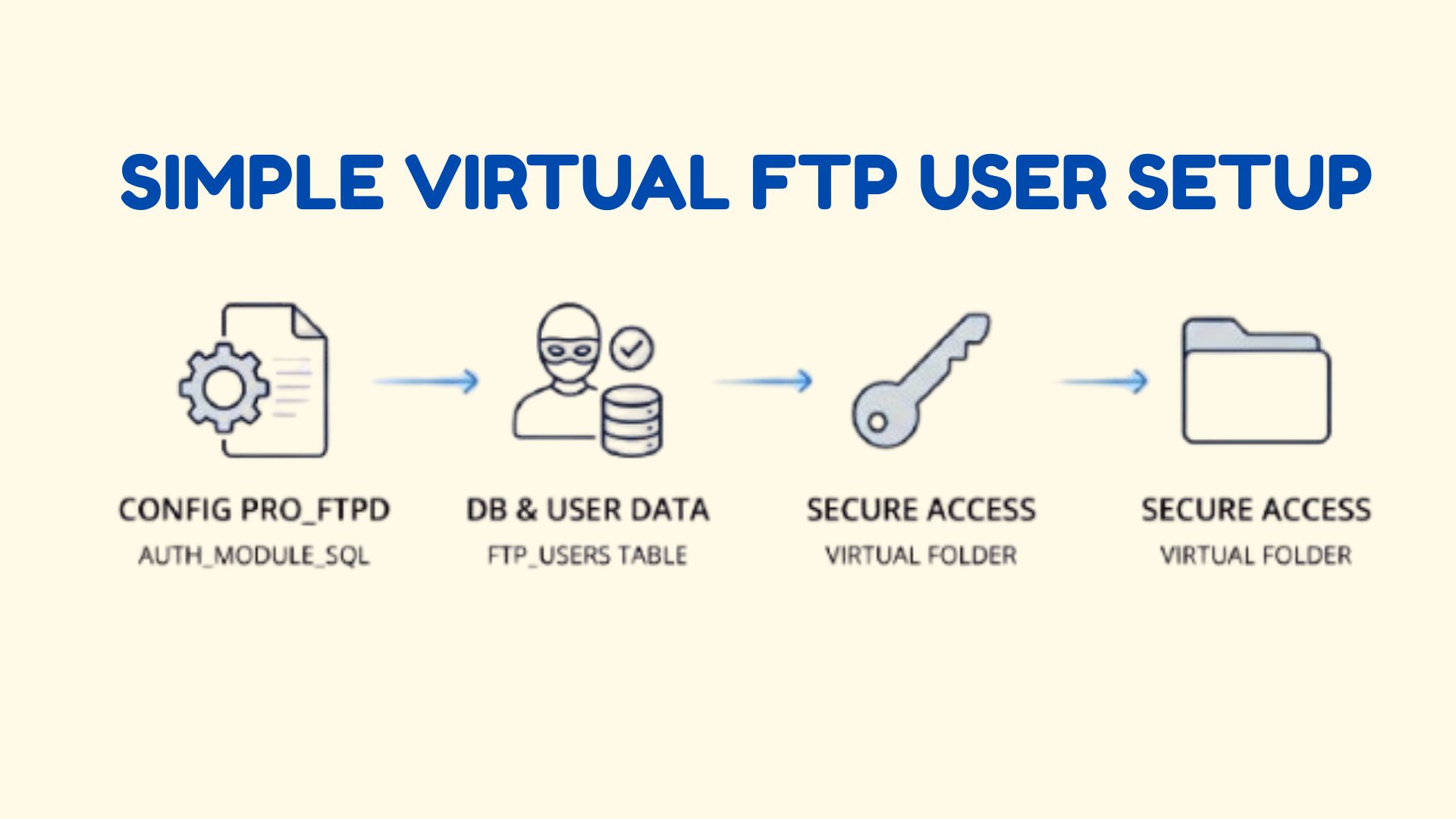
ProFTPD is a highly configurable FTP server that offers advanced control over user authentication and access management. However, standard FTP has a major security drawback—passwords are transmitted in plain text, making them vulnerable to network sniffing.
To improve security, you can configure virtual FTP users using ProFTPD’s AuthUserFiles feature. This ensures that credentials are stored securely and not tied directly to system users.
Why Use Virtual FTP Users?
Using virtual users in ProFTPD helps you:
- Avoid exposing system user credentials
- Improve FTP security in shared environments
- Isolate FTP access from system accounts
- Gain better control over authentication
Step 1: Install ProFTPD
First, enable the RPMForge repository (if not already configured) and install ProFTPD:
yum install proftpdStep 2: Configure ProFTPD
Edit the main configuration file:
vi /etc/proftpd.confDisable default authentication methods
Comment out the following line:
#AuthOrder mod_auth_pam.c mod_auth_unix.cEnable Virtual User Authentication
Add the following configuration:
AuthOrder mod_auth_file.c
AuthUserFile /etc/proftpd/proftpd.pass
AuthGroupFile /etc/proftpd/proftpd.group
RequireValidShell off
Step 3: Create Required Directories and Files
Create the ProFTPD configuration directory:
mkdir /etc/proftpdNow create required files:
touch /etc/proftpd/proftpd.pass
touch /etc/proftpd/proftpd.group
Step 4: Set Permissions and Ownership
Since ProFTPD runs under the nobody user by default, set correct permissions:
chown nobody.nobody /etc/proftpd/
chown nobody.nobody /etc/proftpd/proftpd.pass
chown nobody.nobody /etc/proftpd/proftpd.groupchmod 400 /etc/proftpd/proftpd.pass
chmod 400 /etc/proftpd/proftpd.group
Note:
If you change the ProFTPD user in /etc/proftpd.conf, you must update ownership accordingly.
Step 5: Restart ProFTPD
Apply the configuration changes:
service proftpd restartStep 6: Identify System UID and GID
Find the UID and GID of the system user/group:
grep username /etc/passwd
grep groupname /etc/group
Step 7: Create Virtual FTP User
Use the ftpasswd tool to create a virtual user:
ftpasswd --uid <UID> --gid <GID> --name <VirtualUsername> --shell /bin/false --home /ftp/directory --passwdStep 8: Add Virtual User to Group
Add members to a virtual group:
ftpasswd --group --name <Groupname> --gid <GID> --member <membername>Step 9: Verify User and Group Files
Ensure the user and group details are properly saved:
cat /etc/proftpd/proftpd.pass
cat /etc/proftpd/proftpd.group
Step 10: Restart ProFTPD Again
Restart the service to apply virtual user changes:
service proftpd restartConclusion
By configuring ProFTPD virtual users, you significantly improve FTP security by avoiding direct system account exposure. This setup ensures better authentication control, safer file transfers, and reduced risk of credential interception.
If you require help, contact SupportPRO Server Admin
Facing issues?
Our technical support
engineers can solve it.


