

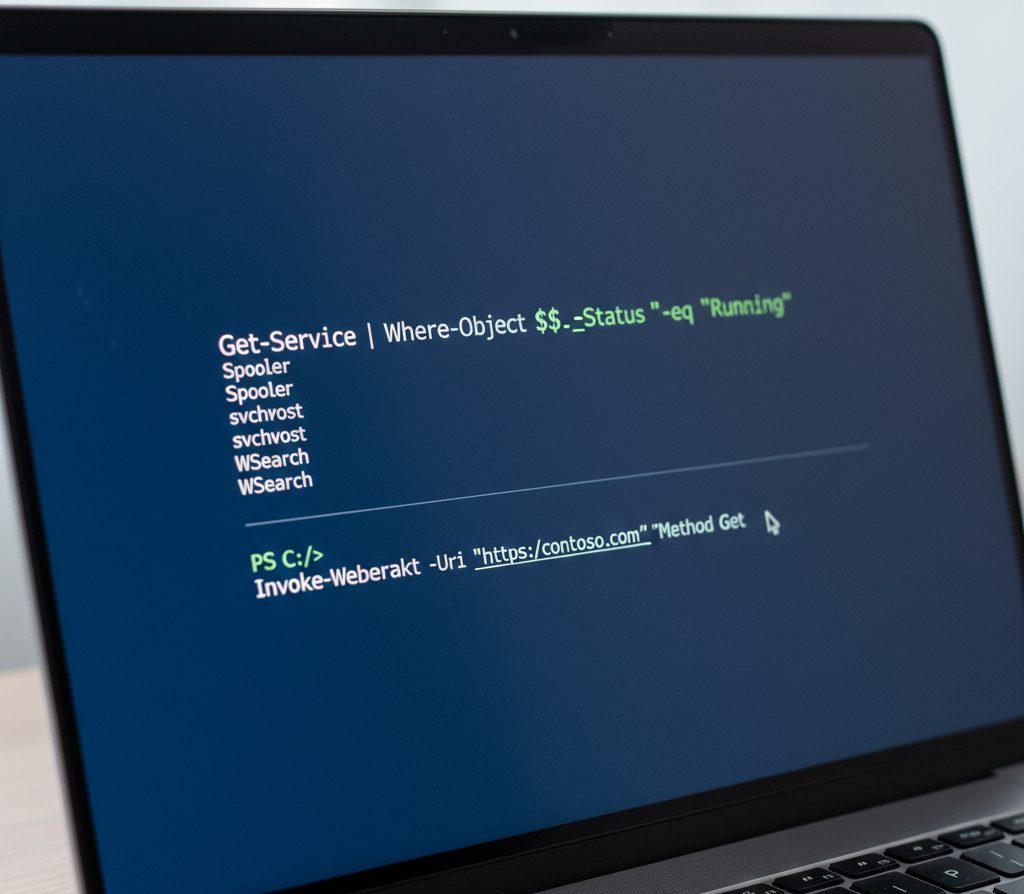
If you manage Windows servers or systems, you’ve probably heard about PowerShell. But many people only use it for basic commands and never unlock its real potential.
PowerShell is much more than a command prompt. It is a powerful automation tool that can manage systems, services, applications, and even remote computers — all from a single interface.
In this guide, we’ll explain what PowerShell is, what it can do, and provide practical command examples you can use immediately.
What Is PowerShell?
PowerShell is a command-line shell and scripting language developed by Microsoft for Windows system administration and automation.
It is built on the .NET Framework and allows administrators to interact with the operating system using structured commands called cmdlets.
Unlike traditional command prompts, PowerShell works with objects instead of plain text, making it more powerful and flexible.
Why PowerShell Is Important for System Administrators
PowerShell helps automate repetitive administrative tasks and manage Windows environments efficiently.
Here are some of the major tasks you can perform:
1. Manage Processes
-
List running processes
-
Stop or start processes
-
Monitor memory usage
Example:
Get-Process
Stop-Process –Name notepad
2. Manage Windows Services
-
Start, stop, or restart services
-
Change service startup type
Example:
Restart-Service –Name wuauserv
3. Work with the File System
-
Create, delete, and modify files
-
Set permissions
-
Search within files
Example:
Get-ChildItem –Recurse | Select-String “test”
4. Manage Windows Features and Roles
You can install or remove server roles and features without using the graphical interface.
This is especially useful in server environments.
5. Use Windows Management Instrumentation (WMI)
PowerShell can interact with WMI to manage:
-
IIS
-
Terminal Services
-
Hardware components
-
Remote systems
6. Manage the Windows Registry
You can access and modify registry keys directly through PowerShell, which is useful for automation scripts.
Commonly Used PowerShell Commands (With Examples)
Here are some practical commands every administrator should know:
Get Help for Any Command
Get-Help –Name Get-Process
Get Running Processes
Get-Process
Stop a Process
Stop-Process –Name notepad
Stop-Process –Id 2668
Set Execution Policy
Controls script security level:
Set-ExecutionPolicy RemoteSigned
Restart a Remote Computer
Restart-Computer –ComputerName Server01
Find Top Memory-Consuming Processes
Get-Process | Sort-Object WS –Descending | Select-Object –First 3
Run Script on Remote Computers
Invoke-Command –ComputerName Server01,Server02 –FilePath C:\Scripts\sample.ps1
Retrieve Windows Event Logs
Get-EventLog –LogName System
PowerShell vs Command Prompt
| Feature | Command Prompt | PowerShell |
|---|---|---|
| Works with Objects | No | Yes |
| Automation Support | Limited | Advanced |
| Remote Management | Limited | Strong |
| Built-in Scripting | Basic | Powerful |
PowerShell is the preferred tool for modern Windows administration.
When Should You Use PowerShell?
-
Managing multiple servers
-
Automating repetitive tasks
-
Running remote commands
-
Troubleshooting Windows issues
Conclusion
PowerShell is one of the most powerful tools available for Windows administrators. Whether you are managing processes, services, files, or remote systems, PowerShell simplifies and automates complex tasks efficiently.
Learning core commands and automation techniques can significantly reduce manual effort and improve system management.
If you need expert assistance with server administration or PowerShell automation, contact SupportPRO Server Admin for professional help.

