

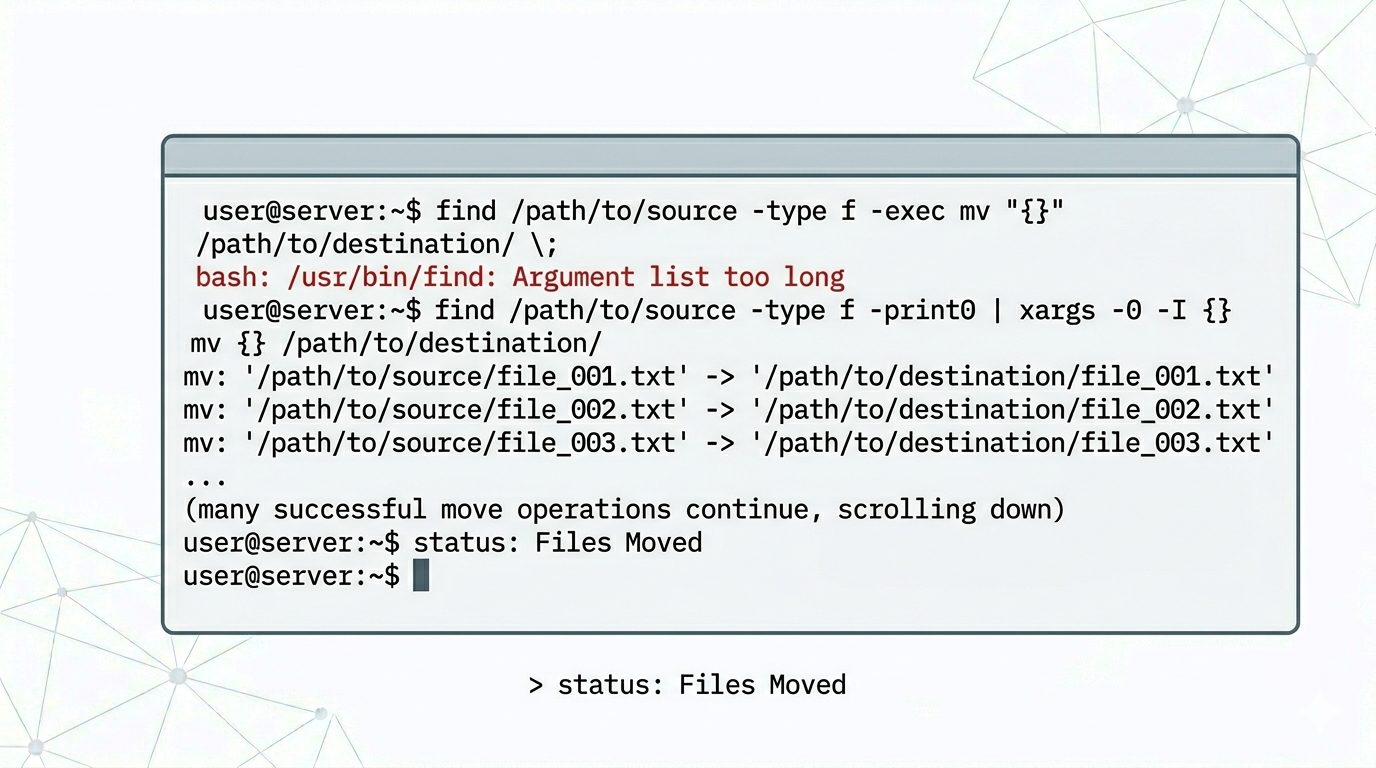
When managing Linux servers, administrators often need to move thousands of files from one directory to another. However, attempting to move a large number of files using the standard mv command may result in an error.
This guide explains why the “Argument list too long” error occurs and how to safely move large numbers of files without issues.
Why the Error Occurs
If you try to move a huge number of files (for example, more than 50,000 files) using:
mv * /path/to/moveyou may see the following error:
/bin/mv: Argument list too longReason
Linux shells expand * into all filenames before executing the command.
When the total character length exceeds the system’s allowed limit, the command fails.
This limitation is controlled by the system’s maximum argument length (ARG_MAX).
Recommended Solution: Use find with xargs
Instead of relying on wildcard expansion, use the find command combined with xargs.
Correct Command
find /path/to/file -type f | xargs -I {} mv "{}" /path/to/moveHow This Works
- find → Locates files one by one
- xargs → Processes files in manageable batches
- mv → Moves files safely without exceeding system limits
This method prevents shell expansion issues and works efficiently even with hundreds of thousands of files.
Alternative Method (Safer for Special Characters)
If filenames contain spaces or special characters, use:
find /path/to/file -type f -print0 | xargs -0 mv -t /path/to/moveThis ensures all filenames are handled correctly.
Best Practices When Moving Large Files
- Always verify destination path permissions.
- Test commands on a small set of files first.
- Avoid using
*when handling massive directories. - Use logging when performing bulk file operations on production servers.
Conclusion
The “Argument list too long” error is common when moving large numbers of files in Linux. Using find with xargs allows administrators to bypass shell limitations and move files safely, efficiently, and without interruption.
If you require help, contact SupportPRO Server Admin
Facing issues?
Our technical support
engineers can solve it.


