A newly disclosed cPanel security vulnerability deserves immediate attention from anyone operating a cPanel-based hosting environment.CVE-2026-65643 affects cPanel & WHM’s domain parking functionality. According to cPanel’s August 27, 2026 security advisory, an authenticated cPanel account holder who is permitted to add parked or addon domains can create arbitrary files on the server. Successful exploitation can ultimately result in code execution as the root user, potentially giving an attacker control over the server and the accounts, websites, and databases running on it.
Server
GhostLock (CVE-2026-43499): How to Protect Your Linux Servers from the Latest Kernel Vulnerability
Cybersecurity threats targeting Linux servers continue to evolve, and GhostLock (CVE-2026-43499) is one of the most significant Linux kernel vulnerabilities administrators should address immediately. This vulnerability affects the Linux kernel and allows a local attacker with standard user privileges to escalate access to the kernel. In containerised environments, the impact is even greater, as attackers may be able to escape container isolation and gain control of the underlying host operating system. Organisations running web hosting servers, VPS, cloud infrastructure, dedicated servers, Kubernetes clusters, Docker containers, or shared hosting platforms should prioritise patching this vulnerability to reduce the risk of compromise. At SupportPRO, we strongly recommend updating vulnerable Linux systems as soon as vendor security patches become available.
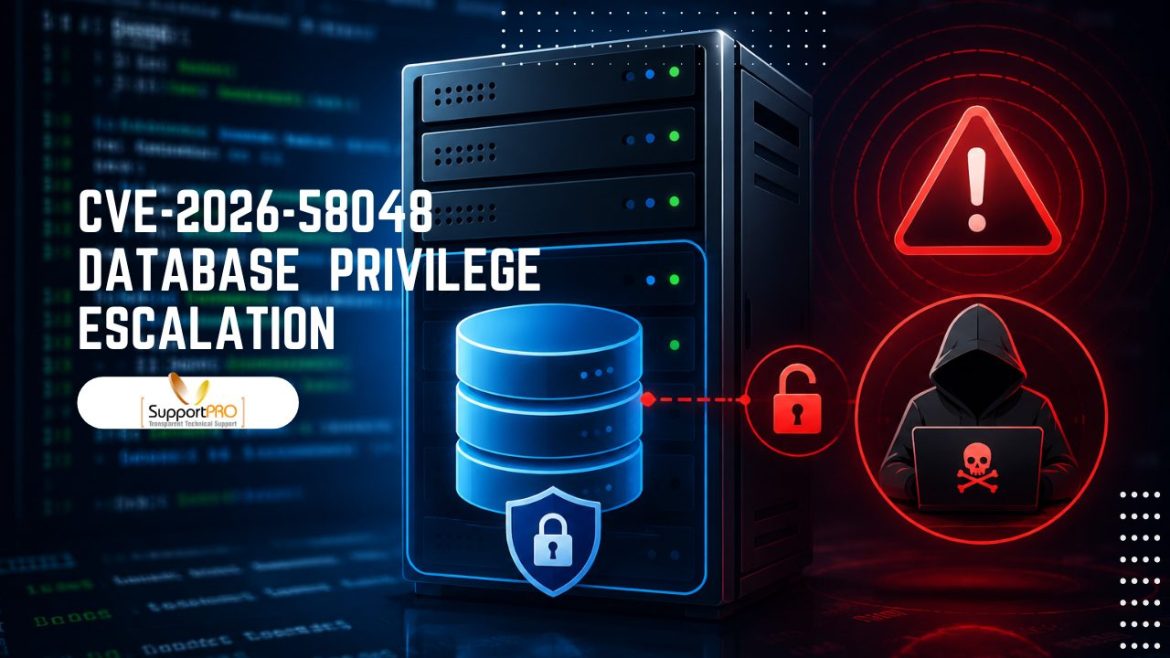
A newly disclosed database privilege escalation vulnerability (CVE-2026-58048) affecting cPanel & WHM could expose hosting environments to unauthorized database access if left unpatched. Since databases power websites, applications, and customer data, protecting them should be a top priority for every server administrator. In this guide, we’ll explain who is affected, the potential risks, and the essential steps you should take to secure your cPanel servers.
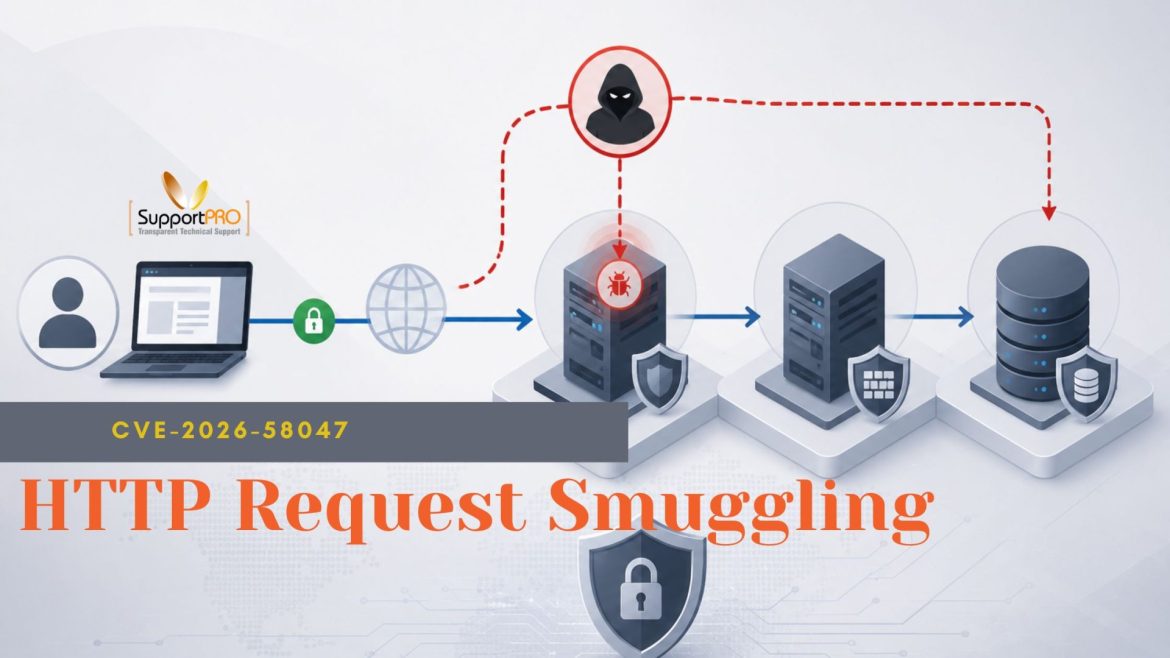
Security issues that target hosting control panels can cause problems because these panels often manage many websites, email services and user accounts from one place. A recent issue is CVE-2026-58047 a problem that affects cpsrvd the web service that handles requests to cPanel and WHM interfaces. The problem is part of a group called HTTP Request Smuggling. This does not mean a server is definitely broken. It gives attackers a way to change how web requests are seen by different parts of the system. If the issue remains unresolved, this vulnerability could expose hosting setups to potential risks.
Email infrastructure is a critical part of modern IT environments, supporting everything from customer communication and password resets to automated system notifications. Exim, one of the most widely used Mail Transfer Agents (MTAs), powers email delivery for countless Linux servers and hosting platforms. Because of its widespread adoption, security vulnerabilities affecting Exim deserve immediate attention from system administrators. One such issue is GCVE-25-2026-07-45-3, a recently disclosed vulnerability involving Exim’s handling of .forward files under specific configurations. Unlike vulnerabilities that can be exploited remotely, this issue is classified as a local privilege escalation, meaning an attacker must already have access to a local user account before attempting exploitation. While this limits the attack surface, affected systems should still be patched promptly …
When Logs Attack: How Unchecked Log Growth Brings Production Servers to Their Knees
A Slowdown With No Obvious Cause A server doesn’t need a CPU spike or a memory leak to grind to a halt. Sometimes, the real problem is something much simpler: a log file that quietly grew until there was nowhere left to write. That’s exactly what happened in a recent production incident, and it’s a pattern support teams run into more often than most dashboards would suggest. The issue first came to our attention when users reported that the application had become unusually slow. Page loads were dragging, scheduled jobs were taking far longer than usual, and even SSH sessions felt sluggish. None of it pointed to an obvious culprit; CPU usage sat comfortably under 30 per cent, and memory …
In a hosting environment, you often have to automate things. Whether you’re provisioning accounts, managing backups, integrating billing systems or monitoring server performance, the WHM API makes these tasks faster and more efficient. But with this convenience comes responsibility. The WHM API provides administrative access to core server functions. If such access is left unsecured, attackers may create accounts, change configurations, access sensitive data, or disrupt services. One exposed credential can lead to severe security incidents. This blog will explain WHM API authentication, how to secure API tokens, how to implement IP restrictions, and security best practices to maintain a secure server environment. Understanding WHM API Authentication In the past, many administrators simply used usernames and passwords for authenticating API …
How to Troubleshoot Production Server Crashes: A Practical Incident Response Framework
Production incidents rarely happen at convenient times. Whether it’s a sudden server crash, an unexpected CPU spike, a memory leak, or a system-wide outage, the pressure to restore services quickly can be overwhelming. During these critical moments, having a structured troubleshooting process is often the difference between a fast recovery and a prolonged outage. The most successful operations teams don’t rely on guesswork during incidents. Instead, they follow a systematic incident response framework that helps them stabilize services, identify root causes, and restore normal operations with minimal disruption. In this guide, we’ll walk through a practical, step-by-step framework for debugging production servers under pressure and handling common infrastructure failures effectively. Why a Structured Incident Response Process Matters When systems fail, …
In the web hosting industry, uptime isn’t just about technical metrics; it seriously affects customer satisfaction, how long they stick around, and business growth. Hosted sites need to run non-stop, so any brief outage can spark complaints, frustrate users, and cost companies revenue and clients. With more competitors popping up all the time, hosting firms must prevent those unplanned hiccups at all costs. Downtime usually catches us off guard. Server spikes, hardware crashes, network slowdowns, app glitches, and security hazards often start small but turn major. If we don’t keep an eye on things, these problems might only get noticed when customers are affected, and operations slow down. That’s why non-stop monitoring matters. Instead of waiting for customer complaints, real-time …
How to Build a Server Management Service as a Revenue Stream for Hosting Businesses
Today, many businesses rely on servers to run websites, applications, and online services, creating a strong opportunity for hosting companies to expand into server management as a recurring revenue service. Instead of generating one-time infrastructure sales, server management provides predictable recurring revenue through ongoing support, maintenance, and optimization. By keeping client servers secure, stable, and high-performing, hosting providers can build long-term customer relationships while creating a reliable new income stream. 2. What Is a Server Management Service? A server management service means taking care of a server on behalf of a customer so that their websites, applications, or online systems run smoothly without technical problems. Typically, the service includes keeping an eye on server performance, installing updates, resolving issues, enhancing …