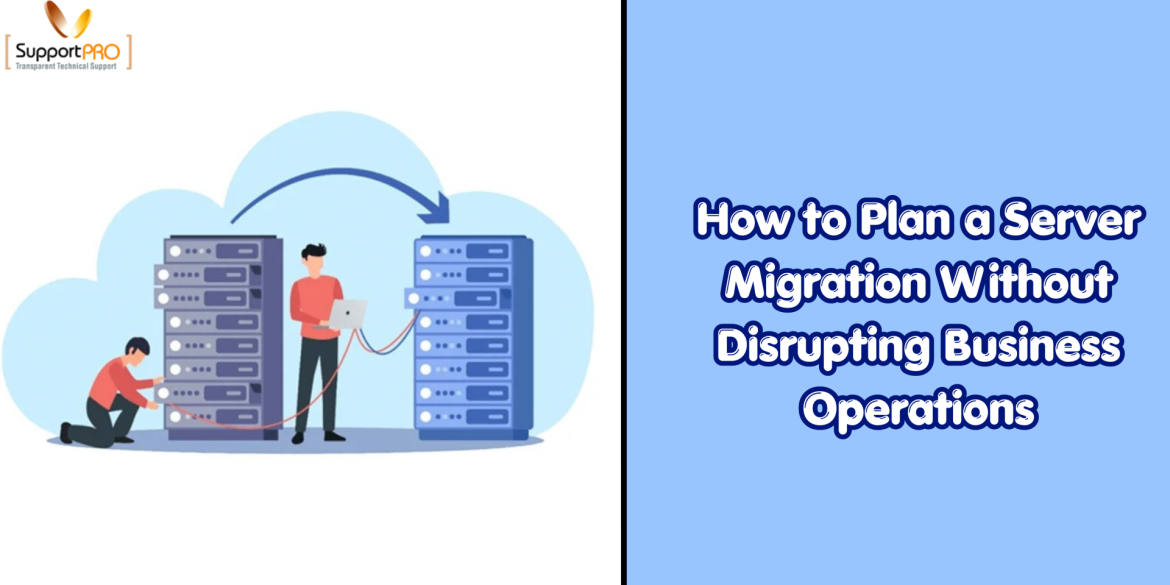
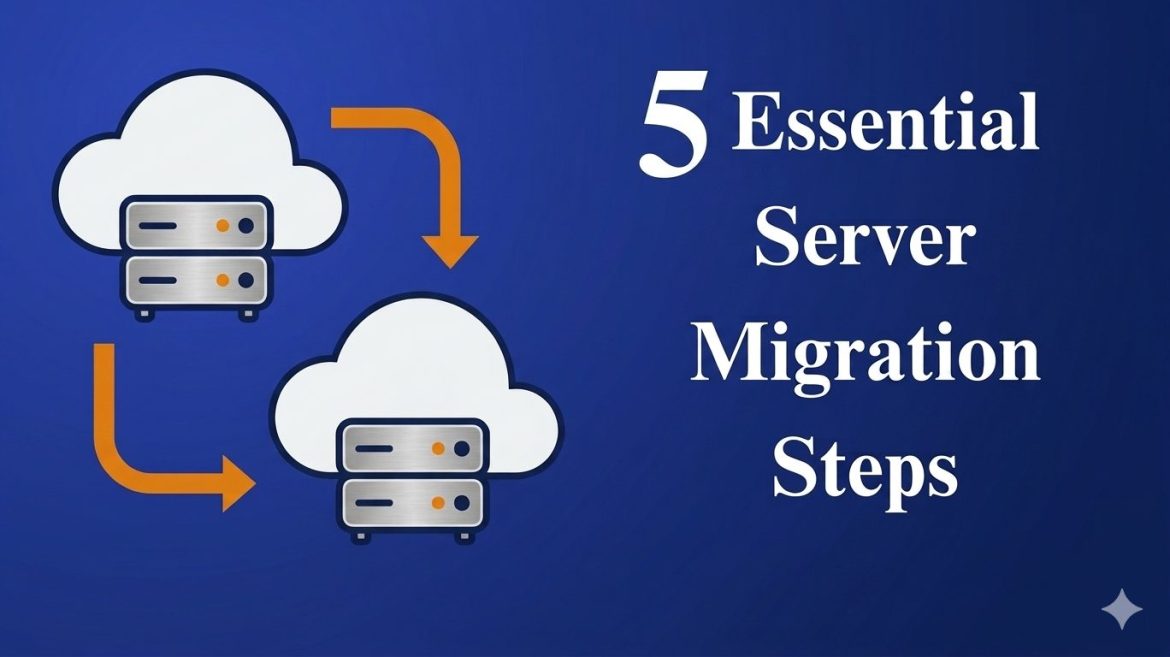
Server migration is a critical IT operation that directly impacts performance, security, and scalability. Whether you’re moving to the cloud, upgrading infrastructure, or consolidating servers, a poorly executed migration can lead to downtime, data loss, and costly disruptions. For many businesses, the process can feel overwhelming, especially when concerns around compatibility issues, downtime, and system stability come into play. However, a successful server migration doesn’t have to be complicated or risky. With the right strategy and structured approach, it can become a smooth and efficient transition that strengthens your IT environment. This guide explains what server migration is, why it matters, and walks you through the 5 essential steps to execute it safely, helping you move from planning to optimization …
server Migration
Email migration is the process of transferring mailbox data from one email account or server to another. Organizations often perform migrations when switching hosting providers, upgrading mail servers, or consolidating email infrastructure. One of the most reliable tools for performing email migration on Linux servers is imapsync. This command-line utility allows administrators to transfer emails between two IMAP servers efficiently. It supports incremental synchronization, meaning that only new or missing messages are transferred, which helps reduce bandwidth usage and migration time. Imapsync also preserves message flags and folder structures, ensuring that the migrated mailbox remains identical to the original one. What is the Imapsync Command? Imapsync is a powerful tool designed for transferring email messages between two IMAP servers. It …
CyberPanel Migration
CyberPanel is a modern, fast, and secure hosting control panel powered by OpenLitespeed. CyberPanel provides a graphical interface for Linux server management, and a one-click installation of LSCache, WordPress, Prestashop, Joomla, and git. It automates the initial setup for components like DNS, Mail service, and SSL certificates to reduce the time it takes to get set up for hosting. CyberPanel is free and Opensource running on the OpenLiteSpeed web server and can add multiple domains. CyberPanel arrives in two versions CyberPanel and CyberPanel Ent. This article focus on steps to perform Migrations with CyberPanel. CyberPanel to CyberPanel Migration If you need to transfer your website between two CyberPanel without losing any data, follow these steps. Backup Creation | Source server …
Network configuration in Ubuntu 18.04 LTS using netplan
With Ubuntu 18.04 onwards, configuring IP addresses stands different from the older versions. When comparing with the previous versions the Ubuntu is using a new utility called Netplan – another order line arrange design utility, to arrange an IP address. Netplan has been presented by Ubuntu engineers in Ubuntu 17.10 where we no longer use the “interfaces” file to configure IP address but does the task using a YAML file with all default arrangement documents found under /etc/netplan/ directory. In this blog, we will check on how to design static and dynamic IP address in Ubuntu 18.04 LTS server. (more…)
EasyApache 3 to EasyApache 4 Migration Process =============== Easy Apache version 4 introduced by cPanel version 11.52. EasyApache web-based Graphical User Interface helps to configure all the back-end activities. Easy Apache Graphic tool allows you to enable multiple PHP extensions and multi-processing modules. The new user interface allows you to change Apache handlers for the installed PHP versions. We can install a default version of PHP in the server and per-host basis.
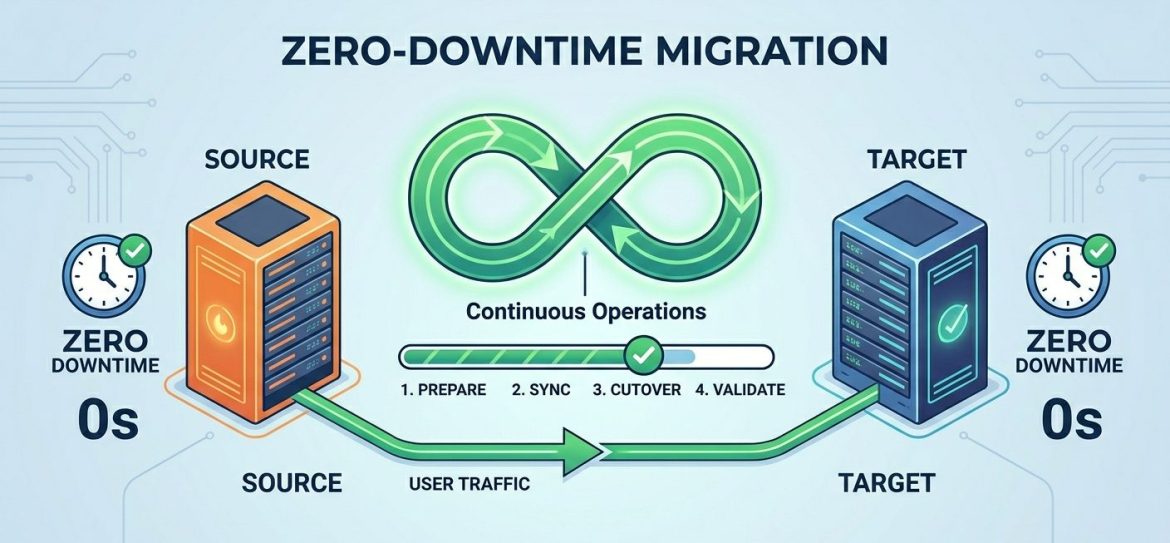
If you manage a website, you’ll likely encounter server migration at some point. This could be due to upgrading to a more powerful server, switching service providers, or updating your software environment for better performance and security. Despite its benefits, server migration often raises concerns – such as data loss, downtime, or website instability. The good news is that with proper planning and execution, you can migrate your web server with zero downtime and no data loss. Let’s walk through the process step by step. 1. Prepare Your DNS When migrating to a new server, your website will typically be assigned a new IP address. However, DNS records are cached globally, which means changes can take up to 48 – …