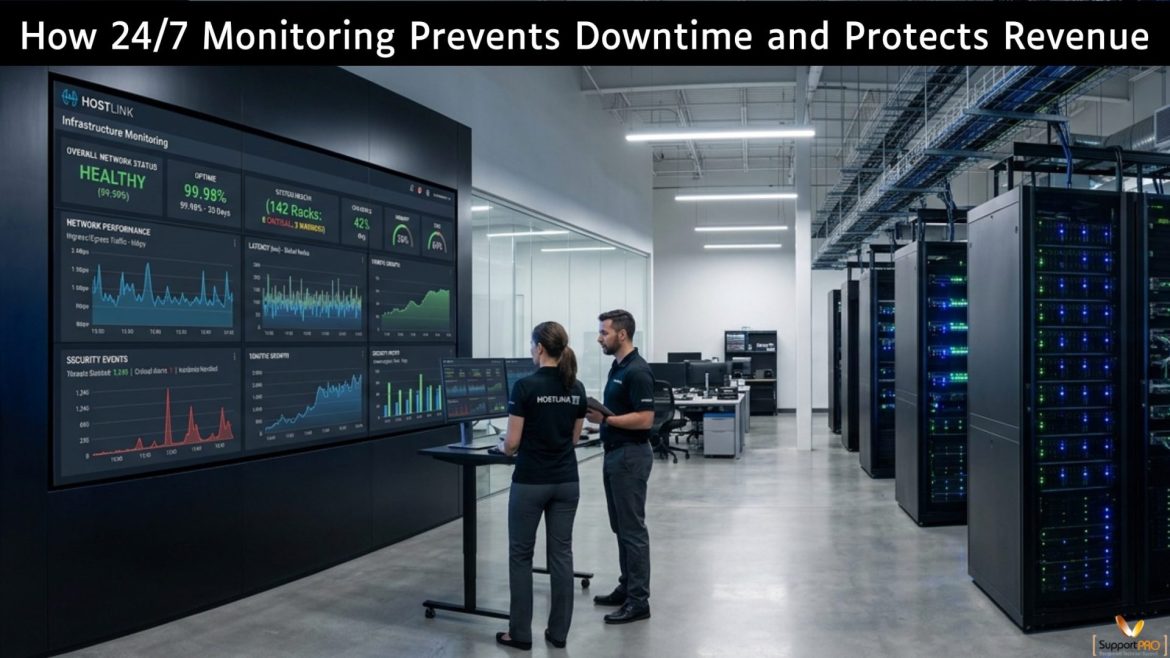
In the web hosting industry, uptime isn’t just about technical metrics; it seriously affects customer satisfaction, how long they stick around, and business growth. Hosted sites need to run non-stop, so any brief outage can spark complaints, frustrate users, and cost companies revenue and clients. With more competitors popping up all the time, hosting firms must prevent those unplanned hiccups at all costs. Downtime usually catches us off guard. Server spikes, hardware crashes, network slowdowns, app glitches, and security hazards often start small but turn major. If we don’t keep …
server management
How to Build a Server Management Service as a Revenue Stream for Hosting Businesses
Today, many businesses rely on servers to run websites, applications, and online services, creating a strong opportunity for hosting companies to expand into server management as a recurring revenue service. Instead of generating one-time infrastructure sales, server management provides predictable recurring revenue through ongoing support, maintenance, and optimization. By keeping client servers secure, stable, and high-performing, hosting providers can build long-term customer relationships while creating a reliable new income stream. 2. What Is a Server Management Service? A server management service means taking care of a server on behalf of …
7 Critical Actions for Every cPanel & WHM Server Owner to Take Following the Security Update 04/28/2026
The recent cPanel & WHM Security Update 04/28/2026 has stirred up quite a bit of commotion in the web hosting and infrastructure communities. According to cPanel & WHM, vulnerabilities in authentication paths affect all supported versions. For companies operating their own servers, it is crucial to act promptly as this situation poses severe risks to server security and potentially leads to service outages. April 2026 Security Update Overview The current issue lies in the authentication mechanisms, which are responsible for accessing server resources. By exploiting these vulnerabilities, attackers may attempt …
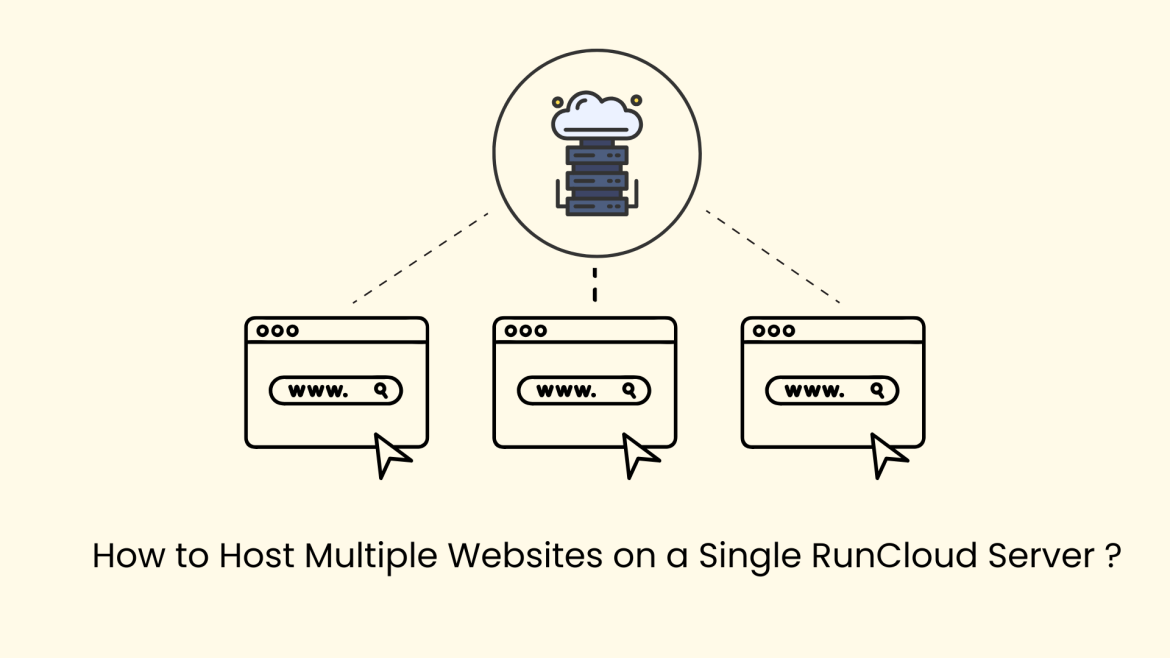
Managing multiple websites doesn’t always require multiple servers. With RunCloud, you can efficiently host and manage several websites on a single server while maintaining performance, security, and flexibility. RunCloud simplifies server administration by automating configurations such as virtual hosts, PHP environments, firewall management, and backups. This guide walks you through the complete process of setting up and managing multiple websites on one RunCloud server. Why Host Multiple Websites on One Server? Hosting multiple websites on a single server offers several advantages: RunCloud automatically handles virtual host configuration, making multi-site hosting …
Dedicated Server vs Cloud Hosting: Which is Better for High-Traffic Websites?
Overview of the Research Document The document explains how dedicated servers, cloud hosting, bare metal cloud, and hybrid architectures differ in performance, scalability, cost, and reliability. Core Insights 1. Dedicated servers provide exclusive hardware access, ensuring consistent performance and strong security. 2. Cloud hosting offers flexibility and scalability, using virtualized resources across multiple servers. 3. Bare metal cloud combines physical server power with cloud-like automation. 4. Hybrid architecture blends both models to optimize performance and cost. 5. Cost strategy depends heavily on workload type: Dedicated = predictable, long-term savingsCloud = …
Server Out of Memory Errors: Why Swap Space Gets Full and How to Fix It
Server performance problems can be quite frustrating, especially when they happen again and again to the server. One common issue many VPS servers owners face is Server “Out of Memory” (OOM) errors. In this blog, we’ll explain what these errors exactly mean, why they happen, also in this memory issue, how swap space is involved, and what steps can be taken to reduce the problem. This blog is based on a real support case where a VPS server experienced repeated out of memory problems, MySQL crashes, and high or swap …
Why Poor Server Management Leads to Downtime and Security Risks ?
Servers sit at the core of business operations. Applications, customer data, internal systems, and digital services all depend on them. When server management is weak, the impact shows up quickly in the form of service outages, slow performance, and security incidents. For business leaders, poor server management is not an IT inconvenience. It is a direct risk to revenue, reputation, and operational continuity. What Happens When Server Management Is Poor ? How Poor Server Management Creates Downtime and Security Risks ? What Effective Server Management Looks Like ? Industry Trends …
How to Reduce IT Risks and Downtime with Remote Infrastructure Management ?
IT downtime directly affects revenue, productivity, and customer trust. As infrastructure environments grow more complex, traditional IT management approaches struggle to maintain stability and security. Remote Infrastructure Management, or RIM, helps businesses reduce IT risks and downtime by providing continuous monitoring, proactive maintenance, and faster incident response. What Causes IT Risks and Downtime ? A large proportion of infrastructure failures stem from operational gaps that could be detected or mitigated earlier, alongside unavoidable external or platform level events. 1. Hardware failures Aging or overloaded hardware often exhibits early warning indicators …
Backups are something most admins don’t think about until a problem happens, but they’re one of the most important parts of keeping a hosting server healthy. Whether you’re running cPanel or DirectAdmin, JetBackup usually does a great job. The trouble is, when backups run at the wrong time or aren’t tuned properly, they can slow your whole server down. If you’ve ever seen high load averages or slow websites while backups were running, you already know the issue. The good news is that JetBackup gives you plenty of options to …
After reinstalling Debian—whether version 10 (Buster) or 11 (Bullseye)—one of the most common headaches is losing your network configuration. If your setup uses bonded interfaces (LACP / 802.3ad) for redundancy, the reload wipes out all those settings. The system comes up, but there’s no proper connectivity until bonding is restored. This guide walks through the exact steps we follow at SupportPRO to bring the network back up after a reload, get the bonds working again, and make sure SSH is accessible. This process is crucial for server performance, high availability, …