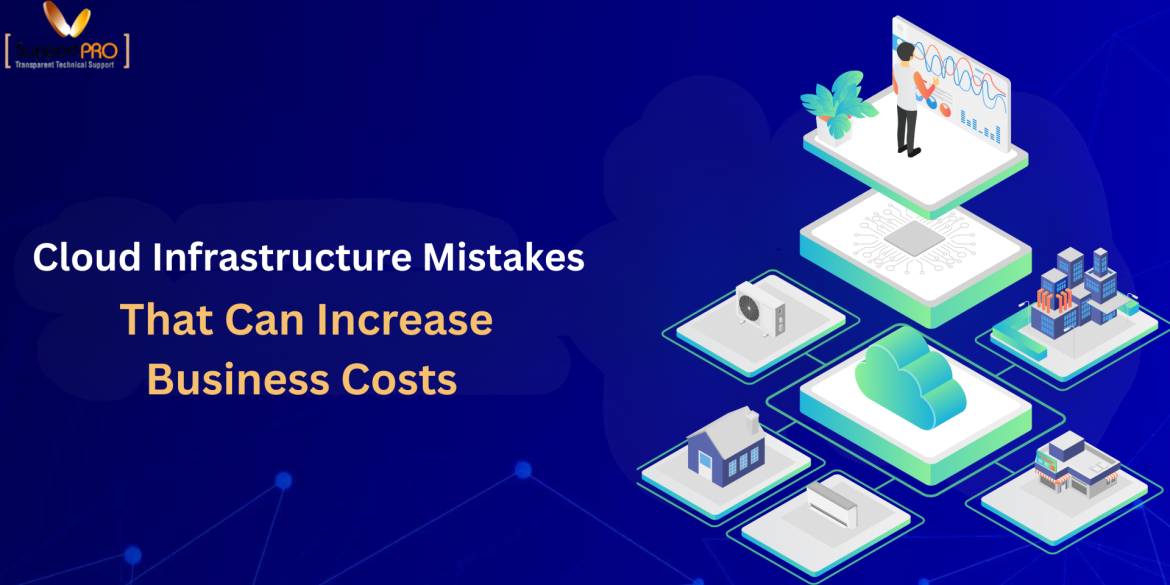
Moving to the cloud is often seen as the fastest way for a business to cut IT expenses and gain flexibility. In reality, many companies end up paying far more than expected because of how they set up and manage their cloud environment. A missed configuration, an unused resource, or a lack of ongoing oversight can quietly add thousands of dollars to a monthly cloud bill. These cloud infrastructure mistakes rarely result from poor technology. They usually come from limited visibility, stretched internal IT teams, and infrastructure that has grown faster than the processes managing it. Understanding where the money leaks out is the first step toward fixing it. In this article, we will look at five common cloud infrastructure …
Cloud Support Services
On paper, multi-cloud sounds like a smart move. Spread your workloads across AWS, Azure, and Google Cloud, avoid vendor lock-in, pick the best tool for each job, and keep your options open. Many businesses adopt this approach for exactly those reasons, and honestly, the pitch makes sense. But talk to any IT team that’s actually living with a multi-cloud setup, and you’ll hear a different story. The flexibility is real, but so is the mess that tends to build up underneath it. Costs get harder to track. Security policies stop lining up cleanly across platforms. Nobody’s entirely sure who owns what anymore. None of this shows up in the sales pitch, and none of it gets fixed by just “being …
Cloud infrastructure is now essential for companies that want to grow quickly, gain greater flexibility, and avoid the high costs of managing physical infrastructure. Yet the cost of managing cloud environments can rise if a business depends completely on its in-house IT staff, since cloud monitoring, security, troubleshooting, backups, performance optimization, and infrastructure maintenance all demand specialized skills and continuous attention. Businesses can gain access to skilled cloud professionals without having to pay for the cost of setting up and keeping a big internal team. If they outsource ordinary cloud management and technical support, they will be able to keep their IT costs under control, decrease downtime, improve the way their resources are used, and then be able to concentrate …
Introduction As businesses increasingly turn to cloud technology for their applications, websites, and daily operations, it’s essential to create a reliable and secure IT environment. Whether you are a startup launching your first product, an eCommerce business handling online transactions, or a growing enterprise managing critical workloads, your cloud infrastructure plays a vital role in your business’s success. One major decision organizations face is whether to build an in-house IT team or partner with a provider that offers cloud support services. Both options aim to keep your systems running effectively, but they differ in cost, expertise, scalability, and the type of support provided. Choosing the right option is not just about outsourcing or hiring staff; it’s about finding the best …
Why Cloud Instances Perform Differently Even with the Same Specs
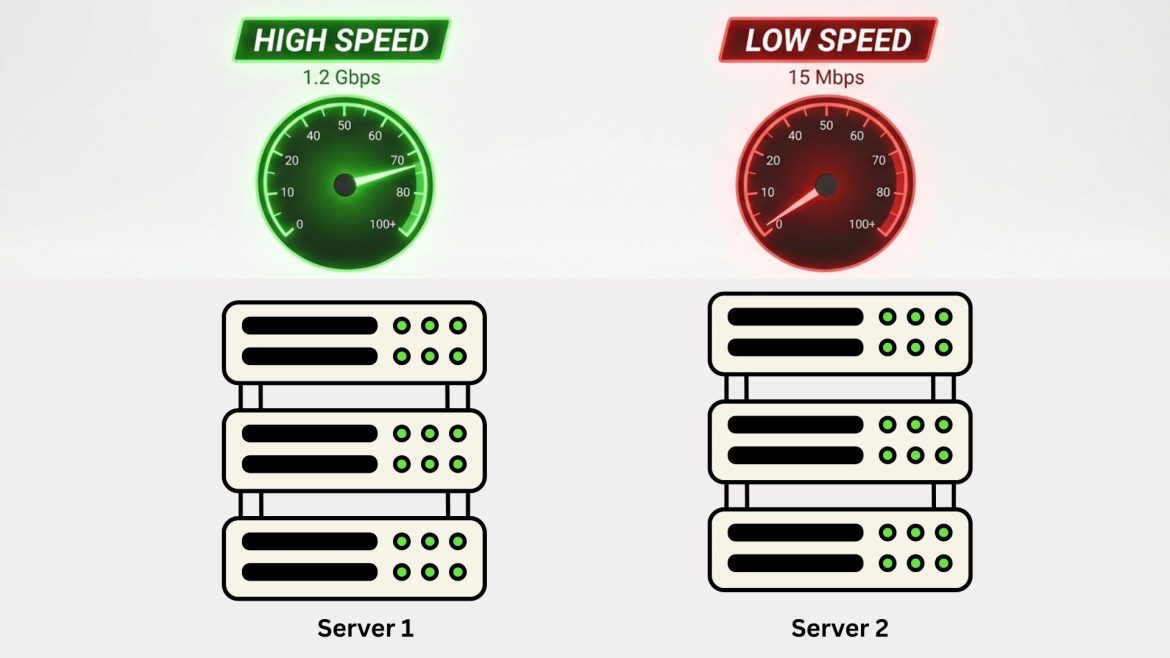
If you have ever launched two cloud instances with identical specifications- same CPU, memory, storage, and operating system, you might expect them to perform exactly the same. In reality, that rarely happens. One instance might boot faster, handle traffic more smoothly, or complete workloads quicker than another, even though both look identical on paper. This inconsistency often surprises engineers, startups, and DevOps teams. After all, cloud providers advertise standardized virtual machines. So why does performance still vary? In this article, we’ll explore the real reasons cloud instances behave differently despite having the same specs, and what you can do to minimize unpredictable performance. 1. The Hidden Layer: Virtualization and Shared Hardware Cloud instances are virtual machines running on physical servers …
Why “Cloud” Servers Still Go Down: Common Operational Mistakes
The word cloud often gives businesses a false sense of invincibility. Many assume that once systems move to AWS, Azure, or Google Cloud, outages become someone else’s problem. After all, cloud platforms promise high availability, redundancy, and scalability. Yet outages still happen and often in dramatic, business-disrupting ways. From e-commerce downtime to SaaS platform crashes, “the cloud” regularly reminds organizations that technology alone does not guarantee reliability. So why do cloud servers still go down? The answer usually isn’t the provider’s infrastructure. It’s operational mistakes made by the people designing, configuring, and managing cloud environments. Let’s explore the most common reasons cloud servers fail and what organizations can do to prevent them. 1. Treating the Cloud Like a Traditional Data …
No one can forget a 403 error in Google Cloud. The resource in question was validated to be present, and the permissions seemed to be set up correctly. However, met with a 403 Permission Denied message. If you’ve ever been there, you know how annoying this error can be. So let’s slow this down and talk about what a 403 error really means, why it keeps popping up, and how to usually fix it in the real world. What a 403 Error in Google Cloud Actually Means ? A 403 error in Google Cloud means that Google Cloud understands who you are, but it won’t let you do what you’re asking. That’s different from a login issue. Your identity is fine. …
How to Fix 502 Bad Gateway: Why IP Works but Domain Fails – Reverse Proxy Guide
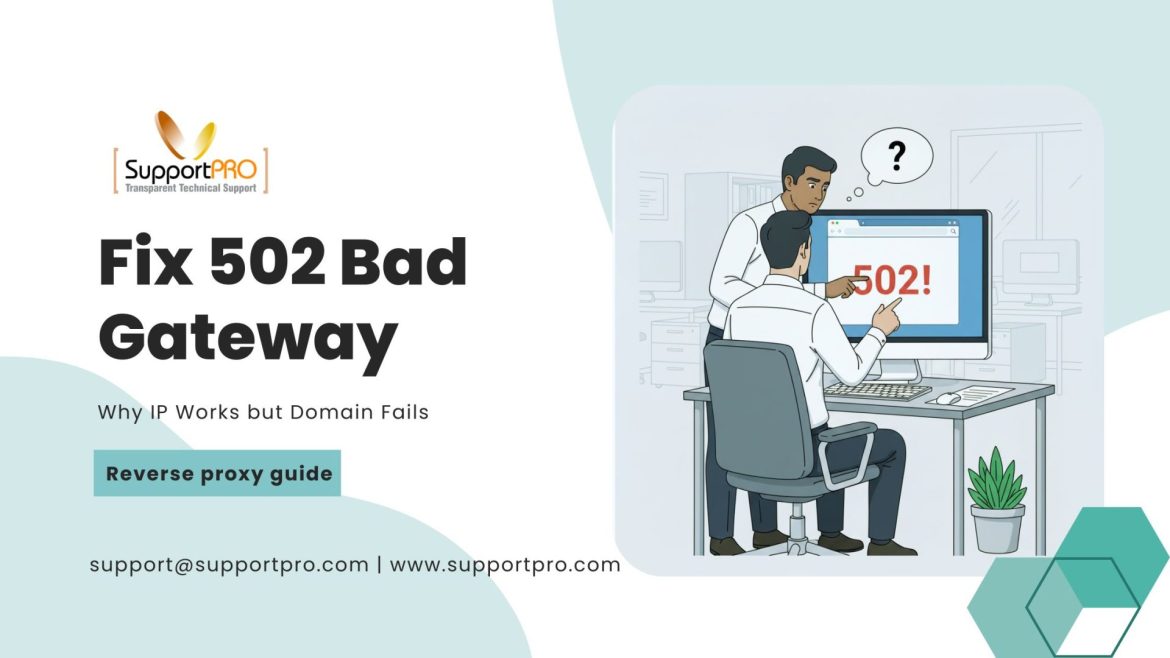
When you see a 502 Bad Gateway error , it can be frustrating, especially when your website works perfectly fine using the server’s IP address, but breaks when you access it through the domain name. It’s a very common issue that happens when you’re using a reverse proxy such as Nginx, Apache, or HAProxy. In this blog, we explained why it happens, and how you can fix it by following the steps one by one.
If you’ve managed a website before, chances are you are familiar with cPanel. It’s been the most popular panel for years. Reliable, familiar, and packed with features. Then there’s RunCloud a newer player built for modern cloud servers. It’s lighter, faster, and built with developers in mind.
Autoscaling in Kubernetes: Everything You Need to Know About Karpenter & CA
You launch your shiny new app on Kubernetes. Everything’s humming along nicely, users are happy, and you start to relax. Then out of nowhere, traffic spikes. Pages crawl, users complain, requests start failing. Panic mode: you scramble to add more servers. The storm passes, your app recovers, and now you’re stuck paying for all those extra machines that barely do anything once traffic calms down. If that story feels a little too familiar, welcome to the age-old cloud problem: Overprovision, and you burn money.Underprovision, and your users pay the price. The good news? Kubernetes actually has a built-in way to save you from this mess: autoscaling. With it, your cluster grows when you need extra muscle and shrinks when you …