If you’ve ever had a website slow down the moment traffic picks up, you’ll know how helpless that feels. You open the dashboard, refresh the monitor, maybe even restart the service, and still, it lags. In most of those moments, the problem isn’t that your server is weak. It’s usually that PHP and your FPM pool just aren’t tuned quite right. I’ve spent a lot of long nights inside RunCloud dashboards, and over time I’ve built a habit of adjusting a few key settings whenever I launch or optimize a …
Server
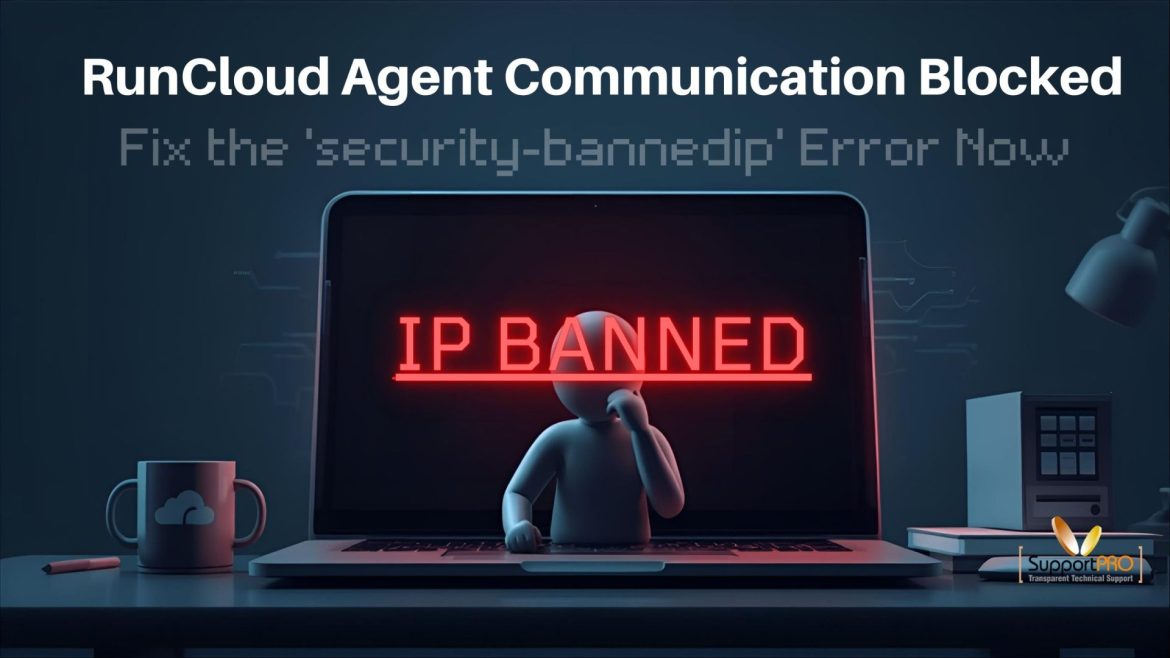
RunCloud Agent Communication Blocked? Fix the ‘security-bannedip’ Error Now
One fine day, RunCloud Suddenly Stops Talking to Your Server. When this incident occurred. I logged into RunCloud expecting the usual green lights, and instead I saw a red “security-bannedip” error. For a second, I thought I’d broken something serious. If you’re seeing the same message RunCloud Agent “security-bannedip”. Unable to communicate with Server (x.x.x.x) don’t panic. It almost always comes down to a simple connection issue.
If you’ve been running CPGuard for a while, you’ve probably seen it happen that a clean file gets flagged as “infected.”Don’t panic. It doesn’t mean your site’s hacked. It’s just a false positive, and even the best malware scanners do that sometimes. The good news? CPGuard gives you full control through its command-line tool, so you can check what got caught, verify it’s clean, and bring it back in just a few commands. Here’s how I usually handle it when it happens on a client’s server.
From Logs to Reports: Everything You Need to Know About Monitoring CPGuard Activity
When you’re managing a server, CPGuard is one of those tools you install once and forget about. It runs quietly in the background by scanning files, blocking malware, and keeping your hosting setup safe. But now and then, something acts up, or you just want to check what’s been going on under the hood. This guide helps you at this point. ll walk you through how to read and understand CPGuard’s logs from the command line on a Linux server. You’ll see where the log files are stored, how to …
When a mail server stops accepting connections or mail flow becomes intermittent, the problem can come from many layers: DNS, network, firewall, mail server software (Zimbra, Postfix), TLS certificates, or even system resources. This guide walks through practical, step-by-step troubleshooting techniques for Zimbra and Postfix connection issues, shows commands you can run immediately. This blog gives you a detailed guide to troubleshoot similar issues. If facing trouble in receiving mail from outside, you need to find out where the message is failing. While sending test message, you need to check …
If you’ve ever spent time working with Docker, you know the command line is powerful but not always fun. Typing out long commands, switching between logs, and trying to keep track of multiple containers quickly turns into a chore. That’s why a lot of people (myself included) eventually look for something friendlier, and that’s where Docker control panels come in. Think of them as dashboards for your containers. Instead of juggling everything through the CLI, you get a clean, visual interface where you can launch apps, check performance, manage storage, …
Introduction Information is perhaps the greatest asset of a company in today’s digital age. Companies count on their hosting companies to store information safely and according to worldwide standards, and keep servers in their best shape. Hosting firms bear tremendous responsibility for sensitive information, such as financial transactions, customer data, and mission-critical applications.Legally, compliance is no longer a checkmark. Compliance frameworks such as the General Data Protection Regulation (GDPR) and standards such as ISO certifications show clients that their information is cared for and handled with caution. These standards are …
Introduction In the cloud and hosting industry, effective server management is no longer optional. Today’s customers want the fundamentals: accurate billing, timely support, effective provisioning and uptime. To meet those expectations, managed service providers (MSPs), data centers and hosting companies need effective and efficient systems. For many years, WHMCS (Web Host Manager Complete Solution) has been the reliable automation platform for web hosting companies. It integrates billing, provisioning, and client support in one place. However, the true power of WHMCS stems from its vast array of add-ons. These modules turn …
The rising penetration of the cloud and the need for securing workloads of the Google Cloud Platform are the need of the hour. GCP also provides a strong foundation for security controls. As such, customers have a responsibility to implement workload-specific security controls that rectify misconfiguration, unauthorized use, and growing threats. The increasingly complicated cloud structures and flexibility of services make security prioritization critical for evaluating deployment patterns of the future. Equally vital is maintaining agility and scalability through a combination of strategic monitoring and operational efficiency through best support …
In today’s digital landscape, cyber threats are evolving rapidly, making server and website security a top priority for businesses and individuals alike. Hackers deploy various attack methods—such as DDoS attacks, SQL injections, cross-site scripting (XSS), and malware infections to exploit vulnerabilities. Fortunately, several software tools can help prevent these attacks and safeguard your online assets. This blog explores essential security tools that protect servers and websites from cyber threats while ensuring performance and reliability. 1. Web Application Firewalls (WAFs) A Web Application Firewall (WAF) acts as a security checkpoint for …