

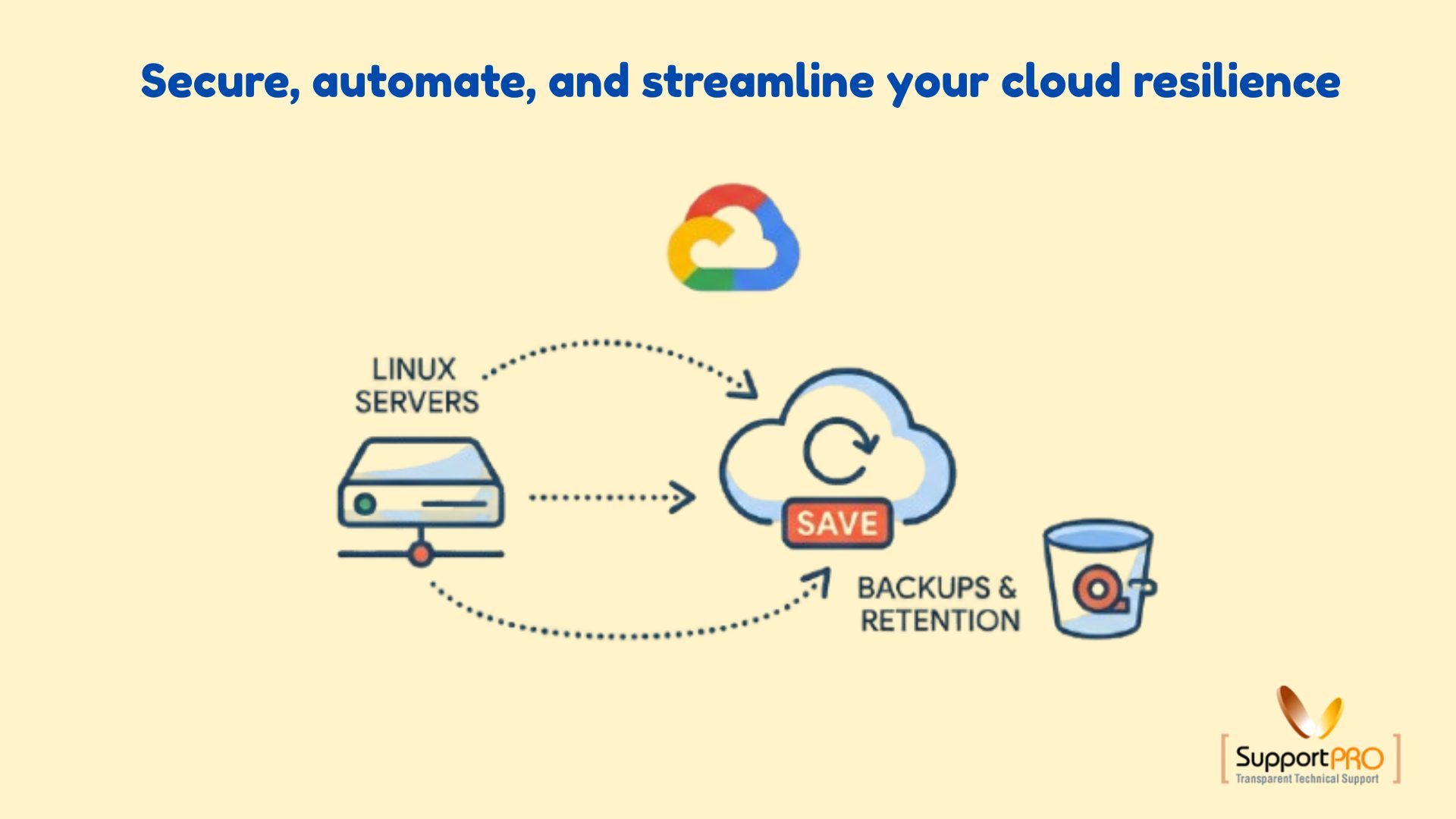
Managing Linux servers on Google Cloud Platform (GCP) goes beyond performance tuning and uptime monitoring. A well-defined backup plan is essential because even a minor misconfiguration, accidental deletion, ransomware attack, or system failure can lead to serious downtime and data loss.
A strong Backup Strategies for Linux Servers framework ensures business continuity, faster recovery, and reduced operational risk in cloud environments.
Why Backups Matter in GCP
While GCP provides high availability and resilient infrastructure, it does not automatically protect against:
- Accidental file or VM deletion
- Malware or ransomware attacks
- Configuration errors during updates
- Data corruption due to application failures
Without a backup system in place, recovery becomes complex and time-consuming.
A reliable backup strategy ensures:
- Fast disaster recovery
- Protection against human errors
- Rollback options after failed deployments
- Compliance with retention policies
- Continuous business operations
Identify What Needs to Be Backed Up
Not every Linux server requires the same level of backup. Start by identifying critical components:
- Application source files
- Databases and data stores
- User-generated content
- System configurations
- SSH keys and credentials
- Web server and deployment configs
- Logs (if required for audits or debugging)
Stateless systems may rely mainly on snapshots, while database-heavy systems require deeper, application-aware backups.
Use Persistent Disk Snapshots
One of the most effective native backup methods in GCP is Persistent Disk snapshots.
Snapshots create point-in-time copies of disk data and store them independently of the VM instance. They are incremental, meaning only changed data is stored after the first snapshot.
Benefits:
- Quick and simple backup creation
- Cost-efficient storage usage
- Easy restoration of full VMs
- Cross-region replication support
- Integration with automation tools
They are ideal for:
- Web servers
- Application servers
- Test and staging environments
However, snapshots alone may not guarantee consistent database states during active writes.
Automate Snapshot Scheduling
Manual backups are unreliable at scale. GCP allows automated snapshot schedules to ensure consistency.
A typical strategy includes:
- Daily snapshots for production systems
- Weekly snapshots for longer retention
- Monthly archives for compliance
Automation ensures backups run consistently without human dependency and reduces the risk of missed recovery points.
Combine Snapshots with File-Level Backups
While snapshots are powerful, restoring a full disk just to recover a single file is inefficient.
File-level tools provide granular recovery:
rsynctarBorgBackupRestic
Recommended approach:
- Daily snapshots for system-level recovery
- Hourly file backups for critical directories
- Cloud Storage-based offsite backups
This layered approach improves flexibility and recovery speed.
Store Backups Across Multiple Regions
Keeping backups in the same region as production systems increases risk during regional outages.
Best practices include:
- Replicating snapshots across regions
- Using multi-region storage buckets
- Maintaining geographically separate backups
This ensures resilience even during large-scale infrastructure failures.
Database-Aware Backup Strategies
For Linux servers running databases, disk snapshots alone are not enough.
Use database-native tools:
- MySQL:
mysqldump - PostgreSQL:
pg_dump - Binary logs for point-in-time recovery
For production systems, combining database backups with disk snapshots provides the most reliable recovery mechanism.
Test Your Backup and Recovery Process
A backup is only useful if it works during real recovery scenarios.
Regular testing should include:
- VM restoration from snapshots
- File-level recovery tests
- Database integrity checks
- Recovery time benchmarking
Testing ensures there are no surprises during real incidents.
Secure Your Backup Data
Backups often contain sensitive and critical data. Security must be built into the strategy.
Key practices:
- Enable encryption at rest
- Restrict IAM access permissions
- Use private storage buckets
- Rotate access credentials regularly
- Monitor backup access logs
Security and backup planning should always work together.
Best Practices for Linux Server Backups in GCP
To build a strong long-term backup system:
- Automate all backup processes
- Follow the 3-2-1 backup rule
- Maintain multiple recovery points
- Monitor backup failures actively
- Define clear retention policies
- Keep backup systems separate from production
- Perform regular recovery testing
A balanced strategy ensures cost efficiency and fast recovery.
Conclusion
Implementing effective Backup Strategies for Linux Servers in GCP is essential for maintaining system reliability and protecting against unexpected failures. The most resilient setups use a combination of snapshots, file-level backups, database dumps, and multi-region storage.
Rather than relying on a single method, layered backup strategies provide flexibility, speed, and confidence during recovery.
Need reliable backup and disaster recovery for your Linux servers in GCP? Get expert help from SupportPro to secure and automate your cloud backups.
Facing issues?
Our technical support
engineers can solve it.


