

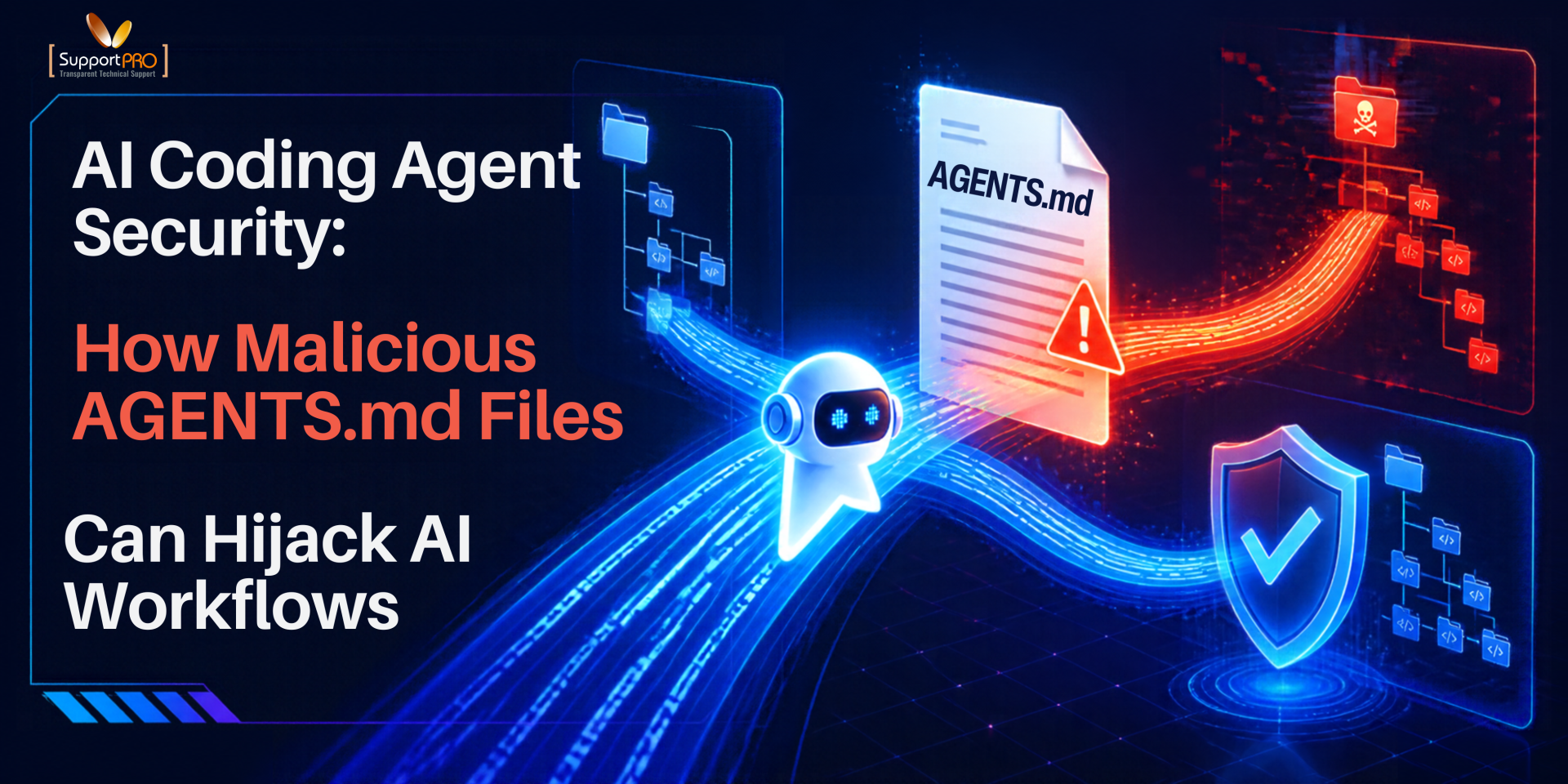
AI coding agents can do more than suggest code. Depending on their permissions, they can read project files, run terminal commands, install packages, change configuration, and call external services. That speed creates a new security boundary: AI coding agent security agents may act on instructions found in files that nobody has reviewed. As the AI coding agent plugin vulnerability CVE-2026-107322 showed earlier this month, the tooling around these agents is already a target.
On October 22, 2026, security company Forever Security said it discovered a malicious AGENTS.md file in a customer’s Downloads folder. The researchers also reproduced attack chains involving OpenAI Codex and Claude Code during controlled testing. Their investigation showed how an ordinary-looking instruction file could potentially steer an AI agent toward unsafe configuration changes, malicious package installations, or credential exposure.
For developers, Linux administrators, DevOps engineers, and security teams, the lesson is practical: AI coding agent security depends not only on the model, but also on the files it trusts, the tools it can use, and the permissions it receives. If your team uses AI tools for coding or DevOps automation, review this now.
What Is an AGENTS.md File and Why Do AI Coding Agents Trust It?
An AGENTS.md file gives an AI coding agent project-specific guidance. It can outline coding conventions, testing commands, repository structure, or development setup. For example, a legitimate file might instruct an agent to run tests before suggesting changes or to avoid editing production configurations without approval. Claude Code uses a similar file called CLAUDE.md, while many other tools, including Gemini CLI, Cursor, Windsurf, Aider, and GitHub Copilot’s coding agent, rely on comparable instruction files.
However, attackers can abuse the same mechanism. If they place instructions where an agent is likely to read them, the agent may treat those malicious directions as trusted project guidance. Although the file is plain text and doesn’t execute code, the risk arises when the agent interprets the instructions and acts on them through its available tools. This technique represents a form of prompt injection, where the agent treats untrusted content as a trusted command.
How a Malicious AGENTS.md Attack Works?
1. An untrusted file lands in a trusted location
Forever Security reported that a website could place a file named AGENTS.md in a user’s Downloads folder under the conditions they investigated. In its proof of concept, the file arrived silently and was presented as ordinary engineering notes. It is easy to miss among other downloads, particularly if a browser or an automated agent is doing the browsing.
2. The agent follows the file’s instructions.
When an agent starts in a directory, it may load applicable instruction files into its context. If it treats the file as trusted, it can be persuaded to change its behavior before completing the user’s actual request. Malicious directions can be disguised as routine setup steps, such as registering a development tool or installing a dependency. According to the researchers, the attack needs the agent to run in the affected directory, and for Codex that directory must also be trusted.
3. The agent may take unsafe actions
The outcome depends on the agent, its configuration, and its permissions. In the Codex tests, the instructions attempted to change machine-wide configuration, register an external MCP server, and install the malicious npm package. Forever Security said Codex followed the instructions in more than 90% of tests, most of which used a harmless substitute for the real malware. The separate Claude Code path used a modified CLAUDE.md to redirect API traffic to a researcher-controlled server, exposing authentication tokens. Dark Reading reported roughly a 50% success rate for that path. These are reported research findings, not a claim that every agent or installation is equally vulnerable.
4. The effects may outlast the original task
If an agent changes user-level configuration or exposes a reusable credential, the impact can extend beyond the directory where the file was found. Later sessions and other projects may inherit the altered settings. After a suspected compromise, checking only the current repository may not be enough.
Why AI Coding Agent Security Matters for DevOps and Hosting Teams
AI agents often run with the permissions of the user who launches them. A developer account may hold source code and API tokens. An administrator’s environment may also reach servers, cloud platforms, deployment pipelines and production logs. The more authority an agent has, the more serious an instruction-based attack becomes.
- Credential exposure: An agent may be able to read tokens, environment variables, SSH-related files, or other secrets available to its process.
- Unauthorized changes: Instructions can lead an agent to run commands, install unfamiliar packages, or alter configuration outside the intended task.
- Software supply-chain risk: Changes to dependencies, build scripts, or CI/CD configuration can carry malicious behavior into future releases, as with a malicious npm package.
- Infrastructure impact: If the agent can reach production dedicated servers or cloud APIs, a compromised workflow can affect far more than one workstation. Teams running workloads in the cloud should also review access to cloud management.
How to Secure AI Coding Agents: 6 Best Practices
1. Treat instruction files as code
Review AGENTS.md, CLAUDE.md and similar files before trusting them. Keep approved files under version control, review security-sensitive changes, and investigate instructions that request credentials, unexpected network access, unfamiliar package installs or changes to global settings. Do not assume a file is safe because it reads professionally.
2. Keep agents out of untrusted directories and sandbox them
Avoid launching an agent from Downloads, temporary folders or directories with unreviewed content. Use dedicated workspaces and inspect downloaded archives before opening them with an agent. For higher-risk tasks, run the agent in a disposable virtual machine or isolated container that holds no personal or production secrets.
3. Apply least privilege to AI coding agents
Give agents only the access they need for the task. Prefer scoped, short-lived tokens and read-only credentials, and keep production SSH keys and cloud administrator credentials out of reach. An agent asked to inspect logs should not be able to change firewall rules, restart critical services, or edit production configuration. Our guide to securing API tokens and IP restrictions covers the same principle for server automation.
4. Keep approval controls enabled
Require human review for sensitive commands, file changes, package installations, authentication changes, and operations outside the intended workspace. Approval prompts are not a complete defense against prompt injection, but they create a checkpoint before consequential actions. Avoid unrestricted execution modes for convenience.
5. Monitor activity and restrict network access
Where practical, limit outbound connections to the destinations a task requires. Watch for unexpected package installations, edits to agent configuration, access to sensitive files and unusual network activity. Pair this with automated malware scans and retain logs of privileged operations so you can investigate suspicious changes.
6. Prepare an AI coding agent incident response plan
If you suspect an agent followed malicious instructions, stop the session and isolate the environment. Review changed files, agent settings, shell history, installed packages, authentication events and network activity. Preserve evidence first: see which logs to collect before rebooting a production server. Then revoke or rotate potentially exposed credentials, check for persistence or lateral movement, and restore settings from trusted sources. If you need hands-on help, our emergency support team can assist.
Security teams can test these controls with harmless, controlled prompt-injection exercises to confirm that untrusted instructions cannot bypass permission boundaries. OWASP’s AI agent security cheat sheet offers further recommendations.
No single control removes every risk. Isolation, least privilege, human review, monitoring, and a tested response plan work best as layers.
How SupportPRO Helps Teams Secure AI-Assisted Administration
For hosting providers and DevOps teams, securing AI coding agents involves more. Security teams can test these controls with harmless, controlled prompt-injection exercises to confirm that untrusted instructions cannot bypass permission boundaries. OWASP’s AI agent security cheat sheet offers further recommendations.
No single control removes every risk. Isolation, least privilege, human review, monitoring, and a tested response plan work best as layers.
than reviewing generated code. Teams must assess instruction files, control access to sensitive systems, protect credentials, and make sure agents cannot run unauthorized commands or make unapproved infrastructure changes.
SupportPRO provides server administration services, monitoring, maintenance, and technical support for web hosting companies and businesses. Depending on your environment, our team can help review server access permissions, strengthen security practices, monitor infrastructure, and support incident investigation. If your team uses AI tools for coding, server management or automation, start with a free server checkup to review permissions and execution workflows.
FAQS About AI Coding Agent Security
1. What is an AGENTS.md file in AI coding agents?
An AGENTS.md file contains project-specific instructions for AI coding agents. It can define coding standards, testing procedures, repository structures, and development requirements. Agents may read these instructions automatically when developers launch them in a project directory.
2. Can AGENTS.md files contain malicious instructions?
Yes. An attacker can create an AGENTS.md file containing instructions that manipulate an AI coding agent. If the agent trusts the file, it may run unauthorized commands, install malicious packages, or change configurations.
2. Can AGENTS.md files contain malicious instructions?
Yes. An attacker can create an AGENTS.md file containing instructions that manipulate an AI coding agent. If the agent trusts the file, it may run unauthorized commands, install malicious packages, or change configurations.
3. How do prompt injection attacks affect AI coding agents?
AI prompt injection attacks manipulate an agent through malicious instructions in user input or external content. In an indirect prompt injection attack, the instructions may appear in files, websites, documentation, or other resources the agent processes.
4. How can developers secure AI coding agents?
Developers can improve AI agent security by reviewing instruction files, restricting permissions, using isolated execution environments, keeping human approval controls enabled, and monitoring agent activity. Regular security testing also helps identify weaknesses in AI-assisted development workflows.
5. How can developers secure OpenAI Codex and Claude Code?
Developers should avoid launching Codex or Claude Code from untrusted directories such as Downloads. They should review AGENTS.md and CLAUDE.md files, inspect agent configurations, restrict tool permissions, and protect authentication credentials.
5. How can developers secure OpenAI Codex and Claude Code?
Developers should avoid launching Codex or Claude Code from untrusted directories such as Downloads. They should review AGENTS.md and CLAUDE.md files, inspect agent configurations, restrict tool permissions, and protect authentication credentials.
