

1.Click Start, Programs, Administrative Tools, and select Internet Information Services (IIS) Manager. 2.Expand local computer and right click on Web Sites 3.Click New and select Web Site 4.Click Next to begin. 5.Type in a description for the website. This is usually the domain name but can be anything that we prefer to distinguish the site from others. 6.Click Next. 7.Type in the IP address of our new site. TCP port should be 80. * If the site is an IP-based site we can leave the host header line blank. *If the site is a name-based site we will need to enter the domain name in the host header line. If we prefer to view the name-based site using the IP …
Magic quotes is a module of php which was implemented in older versions of PHP. In latest versions, the module is depreciated. It is for the purpose of processing of escaping special characters with a ‘\’ to allow a string to be entered into a database. There are three magic quote directives: magic_quotes_gpc :- Affects HTTP Request data (GET, POST, and COOKIE). Cannot be set at runtime, and defaults to on in PHP. magic_quotes_runtime:- If enabled, most functions that return data from an external source, including databases and text files, will have quotes escaped with a backslash. Can be set at runtime, and defaults to off in PHP. magic_quotes_sybase :- If enabled, a single-quote is escaped with a single-quote instead …
‘rncd : connection failed : connection refused’ is a common error occurred in cpanel. Inorder to get the name servers work properly we need to eliminate this error. Elimination of this error is a simple process which takes only a few minutes via cPanel /scripts.. The steps to solve the issue is as follows : 1. Login to your server as root via SSH 2. Run: /scripts/updatenow 3. Run: /scripts/fixrndc The above steps should fix most of the cases, but if it does not, do follow the following steps : 1. Login to your server as root via SSH 2. Run: vi /etc/rndc.conf (or vi /etc/namedb/rndc.conf on FreeBSD) replace all instances of “rndc-key” with “rndckey” 3. Run: vi /etc/named.conf (or …
First we need to identify failed RAID Arrays. we can gather information from the following command’s output. # cat /proc/mdstat Removing the failed partition and disk # mdadm –manage /dev/md0 –remove /dev/sdb1 => Power down # shutdown -h now Then replace the drive and power up In order to use the new drive we should have to create the same partition table structure that was on the old One. # sfdisk -d /dev/sda | sfdisk /dev/sdb After that we can add the partitions to the RAID Array. # mdadm –manage /dev/md0 –add /dev/sdb1 Now, we can check the status of the partitions by issuing # cat /proc/mdstat First we need to identify failed RAID Arrays. we can gather information from …

.htaccess (hypertext access) is the default name of directory-level configuration file that provides decentralized management of configuration while inside your web tree. .htaccess files are often used for security restrictions on a particular directory. So it is very important to secure .htaccess. 1. Add the following code into the .htaccess files. # STRONG HTACCESS PROTECTION order allow,deny deny from all satisfy all 2. Secure your config.php by adding the follwoing # protect wp-config.php Order deny,allow Deny from all 3. Prevent hacker from browsing your directory by adding the code # disable directory browsing Options All -Indexes 4. Prevent script injections. # protect from sql injection Options +FollowSymLinks RewriteEngine On RewriteCond %{QUERY_STRING} (\<|%3C).*script.*(\>|%3E) [NC,OR] RewriteCond %{QUERY_STRING} GLOBALS(=|\[|\%[0-9A-Z]{0,2}) [OR] RewriteCond %{QUERY_STRING} _REQUEST(=|\[|\%[0-9A-Z]{0,2}) …
RAID stands for Redundant Array of Inexpensive Disks.The main purpose of raid is to increase logical capacity of storage devices used,improve read/write performance and ensure redundancy in case of a hard disk failure. Raid devices are marked by two letters and a number. Eg. md0,md1,md2. Raid is mostly used in large file servers where data accessibility is higher. Raid unit appears to be equivalent to a single large capacity disk drive. The remarkable benefit of disk array is that if any single disk in the RAID fails, the system and array still continues to function without loss of data. This is possible because the redundancy data is stored on separate disk drives and the RAID can reconstruct the data that was stored on the failed disk drive.

If you encounter the error: in your PHP application, it means your code is using a deprecated function that is no longer supported in modern PHP versions. This issue commonly appears after upgrading PHP, especially when migrating to PHP 5.4 or later. Understanding why this Deprecated Function error occurs and how to fix it will help ensure your application works properly on newer PHP environments. What Causes the Deprecated Function Error? The set_magic_quotes_runtime() function was used in older PHP versions to automatically escape special characters in incoming data and database queries. However, due to security concerns, performance issues, and the availability of better alternatives, this function was: As a result, applications that still use this Deprecated Function will generate warnings …
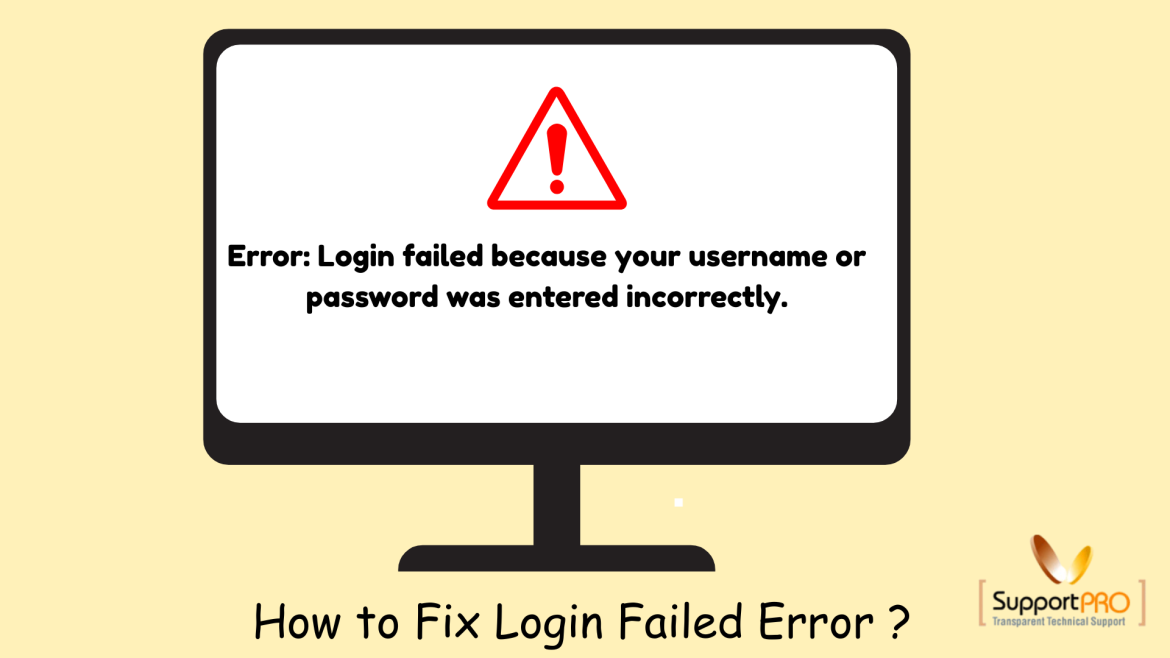
Webmail applications such as Horde and SquirrelMail are commonly used in hosting environments to access email accounts through a browser. Sometimes, users may encounter the following error while trying to log in: Even when the correct login credentials are used, this issue may still occur due to server configuration problems or incorrect domain settings. In this blog, we’ll explain the common causes of the Horde/Squirrel Mail login issue and how to fix it easily on a cPanel server. What is Horde/Squirrel Mail? Horde Webmail Horde is a feature-rich webmail application included with cPanel hosting. It provides: Horde is widely used because of its advanced collaboration features. SquirrelMail SquirrelMail is a lightweight webmail client written in PHP. It offers: Although older …
We can install additional modules not listed in the cPanel easyapache config options .To add custom module, we must know the version of Apache and PHP to which we need to add the module. Easy Apache allows us to specify any configure option supported by Apache and/or PHP. Place the option in the appropriate file; the files are as follows: Apache 1.3.x /var/cpanel/easy/apache/rawopts/Apache1 Apache 2.0.x /var/cpanel/easy/apache/rawopts/Apache2 Apache 2.2.x /var/cpanel/easy/apache/rawopts/Apache2_2 All PHP 4.x versions /var/cpanel/easy/apache/rawopts/all_php4 All PHP 5.x versions /var/cpanel/easy/apache/rawopts/all_php5 Mod_suPHP /var/cpanel/easy/apache/rawopts/all_suphp Specific PHP Version /var/cpanel/easy/apache/rawopts/PHP-X.X.X Adding entries to the appropriate file, easyapache will pick them up. For example, if we need to add LDAP support to PHP5, Create all_php5 file under /var/cpanel/easy/apache/rawopts. In this file please add the line –with-ldap …
In certain situations such as security incidents, compromised accounts, or routine security maintenance, administrators may need to reset passwords for all cPanel accounts on a server. The following script helps automate the process by generating strong passwords and updating them for every cPanel and FTP account. Step 1: Create the Password Change Script Create a script file named changepass.sh using your preferred editor: Add the following content: This script: Step 2: Set Execute Permission Make the script executable: Step 3: Run the Script Execute the script using: Output After execution: Important:Store the new-pass.txt file securely and delete it after distributing credentials to users. If you require help, contact SupportPRO Server Admin