

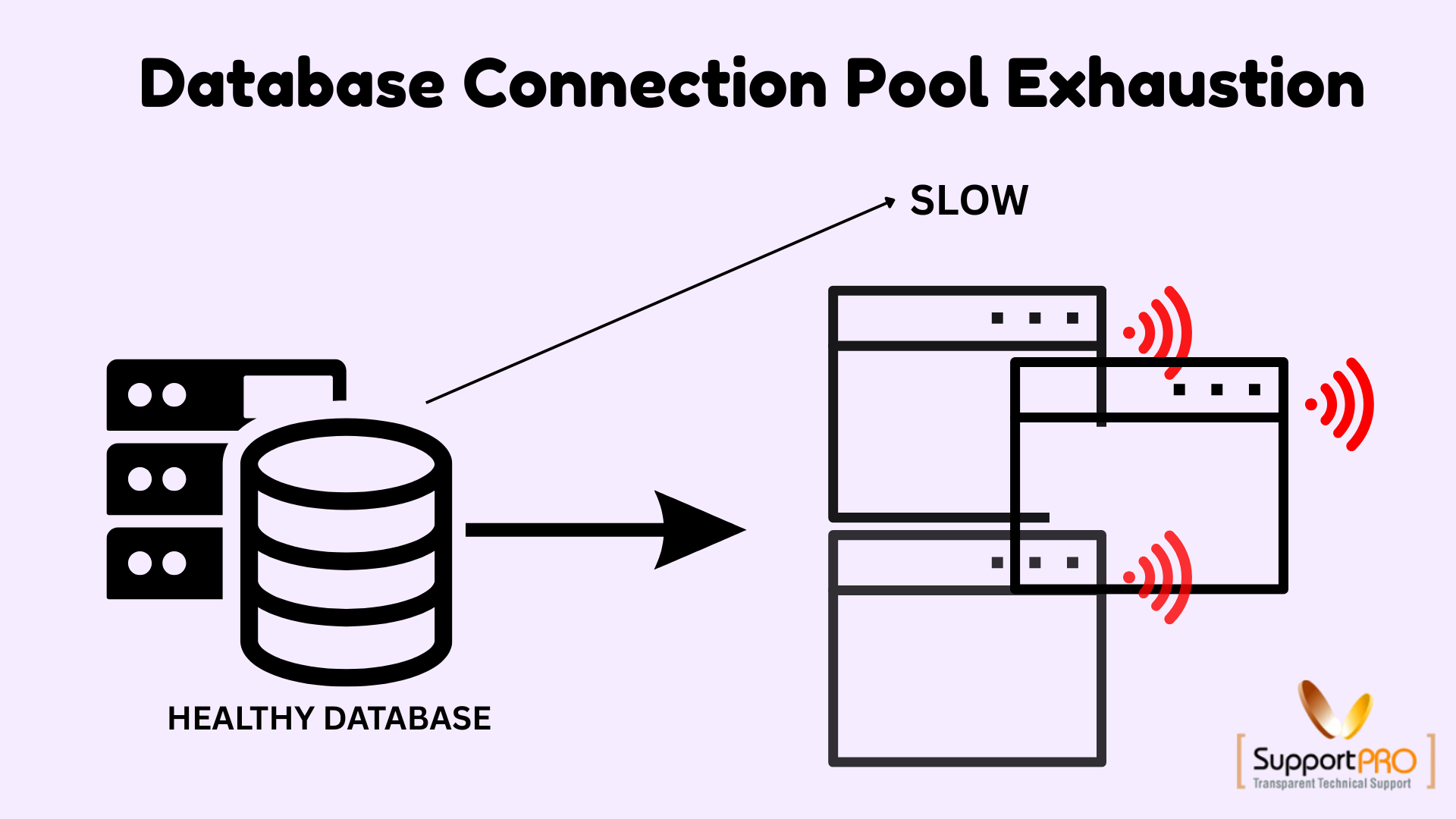
Modern applications rely heavily on databases to process transactions, retrieve information, and deliver seamless user experiences. To improve performance and reduce overhead, most applications use database connection pools to efficiently manage database connections.
While connection pooling significantly improves application performance, organizations occasionally encounter a sudden and unexpected problem: database connection pool exhaustion.
When all available connections are occupied, new requests are forced to wait or fail entirely. This can result in slow response times, application errors, and even service outages.
Understanding why connection pools become exhausted and how to prevent it is essential for maintaining scalable and high-performing applications.
What Is a Database Connection Pool?
A connection pool is a cache of reusable database connections maintained by an application.
Instead of creating a new database connection for every request—which is both time-consuming and resource-intensive—the application borrows an existing connection from the pool, performs the required operation, and then returns the connection for reuse.
This approach offers several benefits:
- Reduced connection overhead
- Faster response times
- Improved application scalability
- Efficient resource utilization
However, improper configuration or application behavior can quickly exhaust the available connections.
Key Connection Pool Configuration Parameters
Connection pools provide several configurable settings that control performance and resource management.
– Maximum Pool Size
Defines the maximum number of database connections that can exist simultaneously within the pool.
– Minimum Idle Connections
Specifies the number of connections that remain open and available, even during periods of low activity.
– Connection Timeout
Determines how long a request waits for an available connection before timing out.
– Idle Timeout
Specifies how long unused connections remain open before being automatically closed.
– Connection Validation
Verifies that a connection is active and healthy before it is assigned to an application request.
Properly configuring these parameters plays a critical role in preventing connection pool exhaustion.
What Happens When a Connection Pool Is Exhausted?
Connection pool exhaustion occurs when every available connection is actively in use and no additional connections are available to handle incoming requests.
When this happens, applications may experience:
-> Performance Degradation
Requests remain queued while waiting for a free connection, resulting in slower response times.
-> Timeouts
Applications may exceed configured timeout limits while waiting for database access.
-> Failed Transactions
Database operations may fail entirely if connections cannot be acquired within the required timeframe.
Without immediate intervention, pool exhaustion can impact application availability and user experience.
Common Causes of Database Connection Pool Exhaustion
1. Sudden Traffic Spikes
Unexpected increases in application traffic can rapidly consume available database connections.
Examples include:
- Flash sales
- Marketing campaigns
- Viral content
- Seasonal traffic surges
If the connection pool cannot scale quickly enough, requests begin waiting for available connections.
2. Connection Leaks
A connection leak occurs when an application borrows a database connection but fails to return it to the pool.
Over time, leaked connections permanently reduce the number of available connections.
Common causes include:
- Missing resource cleanup code
- Improper exception handling
- Unclosed transactions
- Application logic errors
Connection leaks are one of the most frequent causes of gradual pool exhaustion.
3. Long-Running Queries
Slow database queries hold connections for extended periods, preventing other requests from accessing the pool.
Typical causes include:
- Missing indexes
- Large table scans
- Complex joins
- Inefficient SQL statements
The longer a query runs, the longer the associated connection remains unavailable.
4. Poor Connection Pool Configuration
Improper pool settings can create resource bottlenecks even under normal workloads.
Examples include:
- Pool size configured too small
- Excessively long idle timeouts
- Insufficient idle connections
- Aggressive timeout settings
Configuration should be aligned with actual application traffic and database capacity.
5. Transaction Mismanagement
Database transactions hold connections until they are committed or rolled back.
Problems occur when:
- Transactions remain open unnecessarily
- Commits are delayed
- Rollbacks are not executed properly
Long-running transactions effectively lock connections and reduce pool availability.
6. Database or Network Latency
Even well-managed connections can appear busy when database response times increase.
Potential causes include:
- Slow storage systems
- Network congestion
- Database resource limitations
- Replication delays
Higher latency increases connection occupancy time, contributing to pool exhaustion.
How to Diagnose Connection Pool Exhaustion
> Identify the Root Cause
Begin by analyzing:
- Query execution times
- Connection usage metrics
- Application logs
- Database performance statistics
Determine whether the issue originates from traffic spikes, slow queries, connection leaks, or configuration limitations.
> Analyze Connection Usage
Review how connections are being allocated and released.
For example:
Java Applications
Use:
try-with-resourcesto automatically release connections.
Python Applications
Use:
with connection.cursor():to ensure proper cleanup after query execution.
Proper resource management prevents connection leaks and improves pool efficiency.
> Monitor Query Performance
Review slow query logs and execution plans to identify database bottlenecks.
Optimizing query performance reduces connection hold times and increases throughput.
How to Fix Connection Pool Exhaustion
> Optimize Database Queries
Focus on:
- Adding indexes
- Simplifying joins
- Reducing full table scans
- Limiting unnecessary data retrieval
Faster queries release connections more quickly.
> Adjust Pool Configuration
Depending on workload requirements, consider:
- Increasing maximum pool size
- Configuring appropriate idle timeouts
- Enabling connection validation
- Fine-tuning connection timeout values
Avoid increasing pool size without evaluating database capacity, as this may simply move the bottleneck elsewhere.
> Scale Database Infrastructure
If the database itself is the limitation, consider:
- Increasing CPU and memory resources
- Migrating to faster storage
- Using read replicas
- Implementing database clustering
Infrastructure upgrades can significantly improve throughput and reduce connection wait times.
> Implement Monitoring and Alerts
Monitor key metrics such as:
- Active connections
- Idle connections
- Waiting requests
- Query execution times
- Timeout events
Configure alerts before exhaustion occurs so teams can respond proactively.
Recommended Connection Pool Tuning Parameters
The following values can serve as a starting point for many production workloads:
| Parameter | Recommended Value |
|---|---|
| maxPoolSize | 50–100 (depending on workload) |
| minimumIdle | 10 |
| connectionTimeout | 3000 ms |
| idleTimeout | 10 minutes |
| maxLifetime | 30 minutes |
| leakDetectionThreshold | 5 seconds |
| validationQuery | SELECT 1 |
| cachePrepStmts | true |
These values should always be adjusted based on application behavior, traffic patterns, and database capacity.
Best Practices for Preventing Connection Pool Exhaustion
To maintain optimal database performance:
-> Always Release Connections
Ensure connections are returned to the pool immediately after use.
-> Optimize Queries Regularly
Review slow queries and maintain proper indexing strategies.
-> Keep Transactions Short
Avoid leaving transactions open longer than necessary.
-> Tune Pool Settings Based on Real Usage
Use production monitoring data to adjust pool parameters.
-> Monitor Continuously
Track connection metrics and establish alerting thresholds.
-> Scale Proactively
Leverage read replicas, database clustering, and cloud auto-scaling when growth demands additional capacity.
Implement Retry Logic
Use intelligent retry mechanisms and request queues to handle temporary traffic surges gracefully.
Conclusion
Database connection pool exhaustion is a common but preventable performance issue. Whether caused by connection leaks, slow queries, traffic spikes, transaction mismanagement, or poor configuration, exhausted connection pools can significantly impact application reliability.
By understanding connection pool behavior, monitoring usage patterns, optimizing database performance, and implementing proper pool tuning strategies, organizations can maintain stable, scalable, and high-performing applications.
A proactive approach to connection pool management not only prevents outages but also improves overall application efficiency and user experience.
Experiencing database connection pool exhaustion or application performance issues?
SupportPro‘s database experts can help identify connection bottlenecks, optimize pool configurations, tune database performance, and implement proactive monitoring solutions. Contact us today to keep your applications running smoothly and efficiently.
Facing issues?
Our technical support
engineers can solve it.


