

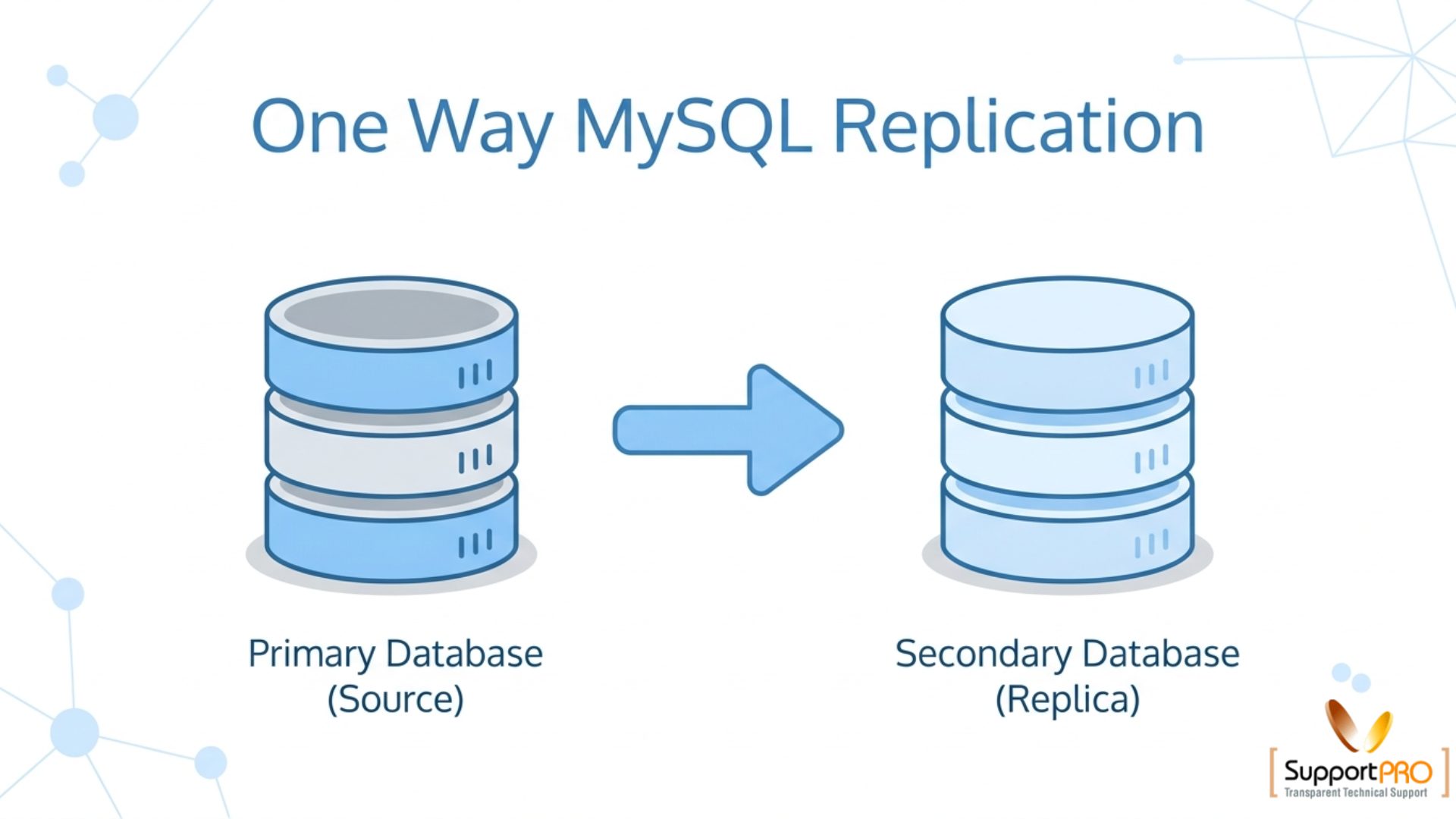
One way replication of MySQL database is a commonly used method for copying data from a master database server to one or more replica servers. MySQL replication helps maintain synchronized database copies across multiple systems using binary logs, improving availability, scalability, and backup reliability.
In one-way replication, data flows only from the master server to the replica servers. The replicas receive updates from the master but do not send data back. This setup is widely used for backup servers, read-only database servers, disaster recovery, and load balancing.
Although MySQL replication offers many advantages, it is important to understand that corrupted or accidentally deleted data on the master server can also be replicated to the replicas. Because of this, regular database backups should always be maintained in addition to replication.
Advantages of One Way Replication of MySQL Database
Some major benefits of MySQL replication include:
- Improved database availability
- Better disaster recovery options
- Reduced load on the master server
- Faster read operations using replica servers
- Backup support without affecting production databases
- Easier database scaling for large applications
Replication is especially useful for websites and applications that handle large amounts of traffic and database queries.
Steps for One Way Replication of MySQL Database
1. Create Database on All Servers
Create the same database on both the master and replica servers.
mysql -u db_user -p -e "CREATE DATABASE db_name"2. Create Replication User on Master Server
Create a database user with replication privileges on the master server.
GRANT REPLICATION SLAVE ON *.* TO 'replication_user'@'replication_clients'
IDENTIFIED BY 'replication_password';
You can also specify a particular database instead of all databases:
GRANT REPLICATION SLAVE ON db_name.* TO 'replication_user'@'replication_clients'
IDENTIFIED BY 'replication_password';
3. Configure MySQL Master Server
Edit the MySQL configuration file (my.cnf) on the master server to enable replication.
[mysqld]
server-id = 1
log-slave-updates
log-bin = /var/lib/mysql/mysql-bin
log-bin-index = /var/lib/mysql/mysql-bin.index
replicate-do-db = db_name
log-warnings
innodb_flush_log_at_trx_commit = 1
sync-binlog = 1
innodb_safe_binlog
Important Parameters
server-id→ Unique server identifierlog-bin→ Enables binary loggingreplicate-do-db→ Specifies the database to replicate
4. Take Database Backup from Master
Lock the database tables before creating a dump.
USE db_name;
FLUSH TABLES WITH READ LOCK;
Now create the database dump:
mysqldump -u dbuser -p db_name > db_dump.sqlImport the dump into the replica server:
mysql -u dbuser -p db_name < db_dump.sqlAfter the backup is completed, unlock the tables:
USE db_name;
UNLOCK TABLES;
5. Configure Replica Server
Edit the MySQL configuration file on the replica server with master server details.
[mysqld]
old_passwords = 1
server-id = 2
innodb_file_per_table
log-slave-updates

master-host = master_hostname
master-port = master_port
master-user = master_user
master-password = master_password

log-bin = /var/lib/mysql/mysql-bin
log-bin-index = /var/lib/mysql/mysql-bin.index
Notes
- Replica servers must have a different
server-idfrom the master. - Replace placeholder values with actual master server details.
6. Restart MySQL Services
Restart the MySQL daemon on both master and replica servers.
Example for Linux systems:
systemctl restart mysqldor
service mysqld restart7. Verify Replication Status
Check replication status on the master server:
SHOW MASTER STATUS;Check replication status on the replica server:
SHOW SLAVE STATUS\GIf replication is working properly, the following values should display as Yes:
Slave_IO_Running: YesSlave_SQL_Running: Yes
Common Issues in MySQL Replication
Some common problems during one way replication of MySQL database include:
- Incorrect master credentials
- Firewall blocking MySQL port
- Duplicate
server-idvalues - Binary logs disabled
- Incorrect database permissions
- Corrupted replication logs
Carefully verifying the MySQL configuration files and logs can help resolve most replication issues.
Conclusion
One way replication of MySQL database is an effective solution for improving database availability, scalability, and backup management. By configuring a master-replica setup, administrators can distribute database workloads and maintain synchronized copies of important data.
However, replication should not replace regular backups because corrupted data on the master server can still propagate to replica servers. Combining replication with scheduled backups provides a more reliable and secure database environment.
If you require help, contact SupportPRO Server Admin
Facing issues?
Our technical support
engineers can solve it.


