

Managing internet usage is essential in organizations to ensure productivity and optimize bandwidth. Video streaming platforms can consume significant network resources, affecting performance for critical applications. Using Squid, administrators can easily restrict access to such websites by configuring access control rules. Understanding Squid Access Control Squid uses Access Control Lists (ACLs) to define rules for allowing or denying access to specific resources. These rules help administrators control which websites users can access through the proxy. Step 1: Edit Squid Configuration File Open the Squid configuration file: Step 2: Add ACL to Block Domains Add the following line to define a rule for blocking video streaming sites: What This Does: Step 3: Deny Access to These Domains Add the following line …
IntroductionWhen working on a Linux server, there may be situations where you do not want commands typed into the terminal to be displayed on the screen. This can be useful when entering sensitive information, demonstrating commands in a shared environment, or performing administrative tasks where command visibility should be minimized.Linux provides a simple way to temporarily disable command echoing using the stty command. In this article, we’ll explain how to hide commands entered in the shell and how to restore normal terminal behavior afterward.Hiding Commands in the ShellYou can hide the commands entering in the shell by using stty commandstty -echoNow all the commands that you type will be invisible. To disable this, you can use the commandstty echoConclusionThe stty …
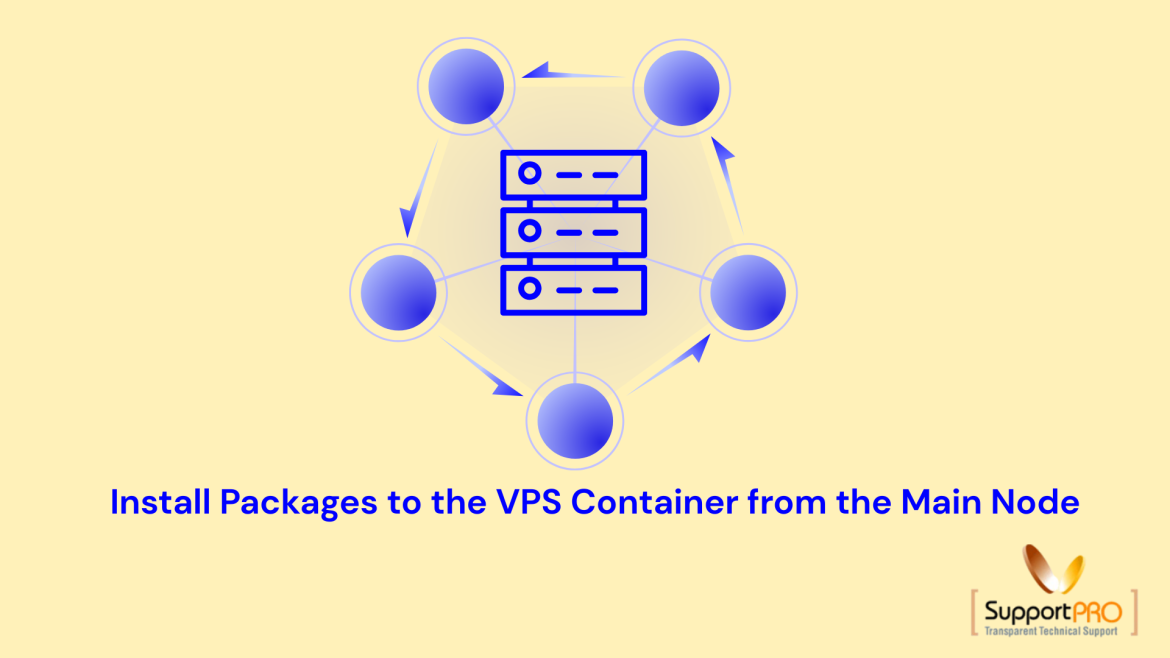
When managing virtual private servers (VPS) based on container virtualization, such as OpenVZ/Virtuozzo-style environments, you often need to install packages directly into a container from the main (host) node. This approach is useful for automation, recovery, or bulk provisioning without logging into each container individually. One of the commonly used commands for this purpose is: Here, VEID represents the Container ID, and yum is the package manager used inside the container. What This Command Does The command allows the host node (main server) to install packages inside a specific VPS container without SSH access into that container. Breakdown: When to Use This Method You can use this command in scenarios like: Example Usage If your container ID is 101, the …
Sometimes administrators need to identify server details such as the web server type, PHP version, or server configuration without having direct login access. This information can often be retrieved using simple command-line tools. One effective method is using the wget command to fetch HTTP response headers from a website. Using wget to Retrieve Server Details You can collect server information by running the following command: This command checks the website without downloading its content and displays HTTP header information returned by the server. Example Command Example output: Understanding the Output The response headers reveal important server details: This method helps administrators quickly gather major server information without SSH or control panel access. When Is This Useful? Conclusion Using the wget …
Swap space is defined as a temporary storage that can be used when machine’s memory requirements exceeds the size of the RAM available. Usually size of the swap partition is double of RAM memory. You can add a swap partition or add a swap file. I would recommend you to add a swap partition, but sometimes isn’t easy if you do not have enough free space. This article explains how to add a swap file to a Linux system. Determine the size of the new swap file and multiple by 1024 to find the block size. For example, the block size of a 128 MB swap file is 131072. Open the shell prompt as root and type the below command. …
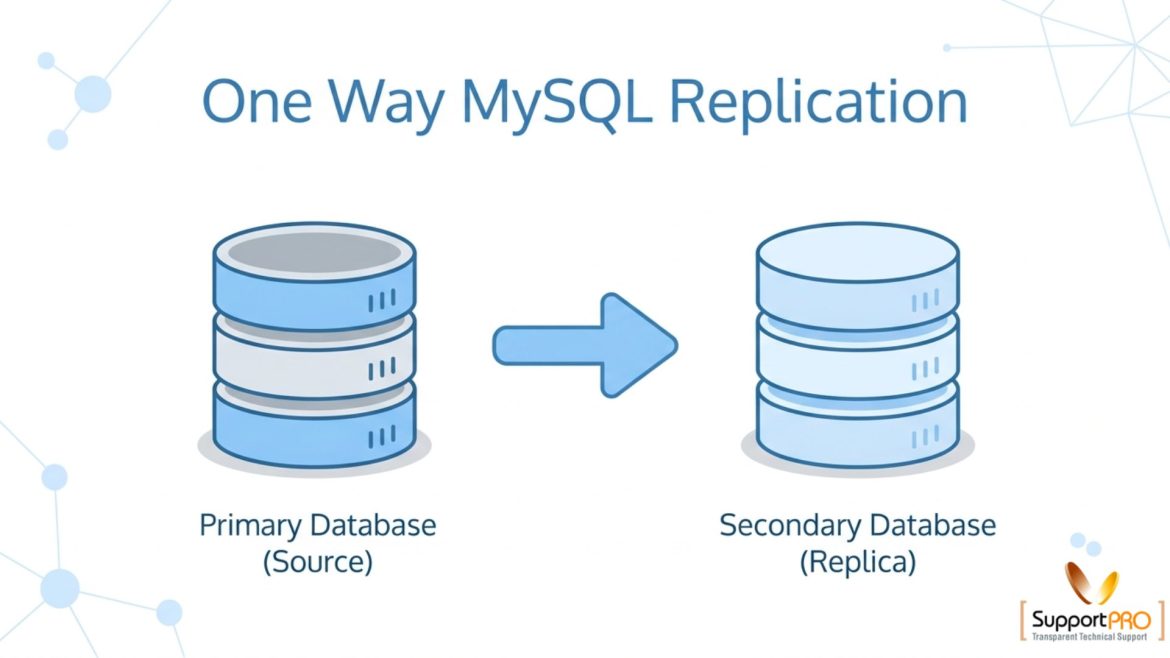
One way replication of MySQL database is a commonly used method for copying data from a master database server to one or more replica servers. MySQL replication helps maintain synchronized database copies across multiple systems using binary logs, improving availability, scalability, and backup reliability. In one-way replication, data flows only from the master server to the replica servers. The replicas receive updates from the master but do not send data back. This setup is widely used for backup servers, read-only database servers, disaster recovery, and load balancing. Although MySQL replication offers many advantages, it is important to understand that corrupted or accidentally deleted data on the master server can also be replicated to the replicas. Because of this, regular database …
Sender Policy Framework (SPF) is actually an e-mail validation system designed to prevent e-mail spam by addressing a common susceptibility to get attacked. The main design intent of the SPF record is to allow a receiving MTA (Message Transfer Agent) to ask the nameserver of the domain which appears in the email (sender) and check if the originating IP of the mail (source) is authorized to send mail for the sender’s domain. The mail sender is required to publish an SPF but the sending MTA is unchanged.
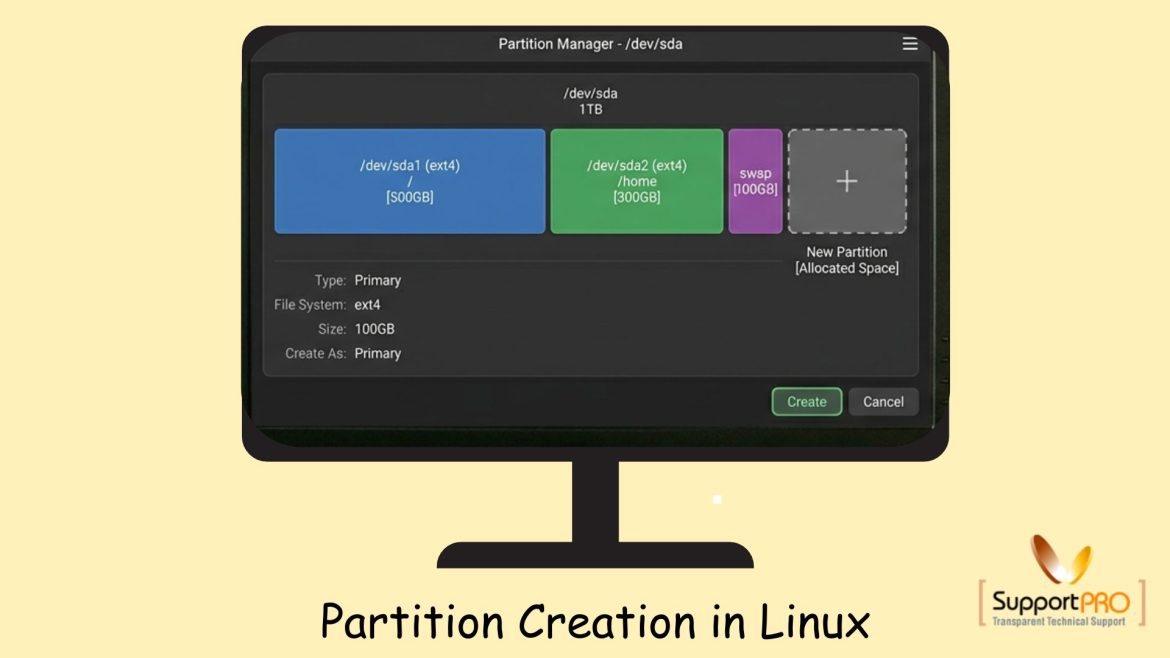
Managing disk partitions is an essential task for Linux system administrators. Proper disk partitioning helps organize storage, improve performance, and simplify server management. Whether you are setting up a new server or adding additional storage, understanding Partition creation in Linux is extremely important. In this guide, we will explain how to create partitions, format them, mount them, and make the configuration permanent using Linux commands. What is Partition Creation? Partition creation is the process of dividing a physical hard disk into separate logical sections called partitions. Each partition can: Linux systems commonly use partitions to organize storage efficiently. Why Partitioning is Important Disk partitioning provides several advantages: For servers, partitioning also helps isolate workloads and reduce storage-related issues. Step 1: …
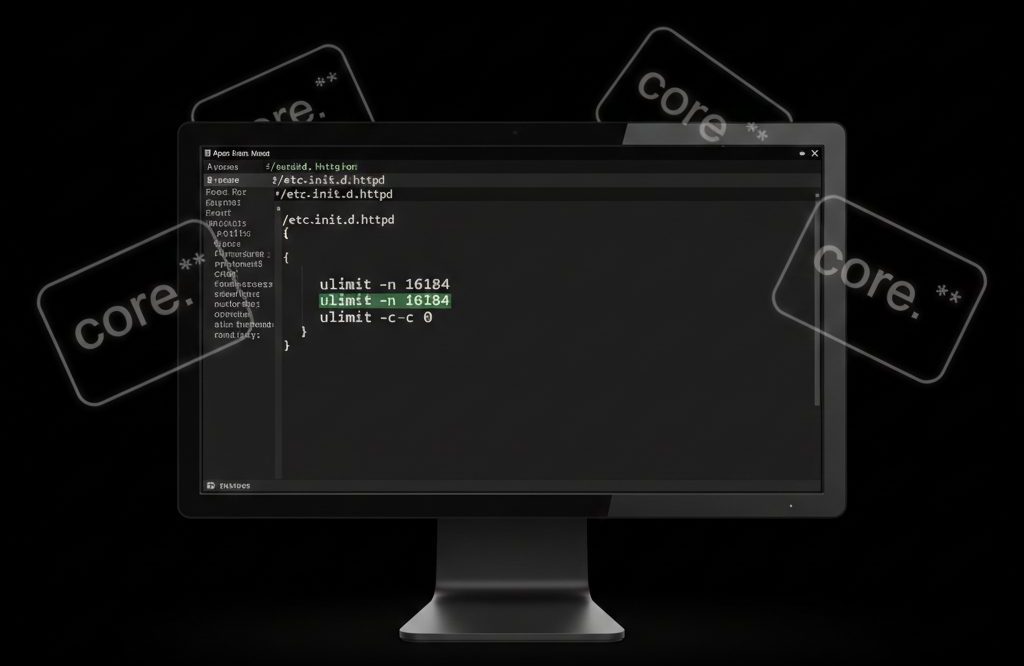
A core file (core dump) is a memory snapshot of a running process at the time it crashes or is forcefully terminated. When a PHP process is killed (due to memory limits, segmentation faults, or fatal errors), Apache HTTP Server may generate core dump files under the user’s account. These files: In most shared or VPS hosting environments, it is safe to disable core dumps unless you are actively debugging crashes. Why Core Files Are Created Core dumps are typically generated when: On servers running PHP with Apache, these dumps may appear in: or sometimes in: Are Core Files Safe to Delete? Yes. If you are not debugging crashes, core files: How to Disable Core Dumps in Apache To prevent …
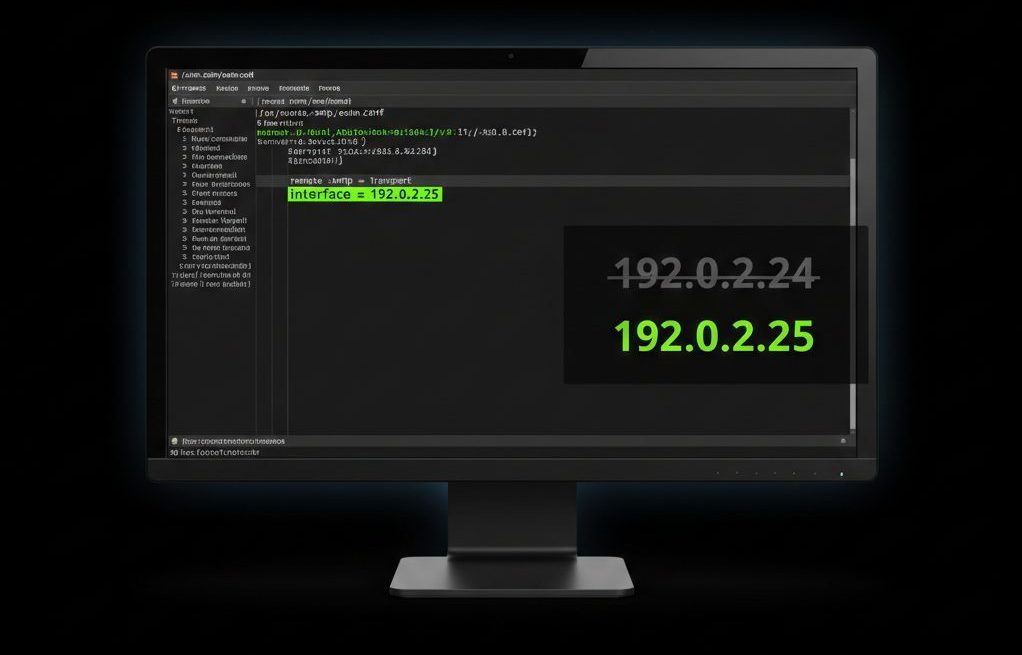
When a server’s primary IP address becomes blacklisted, outgoing emails may: If your server uses Exim as its mail transfer agent (MTA), you can temporarily restore email delivery by configuring Exim to send mail from an alternate IP address. This guide explains how to safely change the outgoing SMTP IP in Exim, verify the configuration, and avoid common deliverability mistakes. Why an IP Gets Blacklisted Before switching IPs, understand the root cause. Common reasons include: Changing the outgoing IP is a temporary workaround.The underlying issue must still be investigated and fixed. Step 1: Confirm the IP Is Actually Blacklisted Before modifying configuration: Check mail logs: Look for reputation or blacklist errors. Check blacklist status using: If the IP appears listed, …