

Follow the below steps to install Directadmin yum update yum install gcc* yum install flex cd /usr/local/src wget http://www.directadmin.com/setup.sh chmod 755 setup.sh ./setup.sh ClientID: enter client id License ID: enter license id Is eth0 ? enter NO if you are installing DA on VPS and YES on dedicated servers. service directadmin restart Directadmin admin password will be shown on the screen after completing the installation. You can get the MySQL password in DirectAdmin in /usr/local/directadmin/scripts/setup.txt. DirectAdmin will be accessible at http://ip.address:2222 If you require help, contact SupportPRO Server Admin
DirectAdmin is a popular web hosting control panel used to manage servers, websites, emails, and other hosting services. Sometimes, users may forget the admin password or need to reset it due to security reasons. In such cases, resetting the DirectAdmin password through the shell is a quick and effective solution. In this guide, we will explain simple methods to reset the DirectAdmin admin password using SSH access. Method 1: Reset Using DirectAdmin Setup Script One of the easiest ways to reset the admin password is by using the DirectAdmin setup script. Login to your server via SSH and run the following command: This script helps reconfigure DirectAdmin settings, including resetting or updating the admin password during the setup process. Make …
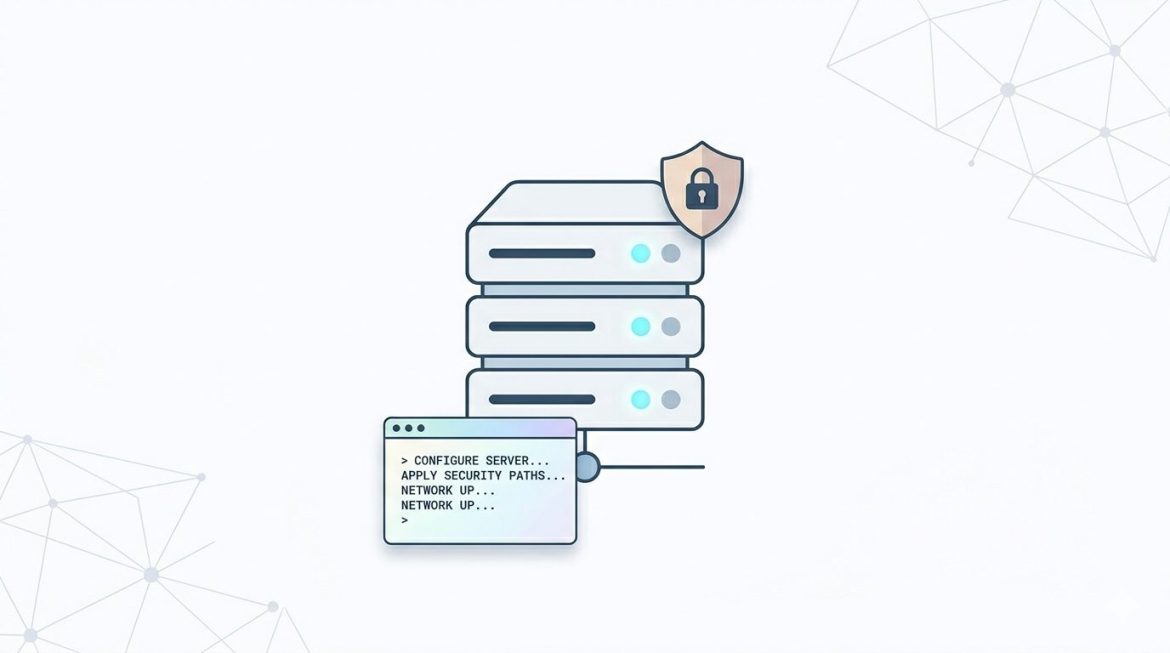
SuExec is an essential security feature used on web hosting servers to improve account isolation and protect websites from unauthorized access. Instead of running all scripts under the default web server user, SuExec allows scripts to execute under individual user accounts. This guide explains how to check if SuExec is enabled using SSH, WHM, or cPanel access. What Is SuExec? SuExec is a security mechanism commonly used on shared hosting environments. It ensures that each website runs with its own user permissions rather than sharing the same server identity. Why SuExec Matters When enabled, scripts run under the account owner instead of the web server user (such as nobody or apache). Method 1: Check SuExec Using SSH (Root Access) If …
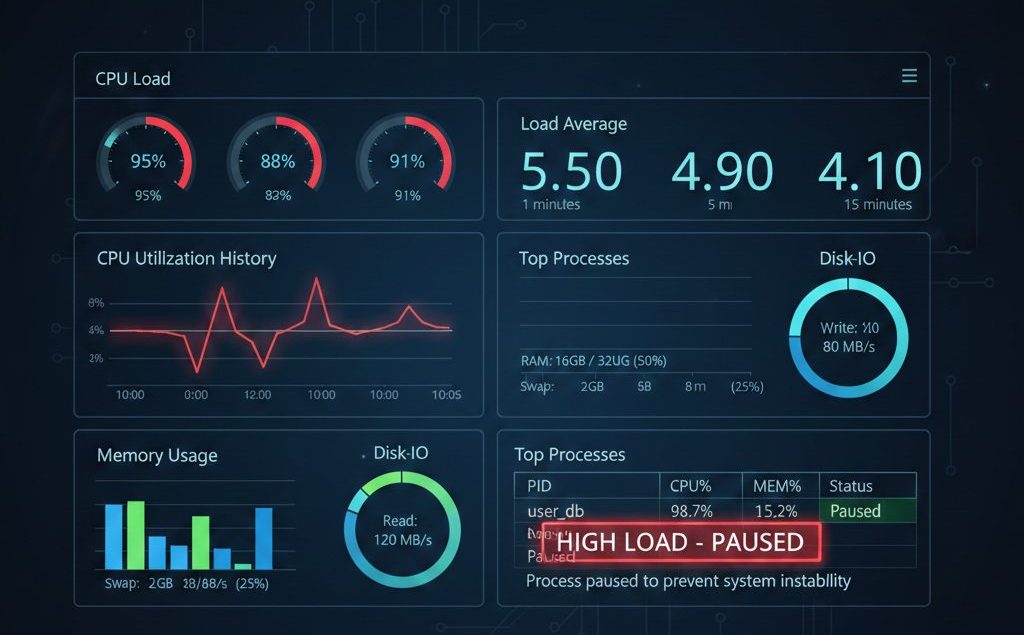
Running resource-intensive processes on a production server can significantly impact performance if system load becomes too high. Tasks such as backups, migrations, account packaging, or large-scale data processing can temporarily spike CPU usage and load average. If these processes run without control, they may: To prevent this, administrators can use CPUwatch, a utility available on cPanel servers, to run commands with a predefined load limit. CPUwatch ensures heavy processes execute only when sufficient system resources are available — automatically pausing execution when load exceeds a safe threshold. Understanding Server Load and Why It Matters Before using CPUwatch, it’s important to understand load average. Load average represents: On Linux servers, load values are typically shown for: As a general rule: Load …

If you run a website on an Apache server, the .htaccess file is one of the most powerful tools available to you. It allows you to control how your server behaves without modifying the main server configuration. Understanding .htaccess helps you manage redirects, secure directories, customize error pages, and improve website functionality, all from a single file. What is .htaccess? The .htaccess file (hypertext access) is a configuration file used by Apache web servers. It allows website owners to control access settings and modify server behavior at the directory level. With .htaccess, you can: It gives you granular control over how your server responds to requests. Why Is It Called .htaccess? The file has no extension and begins with a dot. This prevents …
While accessing phpMyAdmin, you may get the following error. #2002 – The server is not responding (or the local MySQL server’s socket is not correctly configured) This is due to the missing socket file in the location /tmp. The socket path which is specified in the phpMyAdmin configuration file is /tmp/mysql.sock.
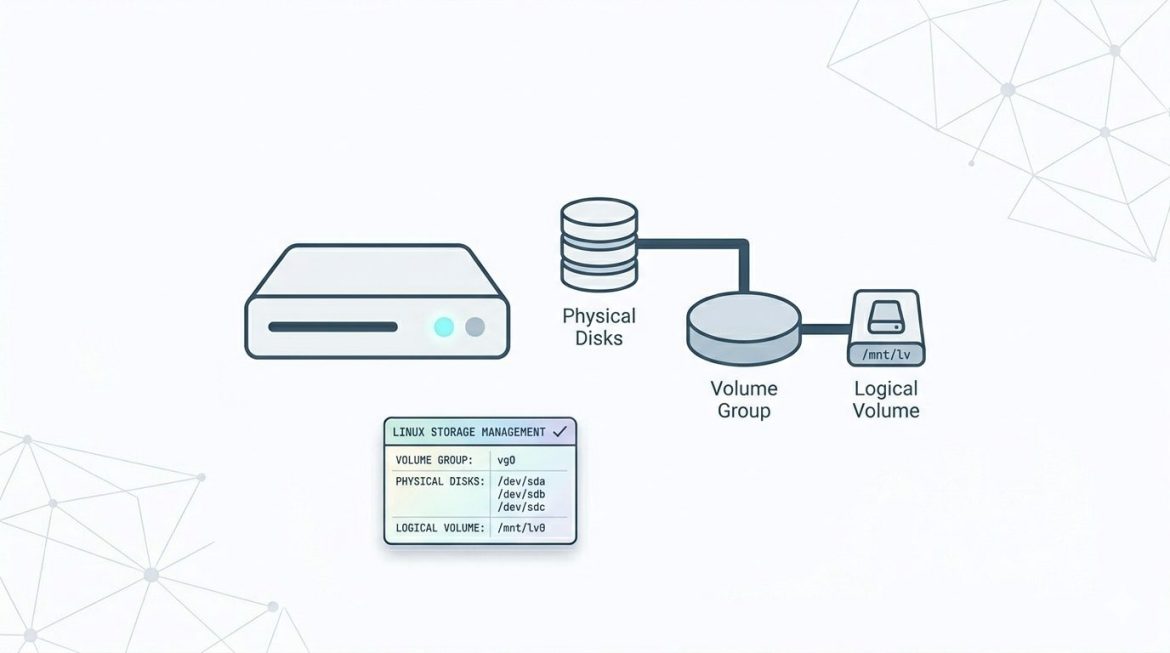
Logical Volume Manager (LVM) is a flexible storage management system in Linux that allows administrators to manage disk space more efficiently than traditional disk partitions. Instead of fixed partitions, LVM lets you create logical volumes that can be resized, extended, or reduced without major downtime. This guide explains what LVM is, important terminology, and how to create and extend logical volumes step by step. What Is LVM? LVM (Logical Volume Manager) is a method of allocating storage into logical volumes rather than static partitions. It provides flexibility by allowing multiple disks to be combined into a single storage pool. Key Advantages of LVM Important LVM Concepts Understanding LVM terminology is essential before creating volumes. 1. Physical Volumes (PV) Physical Volumes …

If you loose your server root password what would you do? It is not the end of the world. You can recover it in a single user mode.
mod_userdir It is an Apache module that allows you to create a separate website for each user on a server. These sites can all be accessed by going to, http://servername.com/~username Eg:- http://example.com/~user/ The module is installed on most Apache setups by default, but isnt necessarily always enabled. Most mass-hosted cPanel servers make extensive use of it for a variety of reasons. Apaches mod_userdir allows users to view their sites by entering a tilde(~) and their username as the URL on a specific host. For example http://test.cpanel.net/~test will bring up the user Tests domain How To Enable 1. To access the Server Setup Menu, click on Server Setup, on the main screen of your WebHost Manager interface. Then, click on Tweak …
Older Posts