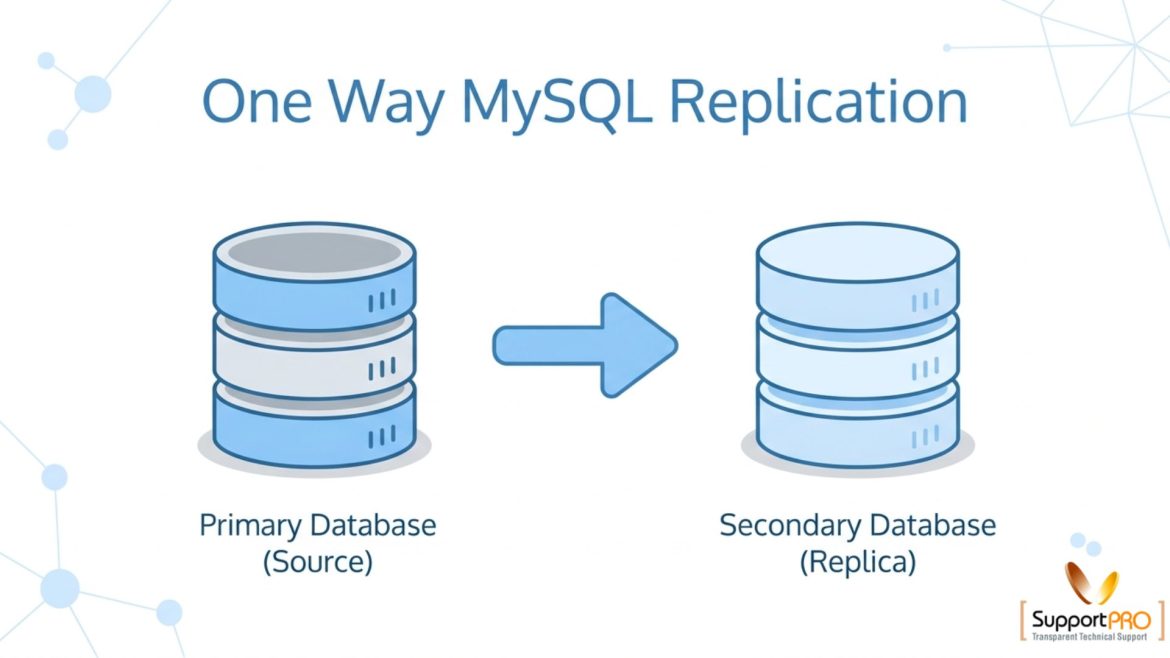
One way replication of MySQL database is a commonly used method for copying data from a master database server to one or more replica servers. MySQL replication helps maintain synchronized database copies across multiple systems using binary logs, improving availability, scalability, and backup reliability. In one-way replication, data flows only from the master server to the replica servers. The replicas receive updates from the master but do not send data back. This setup is widely used for backup servers, read-only database servers, disaster recovery, and load balancing. Although MySQL replication offers many advantages, it is important to understand that corrupted or accidentally deleted data on the master server can also be replicated to the replicas. Because of this, regular database …
Miscellaneous
Sender Policy Framework (SPF) is actually an e-mail validation system designed to prevent e-mail spam by addressing a common susceptibility to get attacked. The main design intent of the SPF record is to allow a receiving MTA (Message Transfer Agent) to ask the nameserver of the domain which appears in the email (sender) and check if the originating IP of the mail (source) is authorized to send mail for the sender’s domain. The mail sender is required to publish an SPF but the sending MTA is unchanged.
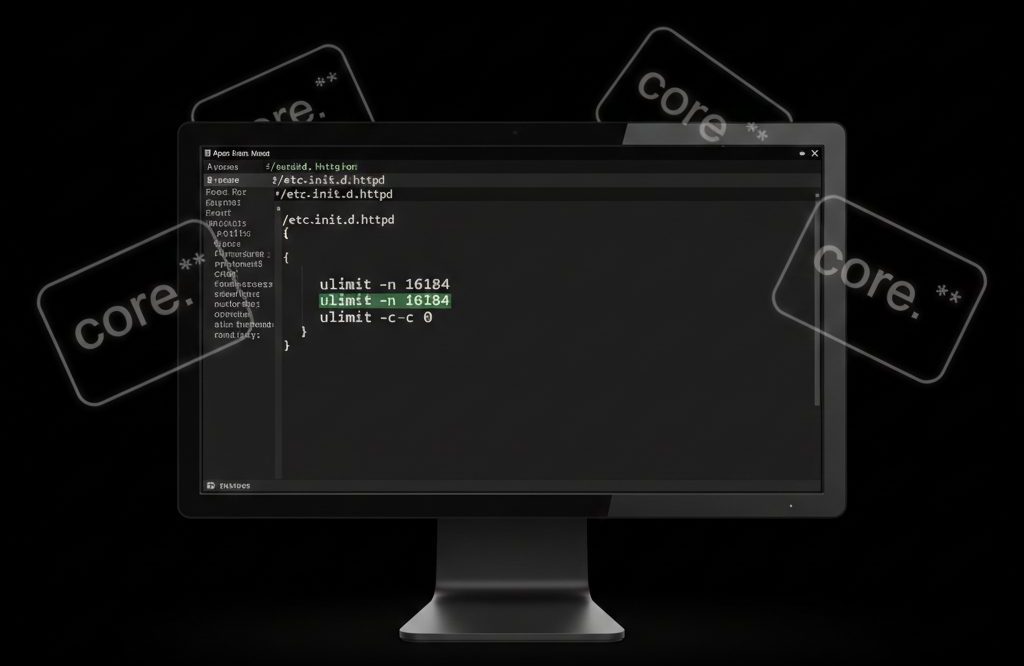
How to Disable Apache Core Dumps and Stop Core Files from Filling Disk Space
A core file (core dump) is a memory snapshot of a running process at the time it crashes or is forcefully terminated. When a PHP process is killed (due to memory limits, segmentation faults, or fatal errors), Apache HTTP Server may generate core dump files under the user’s account. These files: In most shared or VPS hosting environments, it is safe to disable core dumps unless you are actively debugging crashes. Why Core Files Are Created Core dumps are typically generated when: On servers running PHP with Apache, these dumps may appear in: or sometimes in: Are Core Files Safe to Delete? Yes. If you are not debugging crashes, core files: How to Disable Core Dumps in Apache To prevent …
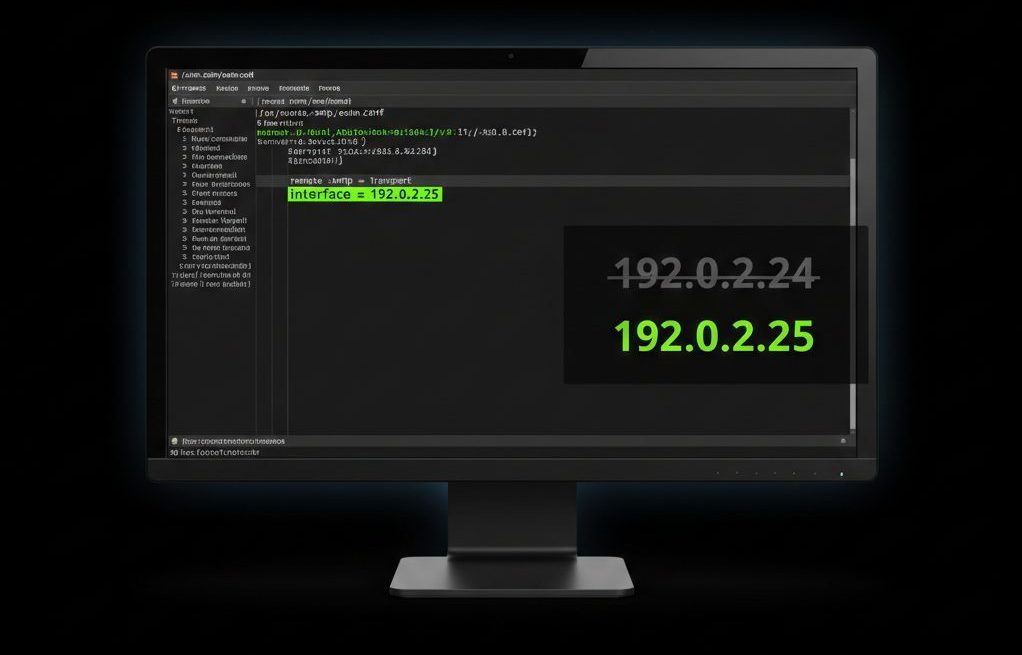
When a server’s primary IP address becomes blacklisted, outgoing emails may: If your server uses Exim as its mail transfer agent (MTA), you can temporarily restore email delivery by configuring Exim to send mail from an alternate IP address. This guide explains how to safely change the outgoing SMTP IP in Exim, verify the configuration, and avoid common deliverability mistakes. Why an IP Gets Blacklisted Before switching IPs, understand the root cause. Common reasons include: Changing the outgoing IP is a temporary workaround.The underlying issue must still be investigated and fixed. Step 1: Confirm the IP Is Actually Blacklisted Before modifying configuration: Check mail logs: Look for reputation or blacklist errors. Check blacklist status using: If the IP appears listed, …
1.Shutdown the exim service. >>service exim stop or /etc/init.d/exim stop 2. Edit your exim configuration file. >>nano /etc/exim.conf 3. Go to “remote_smtp” section under “TRANSPORTS CONFIGURATION”. By default it would look like below: remote_smtp: driver = smtp interface = ${if exists {/etc/mailips}{${lookup{$sender_address_domain}lsearch{/etc/mailips}{$value}{}}}{}} helo_data = ${if exists {/etc/mailhelo}{${lookup{$sender_address_domain}lsearch{/etc/mailhelo}{$value}{$primary_hostname}}}{$primary_ho stname}} 4. Comment line containing “interface” and “helo_data” and add new “interface” to match with that of the new IP address. It should look like this: remote_smtp: driver = smtp interface = 208.99.113.240 # An available IP on this system. Code: chattr +aui /etc/exim.conf 5. service exim restart or /etc/init.d/exim restart If you require help, contact SupportPRO Server Admin
Net::SSH::Perl installation is relatively straightforward. If CPAN shell is set up, you should just be able to do # perl -MCPAN -e ‘install Net::SSH::Perl’ If you don’t like that, you can download the distribution; the latest version on CPAN can be found at http://search.cpan.org/dist/Net-SSH-Perl/ Download it, unpack it, then build it as per the usual: % perl Makefile.PL % make && make test Then install it: % make install The only slightly complicated bit in the installation is that you’ll need to install Crypt:: modules depending on which ciphers you wish to use. If it doesn’t work, or if you don’t like this option, you’ll need to do the installations manually. In which case you’ll need to install the prerequisites …
An access control list (ACL) is a list of permissions attached to a file/folder. ACL specifies which users or system processes are granted access to files/folders. Setfacl It is a command that allows you to set the ACL information for a file or directory. They are used to allow permissions to be set for individual groups and users and not just the owning user, owning group, and all other users $ setfacl -m u:<username>:r <filename> u- user r- read
This is a CPanel bug that prevents users from adding domains that begin with a digit, the users will get this javascript alert: Sorry, your domain must not begin with a digit. This can be fixed via ssh, and do this carefully: vi /usr/local/cpanel/base/frontend/x/addon/index.html The text you need should be around line 68 : var pattern = /(^[.]|[.]$)/; if (domainname.match(pattern) != null) { alert(Sorry, your domain name must not begin with a digit.); return false; } You should then comment that line out ! From now, CPanel should now work fine with domains that begin with a digit. 🙂 If you require help, contact SupportPRO Server Admin
The Web / FTP Statistics area or the Logs area under the cPanel presents you with a wide variety of information about your web site, from the latest visitors to a detailed monthly summary of hits, as well as providing an error log. Using the Statistics tools we can keep track of what pages are being visited most often, and where they are being referred from. The various tools used for these purposes are:
Sometimes administrators may notice that MySQL databases display 0MB disk usage in cPanel even though the databases contain data. This usually happens due to incorrect disk usage calculation settings in the cPanel configuration. This issue can be easily resolved by updating the cPanel configuration and rebuilding the database cache. Why Does MySQL Show 0MB Disk Usage? cPanel calculates account disk usage based on specific configuration parameters.If MySQL database disk usage tracking is disabled, cPanel will not include database size in the disk usage report, resulting in databases appearing as 0MB. Steps to Fix the Issue Follow the steps below to correct the database disk usage display: 1. Edit the cPanel Configuration File Access your server via SSH and open the …