Introduction In the cloud and hosting industry, effective server management is no longer optional. Today’s customers want the fundamentals: accurate billing, timely support, effective provisioning and uptime. To meet those expectations, managed service providers (MSPs), data centers and hosting companies need effective and efficient systems. For many years, WHMCS (Web Host Manager Complete Solution) has been the reliable automation platform for web hosting companies. It integrates billing, provisioning, and client support in one place. However, the true power of WHMCS stems from its vast array of add-ons. These modules turn the software into the nerve center of hosting business operations, beyond just billing. In this blog, we will look at why WHMCS is popular, the types of add-ons for server …
Server
The rising penetration of the cloud and the need for securing workloads of the Google Cloud Platform are the need of the hour. GCP also provides a strong foundation for security controls. As such, customers have a responsibility to implement workload-specific security controls that rectify misconfiguration, unauthorized use, and growing threats. The increasingly complicated cloud structures and flexibility of services make security prioritization critical for evaluating deployment patterns of the future. Equally vital is maintaining agility and scalability through a combination of strategic monitoring and operational efficiency through best support for GCP security and workloads. 1. Adhere to the Principle of Least Privilege The golden rule: Nobody gets more access than they absolutely need.Controlling who accesses resources is one of the …
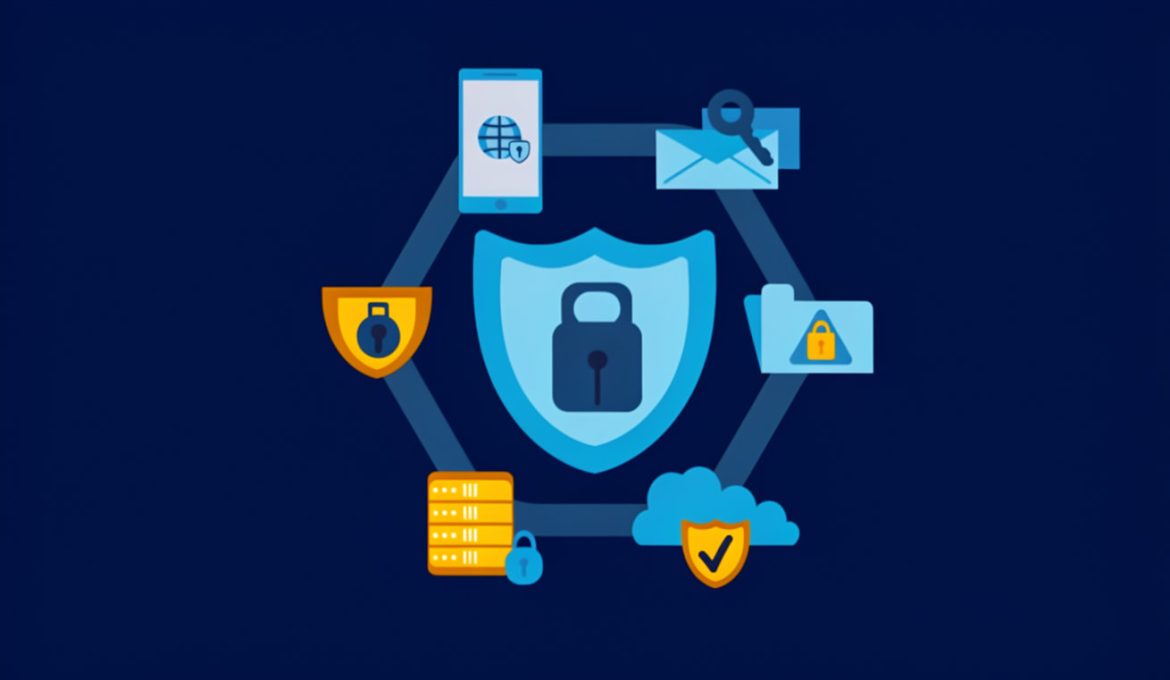
In today’s digital landscape, cyber threats are evolving rapidly, making server and website security a top priority for businesses and individuals alike. Hackers deploy various attack methods—such as DDoS attacks, SQL injections, cross-site scripting (XSS), and malware infections to exploit vulnerabilities. Fortunately, several software tools can help prevent these attacks and safeguard your online assets. This blog explores essential security tools that protect servers and websites from cyber threats while ensuring performance and reliability. 1. Web Application Firewalls (WAFs) A Web Application Firewall (WAF) acts as a security checkpoint for all incoming web traffic. It inspects HTTP requests and filters out malicious payloads such as SQL injection attempts, XSS scripts, and bot attacks. WAFs are especially crucial for public-facing websites …
Growth increases system demand before it increases revenue. Server scalability ensures your infrastructure handles that demand without slowing down performance. When scalability is planned correctly, users experience stability even during traffic spikes, product launches, or expansion phases. Below is a practical, structured approach to building scalable server infrastructure that supports both performance and growth. Server Scalability: Protect Performance as Demand Increases Server scalability means your systems can handle increasing traffic, users, and data without degradation. For founders, this directly impacts customer experience, retention, and revenue protection. Stable systems build trust, while unstable systems drive churn. Scalability is not about reacting to failures. It is about preparing infrastructure before growth stresses it. Establish Performance Baselines Before Making Changes Scaling without data …
In today’s digital landscape, server abuse is a growing concern for businesses and organizations. Whether it’s spam, malware, DDoS attacks, or unauthorized access, severe abuse can disrupt operations, damage reputations, and lead to significant financial losses. Effectively handling such incidents requires a proactive approach, robust tools, and a clear understanding of the steps involved in mitigating abuse. This blog will explore the best practices for managing severe abuse and how you can safeguard your servers from potential threats. Understanding Server Abuse Server abuse refers to any unauthorized or malicious activity that exploits server resources. This can include: Spam Emails: Using your server to send unsolicited bulk emails. Malware Distribution: Hosting or spreading malicious software. DDoS Attacks: Overloading your server with …
In the realm of secure communication and remote server management, SSH (Secure Shell) stands out as a fundamental tool. While SSH is often associated with remote server access, it has a lesser-known but incredibly powerful feature called SSH Port Forwarding. This feature allows users to securely forward traffic from one machine to another, making it invaluable for securely accessing remote services, bypassing firewalls, or creating encrypted tunnels. This blog covers an in-depth look at SSH Port Forwarding, its types, practical use cases, and detailed steps to configure it. What is SSH Port Forwarding? SSH Port Forwarding, also known as SSH Tunneling, is a technique that routes network traffic through an SSH connection. By encrypting this traffic, it ensures secure communication …
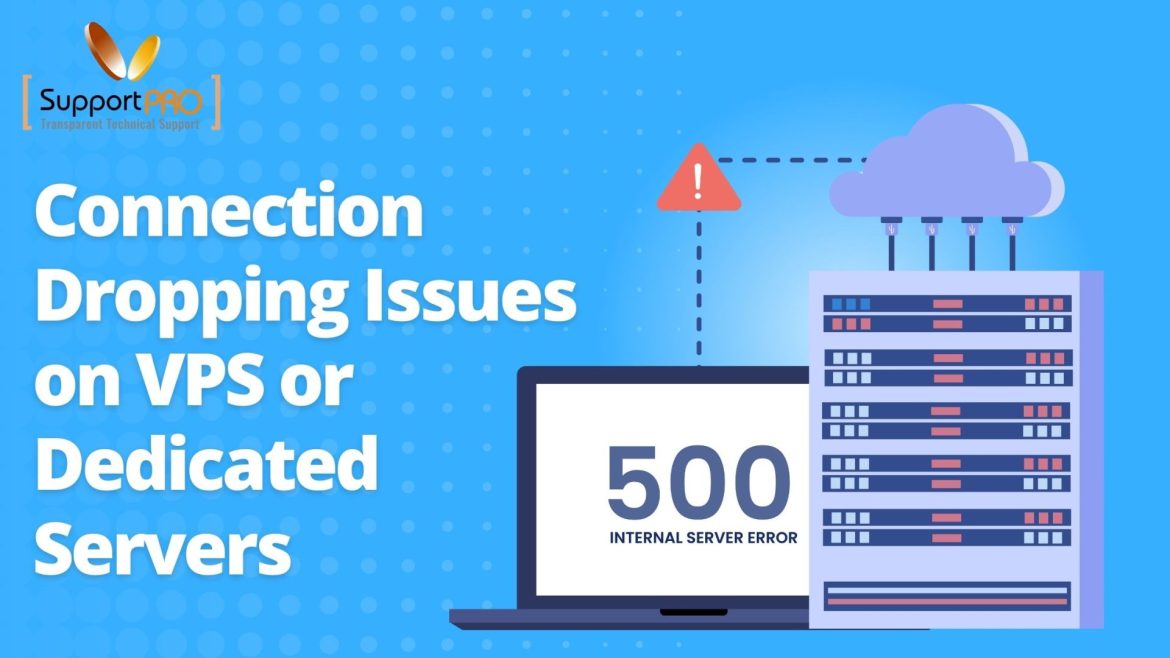
Remote Desktop Protocol (RDP) is a widely used tool for managing virtual private servers (VPS) and dedicated servers. However, under certain network conditions, users may encounter issues such as RDP sessions hanging or frequent connection drops. One effective solution to improve the stability of RDP connections is to disable UDP support and rely solely on the TCP protocol. TCP is often more reliable and stable in adverse network environments, making it a preferred option for remote server management. In this article, we will explore how to disable UDP for RDP connections on a Windows Server using different methods. These steps can help mitigate connection issues and provide a smoother remote desktop experience. Why Disable UDP for RDP? RDP uses both …
The “An Internal Error Has Occurred” message is one of the most common errors encountered by users trying to connect to a remote server using the Remote Desktop Protocol (RDP). While the error doesn’t provide much information about the cause, it can be frustrating when attempting to manage a remote system. Fortunately, there are several effective solutions to resolve this issue. Common Causes of the Error 1. Network or Connectivity Issues: Temporary issues with your local or remote network can interrupt the RDP connection. 2. Incorrect RDP Configuration: Misconfigured RDP settings on the client or server can trigger this error. 3. Corrupt or Outdated Certificates: RDP connections rely on certificates for secure communication. Expired or corrupted certificates may cause the …
Finding reliable server management companies in the USA can be challenging because every provider offers different features, pricing models, and technical expertise. The right partner can improve uptime, strengthen security, and ensure smooth infrastructure performance, while the wrong one can cause downtime, slow response times, and operational risk. This guide compares leading server management providers, explains their strengths, and shows how to choose the best partner for your business. Here are the leading companies: Why Server Management Matters for Businesses Success? Modern businesses rely on servers for applications, databases, websites, and internal systems. Without proper management, performance issues and vulnerabilities can quickly affect operations. Key benefits of professional server management: Questions to Ask Before Choosing a Provider What Services Do …
Managed vs. Unmanaged Server Support: Which Is Right for Your Business?
Choosing the right server support model is still one of the most consequential infrastructure decisions a business makes — but the decision itself has shifted. Now, it’s rarely a clean either/or anymore. AI-driven monitoring has changed what “unmanaged” can realistically mean, and co-managed / hybrid support has become a mainstream middle path rather than a niche option. This update breaks down the current landscape: what each model actually includes today, how the economics compare, and which one fits your business now. Understanding Managed and Unmanaged Server Support Managed Server Support In a managed server support model, the service provider takes full responsibility for managing, maintaining, and securing your servers. Key Services: Example:Imagine you run an e-commerce business like an online …