

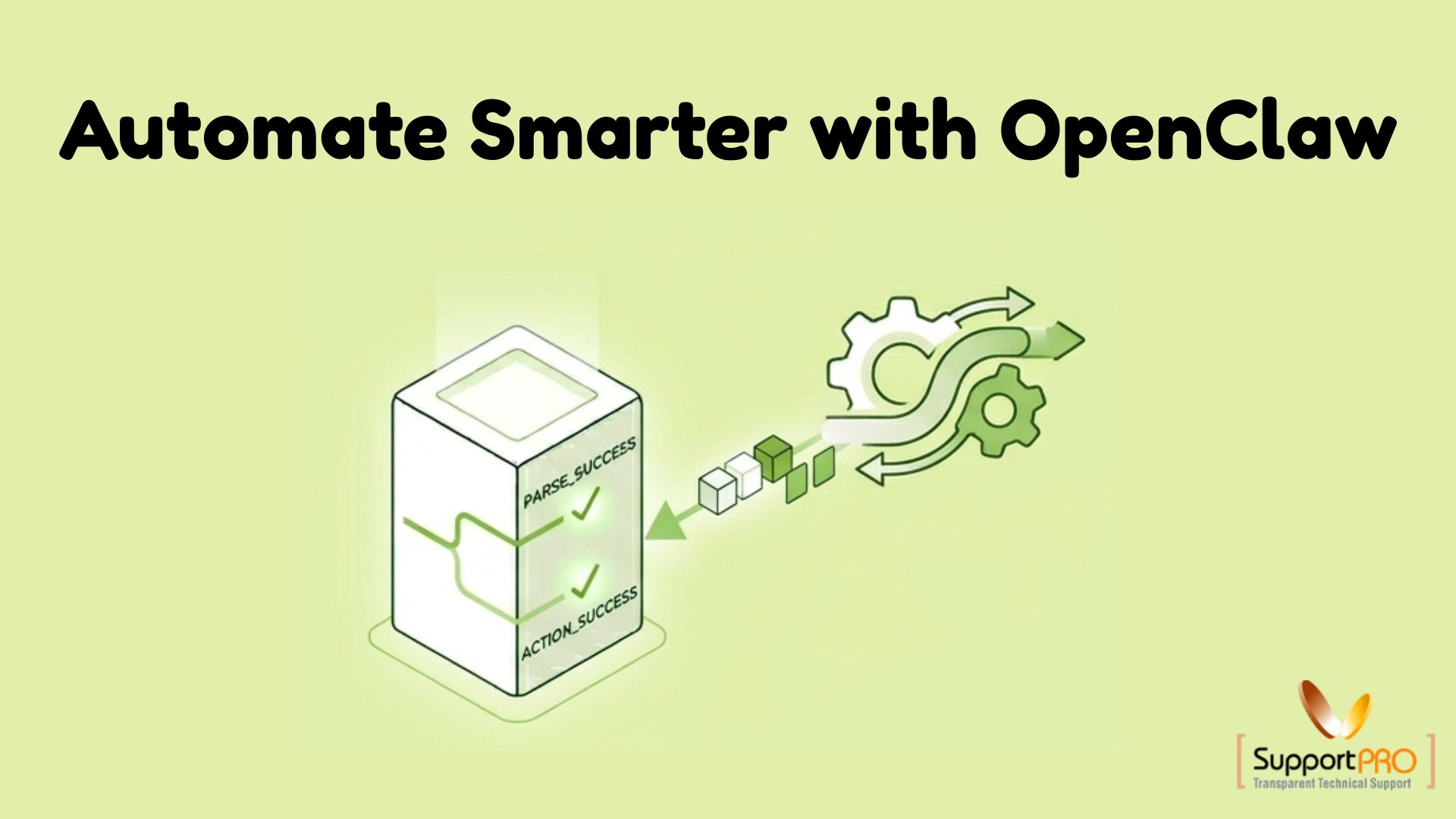
In today’s digital-first business environment, efficiency is a competitive advantage. Organizations are constantly searching for ways to reduce repetitive work, improve productivity, and eliminate costly manual errors. As teams manage growing workloads and increasingly complex systems, traditional manual processes often become bottlenecks.
This is where OpenClaw workflow automation delivers significant value.
OpenClaw is designed to automate repetitive tasks, connect disparate systems, and create streamlined workflows that operate with minimal human intervention. By automating routine processes, organizations can focus more on innovation, growth, and strategic initiatives rather than repetitive operational tasks.
In this guide, we’ll explore how OpenClaw works, its key features, practical use cases, and the benefits it offers for modern businesses.
What Is OpenClaw?
OpenClaw is a workflow automation platform that helps organizations connect tools, applications, and operational processes into a unified automation framework.
Instead of manually switching between systems and performing repetitive tasks, OpenClaw enables users to create automated workflows triggered by predefined conditions and events.
Think of OpenClaw as the central orchestration layer that coordinates actions across your infrastructure, applications, and business processes.
Common automation scenarios include:
- Server management
- Backup automation
- Data processing
- API integrations
- Notification systems
- DevOps workflows
- Operational task automation
By eliminating repetitive manual work, OpenClaw helps teams operate more efficiently and consistently.
Why Workflow Automation Matters
Manual processes may seem manageable initially, but as organizations grow, they often create challenges such as:
– Increased Human Error
Manual data entry and repetitive tasks increase the likelihood of mistakes.
– Delayed Task Execution
Tasks may be postponed when teams are unavailable or workloads increase.
– Resource Inefficiency
Employees spend valuable time on routine operations instead of high-value activities.
– Limited Scalability
As demand grows, manual workflows become difficult to manage without increasing staffing requirements.
Workflow automation addresses these issues by ensuring tasks are executed consistently, accurately, and on schedule.
OpenClaw builds upon these benefits with a flexible platform designed to support modern business operations.
Key Features of OpenClaw Workflow Automation
1. Automated Task Execution with Triggers
One of OpenClaw’s core capabilities is trigger-based automation.
Users can define specific events that automatically initiate workflows.
Examples include:
- Scheduled tasks
- System alerts
- File uploads
- API events
- User actions
When a trigger occurs, OpenClaw automatically executes the predefined workflow without requiring manual intervention.
Benefits
- Faster execution
- Improved consistency
- Reduced operational overhead
2. Seamless System Integrations
Modern organizations rely on multiple applications and platforms.
OpenClaw helps eliminate silos by integrating various systems into a single workflow.
Integrations may include:
- APIs
- Server environments
- Backup platforms
- Monitoring systems
- Cloud services
- Internal business applications
This connectivity enables data and processes to flow seamlessly across your technology stack.
3. Custom Workflow Builder
Every organization has unique operational requirements.
OpenClaw provides a flexible workflow builder that allows users to create customized automation processes tailored to their specific needs.
Workflows can include:
- Conditional logic
- Multi-step processes
- Data transformations
- Approval paths
- Automated notifications
Whether you’re automating a simple task or a complex operational process, OpenClaw provides the flexibility to design workflows that match real-world scenarios.
4. Real-Time Monitoring and Visibility
Automation should never come at the cost of transparency.
OpenClaw includes monitoring capabilities that provide visibility into workflow execution and system activity.
Users can track:
- Workflow status
- Execution history
- Performance metrics
- Error logs
- Task completion rates
This visibility helps teams quickly identify and resolve issues while continuously improving workflow efficiency.
5. Built-In Error Handling and Recovery
No automated system is immune to occasional failures.
OpenClaw includes error-handling mechanisms designed to minimize disruptions.
Features include:
- Automatic retries
- Failure notifications
- Conditional recovery actions
- Logging and diagnostics
These capabilities help maintain workflow reliability even when unexpected issues occur.
Practical Use Cases for OpenClaw
1. Server and Backup Management
System administrators often spend significant time performing routine infrastructure tasks.
OpenClaw can automate:
- Scheduled backups
- Backup verification
- Server health checks
- Log rotation
- Cleanup of outdated files
This reduces administrative workload while improving operational consistency.
2. Data Processing Workflows
Organizations that process large volumes of information can use OpenClaw to automate data pipelines.
Typical tasks include:
- Data collection, transformation & validation
- Database updates
- Report generation
Automation reduces manual intervention and improves data accuracy.
3. Automated Notification Systems
Keeping teams informed is critical for operational efficiency.
OpenClaw can automatically generate notifications when:
- Workflows complete successfully
- System failures occur
- Thresholds are exceeded
- Critical events are detected
Notifications can be delivered through multiple communication channels, ensuring timely responses.
4. DevOps and Infrastructure Automation
Development and operations teams often manage repetitive deployment and maintenance tasks.
OpenClaw can automate:
- Deployment workflows
- Environment provisioning
- Infrastructure updates
- Routine maintenance operations
- Incident response procedures
This helps DevOps teams improve consistency and reduce manual effort.
Benefits of Using OpenClaw
> Improved Productivity
By eliminating repetitive manual tasks, teams can focus on strategic initiatives and innovation.
> Reduced Human Errors
Automation ensures tasks are executed consistently according to predefined rules.
> Enhanced Scalability
As workloads increase, automated workflows can handle growing demand without requiring proportional increases in staffing.
> Lower Operational Costs
Fewer manual processes result in reduced labor costs, fewer errors, and improved resource utilization.
> Greater Operational Visibility
Real-time monitoring and detailed logs provide insights into workflow performance and system health.
Together, these benefits help organizations operate more efficiently and respond more quickly to changing business requirements.
How to Get Started with OpenClaw
Implementing workflow automation doesn’t require replacing your existing infrastructure.
Organizations can start small and expand automation gradually.
Step 1: Identify Repetitive Tasks
Look for recurring tasks that follow predictable patterns and consume significant time.
Examples include:
- Reporting
- Data entry
- Backup management
- Notification processes
Step 2: Define Workflow Logic
Map out:
- Triggers
- Actions
- Conditions
- Expected outcomes
Clearly defined workflows improve automation reliability.
Step 3: Build and Test
Create the workflow within OpenClaw and test it using sample scenarios.
Validation helps identify potential issues before production deployment.
Step 4: Monitor and Optimize
After deployment, monitor workflow performance and continuously refine processes to improve efficiency.
Automation should evolve alongside business requirements.
Best Practices for Workflow Automation
To maximize success with OpenClaw, consider these best practices:
– Start Small
Begin with simple workflows before automating complex processes.
– Use Clear Naming Conventions
Consistent naming improves workflow management and troubleshooting.
– Implement Error Handling
Always define how workflows should respond when failures occur.
– Review Workflows Regularly
Business processes change over time. Periodically review and optimize automation workflows.
– Avoid Over-Automation
Not every process should be automated. Tasks requiring human judgment and decision-making may still benefit from manual oversight.
Why Businesses Are Adopting Workflow Automation
As organizations continue to embrace digital transformation, workflow automation has become a strategic necessity rather than a convenience.
Businesses use platforms like OpenClaw to:
- Increase operational efficiency
- Improve service delivery
- Reduce costs
- Enhance scalability
- Accelerate innovation
The ability to automate routine processes allows teams to focus on higher-value work while maintaining consistency and reliability across operations.
Conclusion
OpenClaw provides a powerful and flexible solution for automating workflows across a wide range of business and technical environments. Whether you’re managing infrastructure, processing data, automating notifications, or streamlining DevOps operations, OpenClaw helps eliminate repetitive tasks and improve efficiency.
By reducing manual workloads, minimizing errors, and enhancing scalability, OpenClaw enables organizations to operate more effectively in today’s fast-moving digital landscape.
As automation continues to play a central role in business success, implementing a platform like OpenClaw can deliver long-term productivity gains, improved operational visibility, and a stronger foundation for growth.
Ready to automate repetitive tasks and improve operational efficiency?
SupportPro can help you deploy, optimize, and manage OpenClaw workflows tailored to your business needs. Contact our experts today to streamline operations, reduce manual effort, and unlock the full potential of workflow automation.
Facing issues?
Our technical support
engineers can solve it.


