If you’ve ever wrangled a server or run your own hosting setup, you already know: security isn’t optional. You need solid protection, and that’s where CPGuard comes in. It’s a tough, feature-packed security suite built for web servers. Sure, it plays nice with control panels like cPanel and DirectAdmin, but what really sets it apart for power users is the Command Line Interface—the CLI. If you like working straight from the terminal, this is your playground. Let’s dig in. I’ll show you how to get around the CPGuard CLI, use the most important commands, and handle your security setup without breaking a sweat.
Security
Introduction Information is perhaps the greatest asset of a company in today’s digital age. Companies count on their hosting companies to store information safely and according to worldwide standards, and keep servers in their best shape. Hosting firms bear tremendous responsibility for sensitive information, such as financial transactions, customer data, and mission-critical applications.Legally, compliance is no longer a checkmark. Compliance frameworks such as the General Data Protection Regulation (GDPR) and standards such as ISO certifications show clients that their information is cared for and handled with caution. These standards are not merely recommendations to hosting firms; they are a way of establishing credibility, fostering trust, and establishing long-term partnerships with clients. This article discusses the most critical compliance frameworks that …
The rising penetration of the cloud and the need for securing workloads of the Google Cloud Platform are the need of the hour. GCP also provides a strong foundation for security controls. As such, customers have a responsibility to implement workload-specific security controls that rectify misconfiguration, unauthorized use, and growing threats. The increasingly complicated cloud structures and flexibility of services make security prioritization critical for evaluating deployment patterns of the future. Equally vital is maintaining agility and scalability through a combination of strategic monitoring and operational efficiency through best support for GCP security and workloads. 1. Adhere to the Principle of Least Privilege The golden rule: Nobody gets more access than they absolutely need.Controlling who accesses resources is one of the …
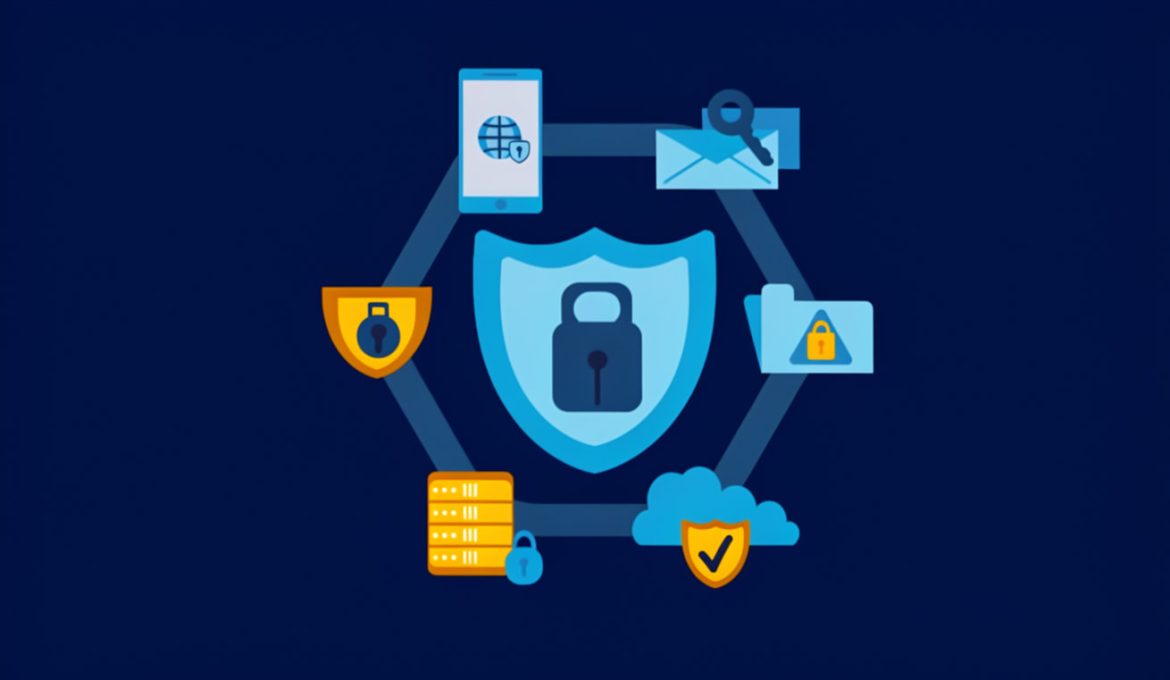
In today’s digital landscape, cyber threats are evolving rapidly, making server and website security a top priority for businesses and individuals alike. Hackers deploy various attack methods—such as DDoS attacks, SQL injections, cross-site scripting (XSS), and malware infections to exploit vulnerabilities. Fortunately, several software tools can help prevent these attacks and safeguard your online assets. This blog explores essential security tools that protect servers and websites from cyber threats while ensuring performance and reliability. 1. Web Application Firewalls (WAFs) A Web Application Firewall (WAF) acts as a security checkpoint for all incoming web traffic. It inspects HTTP requests and filters out malicious payloads such as SQL injection attempts, XSS scripts, and bot attacks. WAFs are especially crucial for public-facing websites …
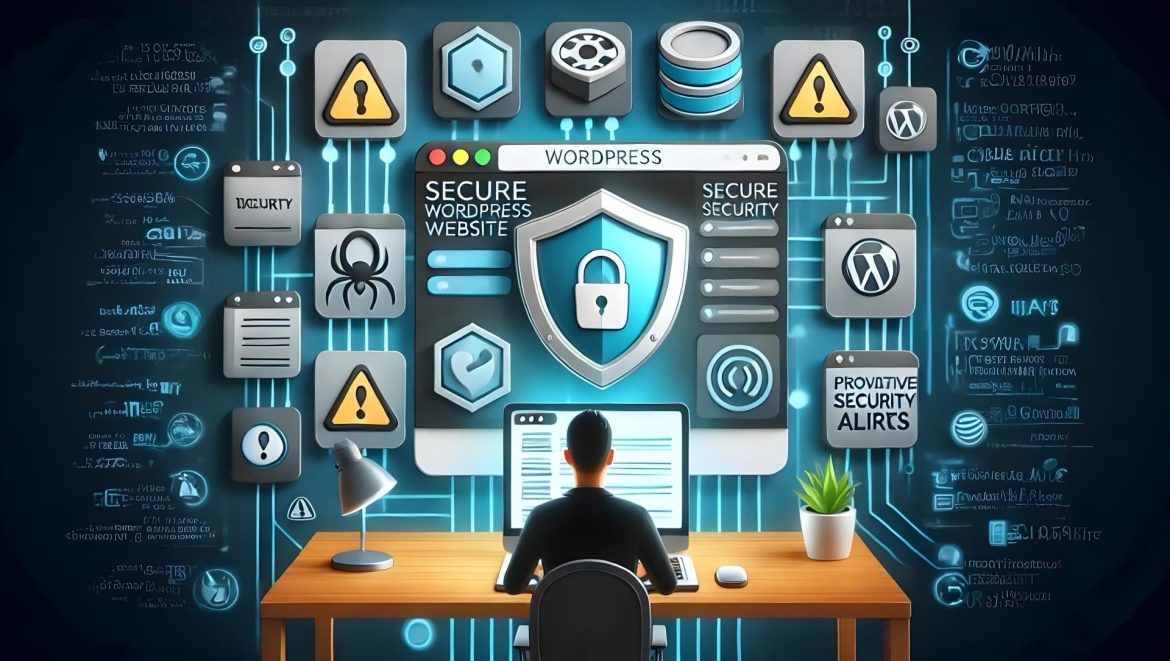
WordPress powers over 40% of the web, making it one of the most popular content management systems (CMS) in the world. With this popularity, however, comes a significant challenge: ensuring the security of WordPress websites. One of the most common vulnerabilities in WordPress is found in plugins. WordPress plugins are pieces of software that extend the functionality of a website, but they also present potential security risks. Vulnerabilities in these plugins can allow attackers to exploit a site and cause damage ranging from defacement to complete site compromise. The Importance of WordPress Plugin Security Plugins add valuable functionality to WordPress websites, enabling users to customize their sites with everything from simple contact forms to complex e-commerce platforms. However, because plugins …
In today’s world, where cyber threats are evolving at an alarming rate, security isn’t just an option—it’s a necessity. For business owners, prioritizing security is not only about protecting infrastructure but also about building trust with your clients. A single breach can tarnish your reputation, lead to financial losses, and even legal consequences. This blog dives into why security should be at the top of your agenda and how to protect your client’s data effectively. The risks are greater than ever. Cyberattacks are becoming more sophisticated, targeting businesses of all sizes. For business owners, the risks are even more significant because they are responsible for safeguarding not just their data but also the sensitive information of their clients. From personal …
In today’s digital world, online security is more important than ever. Whenever you log in to a website, make a payment, or submit personal information, your data travels across the internet. Without protection, hackers could intercept this information. This is where SSL comes in. SSL, or Secure Sockets Layer, is a security protocol that encrypts communication between a user’s browser and a website server. It ensures that sensitive information such as passwords, credit card details, and personal data remains secure during transmission. In this blog, we will explain how SSL works in a simple step-by-step manner. What is SSL? SSL stands for Secure Sockets Layer. It is a standard security technology used to create an encrypted connection between a web …