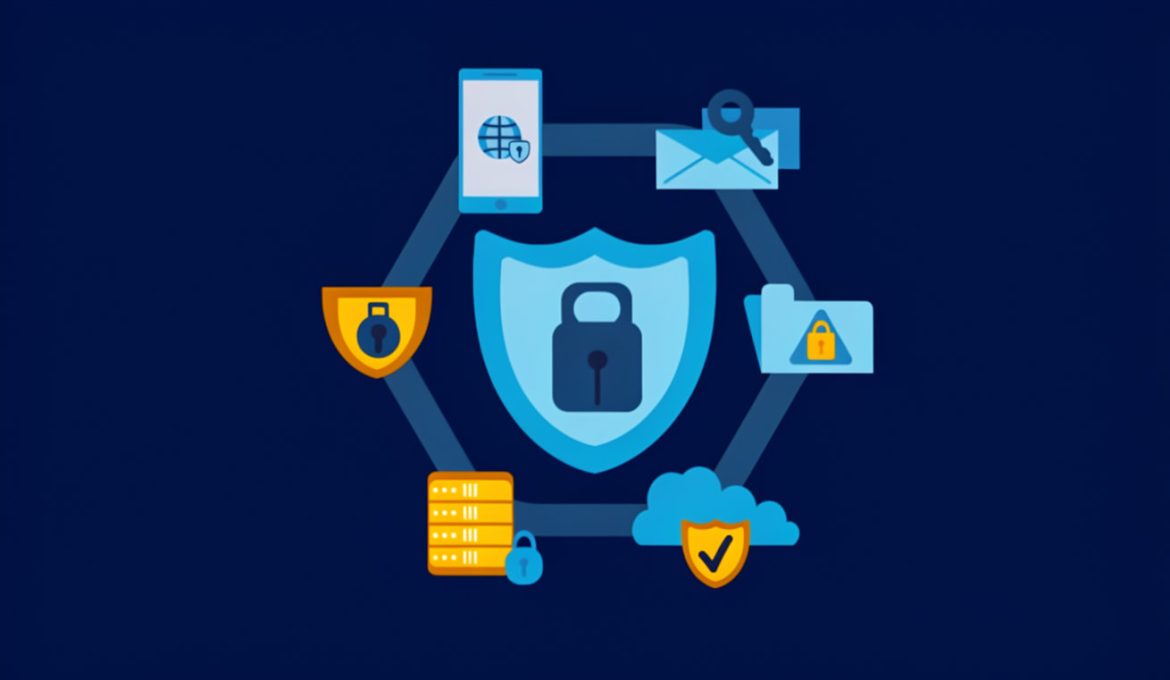
As organizations increasingly rely on cloud infrastructure, cybersecurity risks and regulatory requirements continue to grow. Businesses must protect sensitive data, maintain compliance standards, and ensure uninterrupted operations in rapidly evolving cloud environments. Basic infrastructure management is no longer enough. Managed cloud services provide continuous monitoring, advanced security controls, and compliance support that help organizations maintain secure, scalable, and compliant cloud environments. This guide explains how managed cloud services enhance cloud security, simplify compliance management, and improve overall business resilience. Why Businesses Choose Managed Cloud Services Managing modern cloud platforms internally can be challenging due to: Managed cloud service providers combine automation, security expertise, and proactive monitoring to reduce operational risks while improving performance. Key Advantages With dedicated cloud specialists managing …
Security
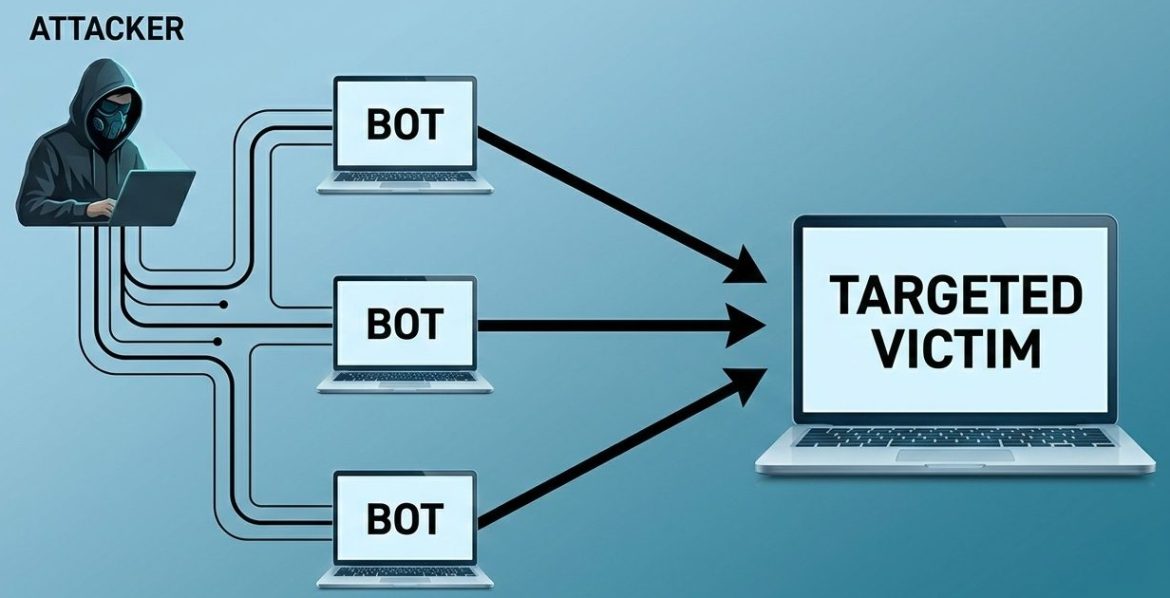
A sudden traffic spike on a Linux server can indicate a DDoS (Distributed Denial-of-Service) attack. Knowing how to detect DDoS traffic quickly helps prevent downtime, performance loss, and service disruption. During a DDoS attack, multiple IP addresses send massive amounts of traffic to your server, overwhelming system resources such as CPU, memory, or network bandwidth. This guide explains how to check if your server is under attack using built-in Linux commands. What Is a DDoS Attack? A Distributed Denial-of-Service attack occurs when attackers use multiple compromised systems to flood a target server with traffic. The goal is to: Exhaust server resources Disrupt service availability Cause downtime Impact business operations Modern DDoS attacks are often automated and highly distributed, making them …
In modern production environments, Access key are the lifeblood of secure communication between systems, services, and applications. They authenticate workloads, unlock APIs, and enable automation. Even though they play a critical role, access keys are frequently mishandled—kept the same for long periods, passed around between teams, or placed in locations where they shouldn’t be stored. When a key is compromised, the consequences can be catastrophic: data breaches, unauthorized access, service outages, and long‑term reputational damage. 1. Importance of Access Key Rotation : From a technical point, access keys is similar to passwords for server. They grant systems permission to interact with cloud platforms, databases, internal services, and external integrations. If a Access key is leaked, whoever obtains it can effectively …
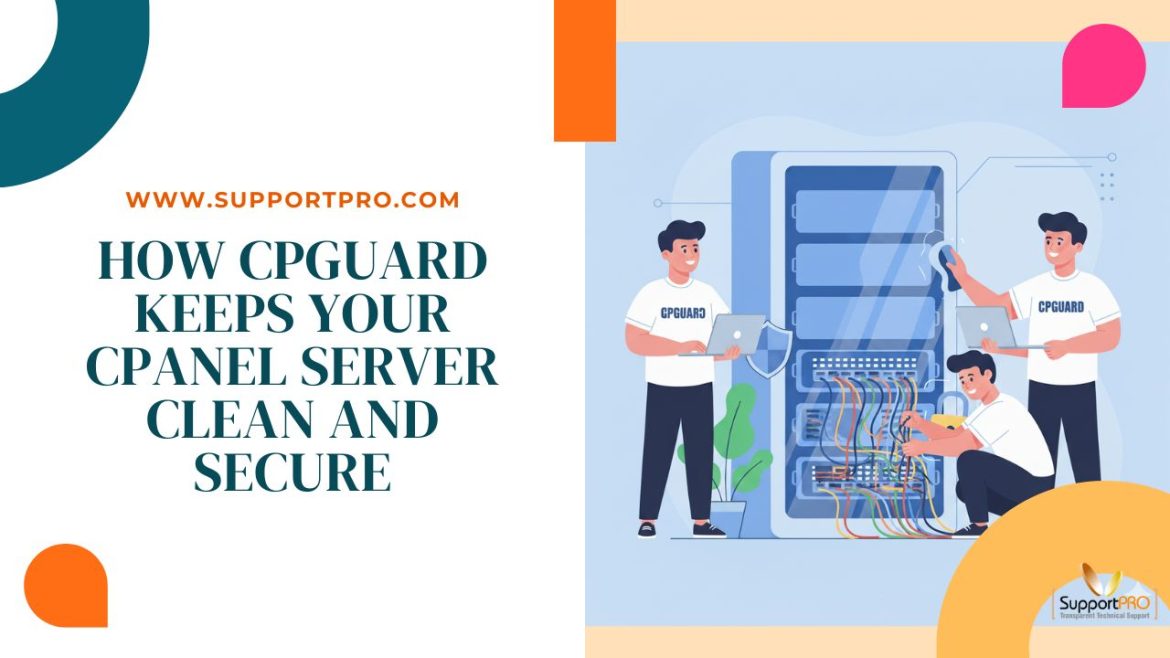
If you run a cPanel server, you know the drill. It’s a constant battle—malware, spam, brute-force attacks, SYN flood attempts, DDoS threats, endless updates, and clients who expect things to “just work.” The last thing you need is waking up to a hacked website, seeing your IP dumped on a blacklist, or compromising your server security and network protection. That’s where cPGuard security suite comes in. It’s built specifically for web hosting security, shared hosting protection, and Linux server hardening, and honestly, it’s a lifesaver. So, what does cPGuard actually do, and why does everyone keep recommending it? Let’s break it down. What is cPGuard? cPGuard is a smart, lightweight security suite for Linux servers, especially those running cPanel or …
If you’ve been running CPGuard for a while, you’ve probably seen it happen that a clean file gets flagged as “infected.”Don’t panic. It doesn’t mean your site’s hacked. It’s just a false positive, and even the best malware scanners do that sometimes. The good news? CPGuard gives you full control through its command-line tool, so you can check what got caught, verify it’s clean, and bring it back in just a few commands. Here’s how I usually handle it when it happens on a client’s server.
If you’ve ever wrangled a server or run your own hosting setup, you already know: security isn’t optional. You need solid protection, and that’s where CPGuard comes in. It’s a tough, feature-packed security suite built for web servers. Sure, it plays nice with control panels like cPanel and DirectAdmin, but what really sets it apart for power users is the Command Line Interface—the CLI. If you like working straight from the terminal, this is your playground. Let’s dig in. I’ll show you how to get around the CPGuard CLI, use the most important commands, and handle your security setup without breaking a sweat.
Introduction Information is perhaps the greatest asset of a company in today’s digital age. Companies count on their hosting companies to store information safely and according to worldwide standards, and keep servers in their best shape. Hosting firms bear tremendous responsibility for sensitive information, such as financial transactions, customer data, and mission-critical applications.Legally, compliance is no longer a checkmark. Compliance frameworks such as the General Data Protection Regulation (GDPR) and standards such as ISO certifications show clients that their information is cared for and handled with caution. These standards are not merely recommendations to hosting firms; they are a way of establishing credibility, fostering trust, and establishing long-term partnerships with clients. This article discusses the most critical compliance frameworks that …
The rising penetration of the cloud and the need for securing workloads of the Google Cloud Platform are the need of the hour. GCP also provides a strong foundation for security controls. As such, customers have a responsibility to implement workload-specific security controls that rectify misconfiguration, unauthorized use, and growing threats. The increasingly complicated cloud structures and flexibility of services make security prioritization critical for evaluating deployment patterns of the future. Equally vital is maintaining agility and scalability through a combination of strategic monitoring and operational efficiency through best support for GCP security and workloads. 1. Adhere to the Principle of Least Privilege The golden rule: Nobody gets more access than they absolutely need.Controlling who accesses resources is one of the …
In today’s digital landscape, cyber threats are evolving rapidly, making server and website security a top priority for businesses and individuals alike. Hackers deploy various attack methods—such as DDoS attacks, SQL injections, cross-site scripting (XSS), and malware infections to exploit vulnerabilities. Fortunately, several software tools can help prevent these attacks and safeguard your online assets. This blog explores essential security tools that protect servers and websites from cyber threats while ensuring performance and reliability. 1. Web Application Firewalls (WAFs) A Web Application Firewall (WAF) acts as a security checkpoint for all incoming web traffic. It inspects HTTP requests and filters out malicious payloads such as SQL injection attempts, XSS scripts, and bot attacks. WAFs are especially crucial for public-facing websites …
WordPress powers over 40% of the web, making it one of the most popular content management systems (CMS) in the world. With this popularity, however, comes a significant challenge: ensuring the security of WordPress websites. One of the most common vulnerabilities in WordPress is found in plugins. WordPress plugins are pieces of software that extend the functionality of a website, but they also present potential security risks. Vulnerabilities in these plugins can allow attackers to exploit a site and cause damage ranging from defacement to complete site compromise. The Importance of WordPress Plugin Security Plugins add valuable functionality to WordPress websites, enabling users to customize their sites with everything from simple contact forms to complex e-commerce platforms. However, because plugins …