

The SSLv3 POODLE vulnerability, disclosed on October 14, 2014, is a protocol-level security flaw affecting the SSL 3.0 encryption standard. POODLE, which stands for Padding Oracle On Downgraded Legacy Encryption, exploits weaknesses in how SSLv3 handles padding during encryption. This vulnerability arises when plaintext is converted into ciphertext. To match cryptographic requirements, extra padding is added, and during decryption, this padding can leak sensitive information. Attackers can take advantage of this flaw through a man-in-the-middle (MITM) attack, gradually decrypting secure communications. How to Check if Your WHM/cPanel Server is Vulnerable To verify whether SSLv3 is enabled on your server, log in via SSH as the root user and run the following command: Example: A typical secure response will show: Advanced …
Many new features are implemented in the latest version, which includes but are not limited to :. In this article, let’s see more about synchronizing Calendar & Contacts using CalDAV and CardDAV. Calendaring Extensions to WebDAV, or CalDAV, is an Internet standard allowing a client to access scheduling information on a remote server. It is a calendaring and scheduling client/server protocol designed to allow users to access calendar data on a server and to schedule meetings with other users on that server or other servers. vCard Extensions to WebDAV (CardDAV) is an address book client/server protocol designed to allow users to access and share contact data on a server. In order to ensure that CardDAV and CalDAV are enabled in …
CentOS has introduced a free Web Hosting control panel (CWP: Centos Web Panel) which is designed for easy management of servers including both Dedicated & VPS without the help of ssh console. During the installation procedure, CWP installs full LAMP stack (Apache, PHP, phpMyAdmin, webmail, mail server etc.) on your server. List of softwares installed and configured during CWP installation are as below: =========== Apache Web Server PHP 5.4 MySQL + phpMyAdmin Postfix + Dovecot + roundcube webmail CSF Firewall Backups; AutoFixer for server configuration Varnish Cache server suPHP & suExec Mod Security + OWASP rules Monitor services eg. top, apache stats, mysql etc. =========== In this article, let’s have a check with the server requirements and features of CWP in Linux …
The International Earth Rotation & Reference Systems Service (IERS) has mentioned that an extra second is to be added to Coordinated Universal Time (UTC) at 23:59:59 on 30 June 2015 and this is to make sure the alignment of astronomical and atomic time. Coordinated Universal Time, UTC is one of the basic time conventions used by most of the world’s local time zones. This UTC time convention has been derived from a bunch of atomic clocks that are distributed across several countries globally. The rotation of our earth is not so constant and it changes a bit over time and in-turn it decreases the mean rotation speed slowly. This is the exact cause behind leap seconds that gets added up …

The VENOM vulnerability, also known as the QEMU virtual machine exploit, is a critical security flaw discovered on May 13, 2015 by security researcher Jason Geffner during a security review of virtual machine hypervisors. VENOM stands for Virtualized Environment Neglected Operations Manipulation and affects virtualization environments that rely on the QEMU emulator. What Is the VENOM Vulnerability? VENOM (CVE-2015-3456) is a virtual machine escape vulnerability located in the Virtual Floppy Disk Controller (FDC) code used by QEMU. Many popular virtualization platforms depend on QEMU components, including: If successfully exploited, the vulnerability allows an attacker to: This makes VENOM particularly dangerous in shared hosting and cloud infrastructures. How the VENOM Exploit Works The flaw exists in the emulated floppy drive functionality …
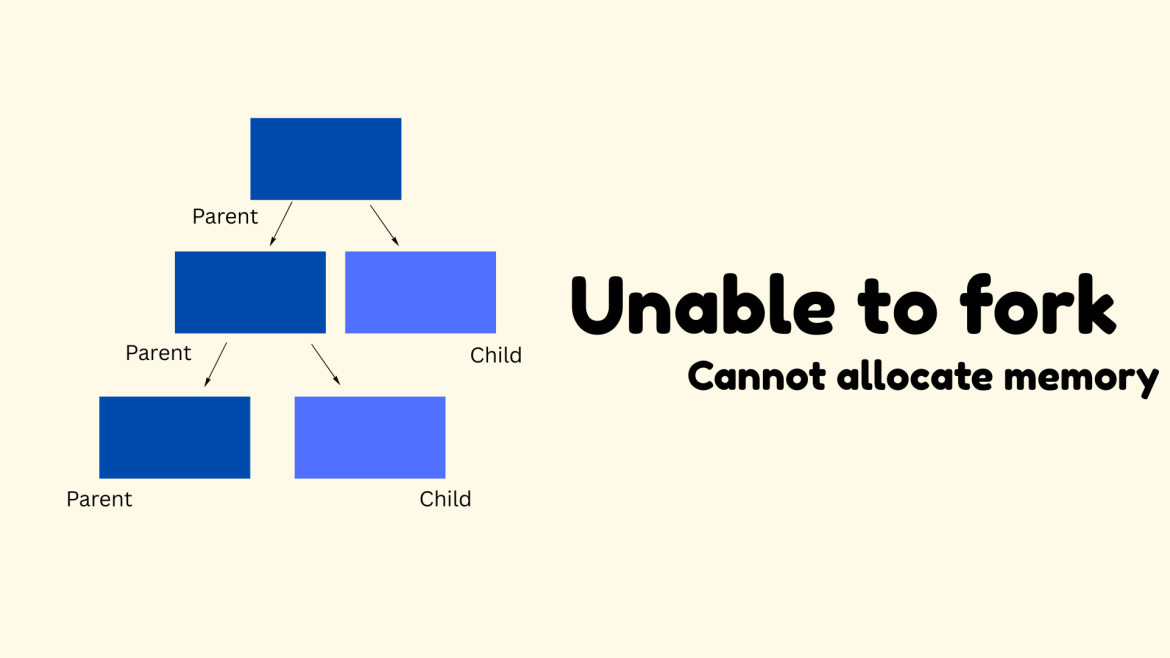
Issue Description While trying to access an OpenVZ container using the following command: you may encounter this error: Here, 10524 refers to the container ID. Step 1: Check Node Memory Availability First, verify whether the host node is running out of memory: If the system shows sufficient free memory, the issue is likely not at the node level. Step 2: Check Resource Limits (privvmpages) If memory is not the issue, the problem is usually related to OpenVZ memory limits, especially privvmpages. Check current resource usage: This file contains resource usage and limits for all containers. Step 3: Identify the Problem Container Locate the entry for container 10524 and check the privvmpages values: Then the container has hit its memory limit. …
When you need to distribute website traffic across multiple servers without investing in a hardware or cloud load balancer, Round Robin DNS offers a simple and cost-effective solution. It is one of the oldest and most commonly used DNS load balancing techniques, especially for websites hosted on multiple servers with identical configurations. In this guide, we’ll explain how Round Robin DNS works, how to configure it in BIND, and the impact of TTL and DNS caching on load balancing performance. What Is Round Robin DNS? Round Robin DNS is a load balancing mechanism in which a DNS server rotates multiple IP addresses for a single domain name. Instead of returning the same IP address every time, the DNS server cycles …
PHP: Hypertext Preprocessor has been involving in all of its dynamics in the recent years. In recent times it has involved included and engulfed many of the recent development and api that has been introduced to the computer world especially web developing. Switching to higher version of PHP is always good but before proceeding the switch we recommend to test the code in the new version and be well satisfied on the code execution. In this doc we will be taking an overlook on the changes and precaution one should take if your are switching from a lower PHP version to higher PHP version, as below : ===== Migrating from PHP 5.5.x to PHP 5.6.x Migrating from PHP 5.4.x to …

Introduction Server security vulnerabilities can expose key services and applications to attacks. One of these vulnerabilities is the GHOST vulnerability (CVE-2015-0235). This flaw was found in the GNU C Library (glibc) and impacts many Linux distributions. Since several essential services, such as SSH, Bash, and DNS-related applications, rely on glibc, it is crucial for system administrators to check if their servers are vulnerable and implement the necessary fixes. This article outlines how to check for the GHOST vulnerability and decide if your Linux server is at risk. On Linux servers, more than 60 binaries and major services, such as SSH, Nmap, and Bash, rely on the glibc libraries. A heap-based buffer overflow was found in __nss_hostname_digits_dots(), and an attacker could …

The Config Server Mail Queue is an addon feature available with cPanel/WHM which provides with a full-featured interface to the cPanel exim email queues from within WHM. The add-on feature provides with an interface to the cPanel user accounts email configuration without having to log in to their accounts. It is domain-based rather than account-based. Features View, edit and delete email accounts, email forwarders and email filters. View and modify email account quotas Modify email account passwords List only email accounts that are over quota Modify Outgoing Mail Hourly Limits List only email accounts that are over a specified size View the total number of emails in an email account Empty an email account View emails in an email account …