

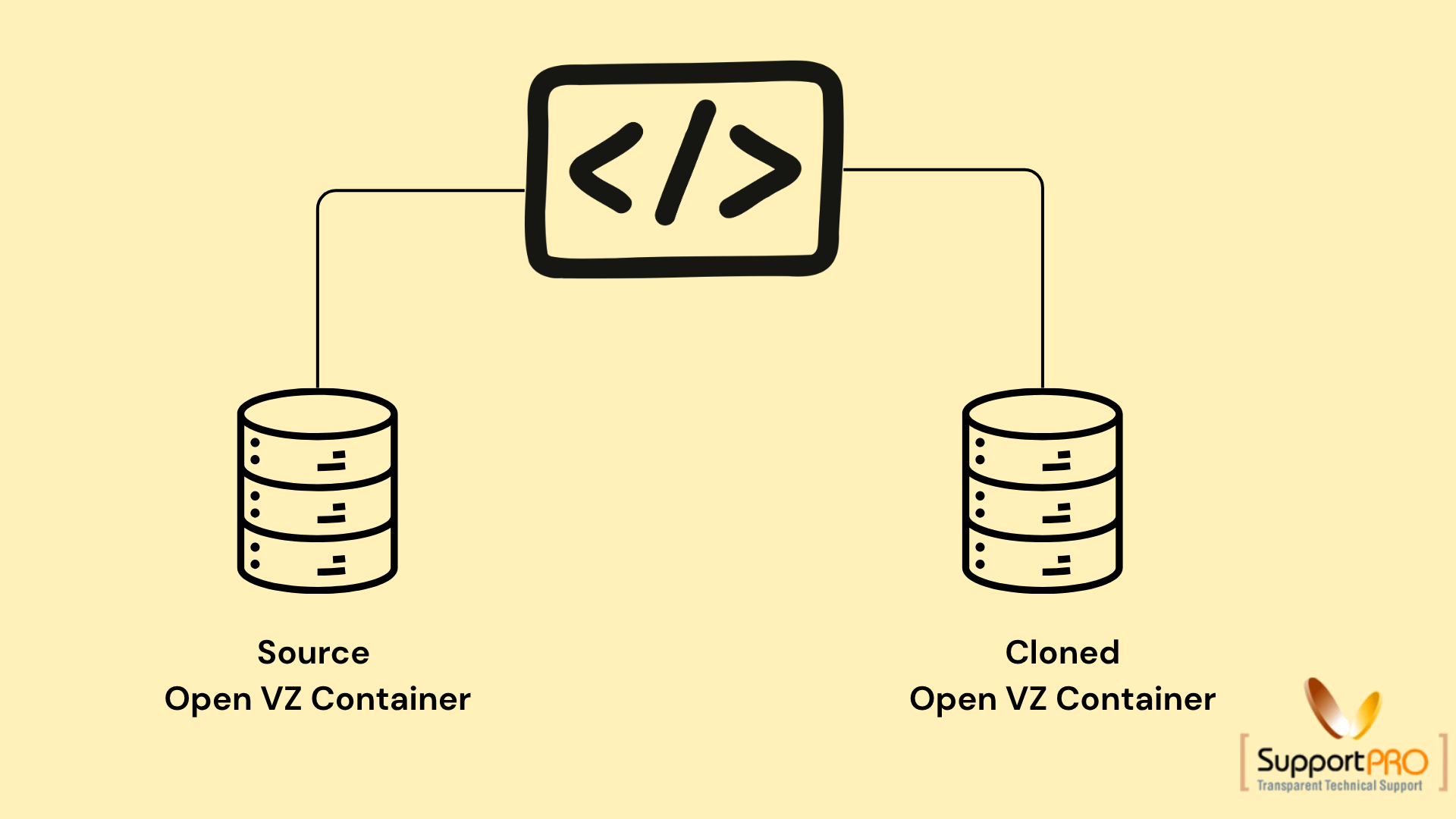
Cloning an Open VZ container is a useful process for creating an exact copy of an existing VPS container. The cloned container contains the same files, configurations, applications, and settings as the original container but uses a different container ID and storage path.
This process is commonly used for backup purposes, server migration, testing environments, and rapid VPS deployment. OpenVZ provides a utility called vzmlocal that simplifies container cloning directly from the host node.
What is Cloning an Open VZ Container?
Cloning an Open VZ container means reproducing an existing virtual private server (VPS) into another container with identical content and configuration.
The cloned container includes:
- Installed applications
- System configurations
- User data
- Network settings
- Software packages
However, the cloned VPS will have:
- A different Container ID (CTID/VEID)
- A separate storage location
- Independent operation from the source container
This allows administrators to create duplicate environments quickly and efficiently.
Benefits of Cloning an Open VZ Container
There are several advantages to cloning Open VZ containers:
- Faster VPS deployment
- Easy backup creation
- Quick testing environment setup
- Simplified migration process
- Reduced server configuration time
- Consistent server environments
Cloning is especially useful for hosting providers and system administrators managing multiple VPS containers.
Using vzmlocal for Cloning
OpenVZ uses the vzmlocal utility to perform local container cloning.
Basic Syntax
vzmlocal <source_container_id>:<new_container_id>This command creates a copy of the source container and assigns a new container ID.
Example of Cloning an Open VZ Container
If the source container ID is 101 and the new container ID is 201, the command will be:
vzmlocal 101:201This creates a complete duplicate of container 101 as container 201.
Important vzmlocal Options
The vzmlocal utility supports several useful options during the cloning process.
1. -c Option
The -c option retains the source container after cloning.
vzmlocal -c 101:201Purpose
- Keeps the original container intact
- Creates an additional cloned container
This is the most commonly used cloning option.
2. -s Option
The -s option enables quick cloning.
vzmlocal -s 101:201Purpose
- Speeds up the cloning process
- Useful for large containers
Quick cloning reduces the overall time required to duplicate a VPS.
3. -d Option
The -d option destroys the source container after cloning.
vzmlocal -d 101:201Purpose
- Moves the container instead of copying it
- Useful during migrations
Administrators should use this option carefully because the original container is removed after cloning.
4. -l Option
The -l option allows cloning locked containers.
vzmlocal -l 101:201Purpose
- Clones containers even if they are locked
- Helpful during maintenance or recovery operations
Precautions Before Cloning
Before cloning an Open VZ container, consider the following:
- Ensure sufficient disk space is available
- Verify that the new container ID is unused
- Stop unnecessary services inside the source container
- Backup important data before cloning
- Check network and IP configurations after cloning
These precautions help avoid conflicts and ensure a successful cloning process.
Common Uses of Open VZ Container Cloning
Cloning is widely used in several hosting and virtualization scenarios:
-> Development and Testing
Create identical testing environments without manual setup.
-> Backup and Recovery
Maintain duplicate VPS containers for disaster recovery purposes.
-> VPS Deployment
Quickly deploy preconfigured containers for new customers.
-> Migration
Transfer VPS containers between servers efficiently.
Conclusion
Cloning an Open VZ container is an efficient way to duplicate VPS environments quickly and reliably. Using the vzmlocal utility, administrators can create exact copies of containers while saving time and reducing manual configuration work.
With options such as -c, -s, -d, and -l, OpenVZ provides flexible cloning methods suitable for backups, migrations, and server management tasks. Proper planning and verification before cloning ensure smooth VPS operations and better infrastructure management.
If you require help, contact SupportPRO Server Admin
Facing issues?
Our technical support
engineers can solve it.


